 Need help?
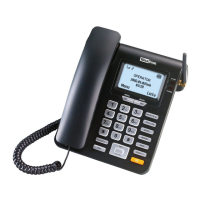
Do you have a question about the Maxcom MM320 and is the answer not in the manual?
Instructions for inserting the SIM card and battery into the phone.
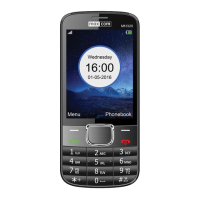
Details the functions assigned to each key on the phone for operation.
Step-by-step instructions for powering the mobile telephone on.
Instructions on how to properly power down the mobile telephone.
Procedures for removing single, multiple, or all contacts from the phone.
Steps to copy contacts between SIM card and phone memory.
Procedure for transferring contacts between SIM card and phone memory.
Instructions for directly dialing phone numbers using the keypad.
How to accept, reject, or silence incoming phone calls.
Step-by-step guide to composing and sending SMS messages, including input methods.
How to read incoming messages and reply using various options.
Adjusting core phone settings like date, time, and language.
 To Next Page
 General