Getting Started
To Replace the Remote Control Battery
(A):Pressdowntheipontheleft.
(B): Pull out the battery tray and remove the old battery.
(C): Place a new CR2025 battery into the battery tray with correct
polarity (+/-) as indicated.
(D):Insertthetraybackintotheslot.
Precautions Concerning Batteries
• WhentheRemoteControlisnottobeusedforalongtime(morethanamonth),
remove the battery from the Remote Control to prevent it from leaking.
• Ifthebatteriesleak,wipeawaytheleakageinsidethebatterycompartmentand
replace the batteries with new ones.
• Donotuseanybatteriesotherthanthosespecied.
• Donotheatordisassemblebatteries.
Neverthrowtheminreorwater.
• Donotcarryorstorebatterieswithothermetallicobjects.Doingsocouldcause
batteries to short circuit, leak or explode.
• Neverrechargeabatteryunlessitisconrmedtobearechargeabletype.
Placement and Instalment
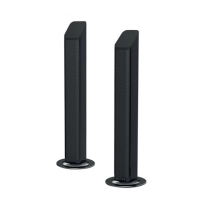
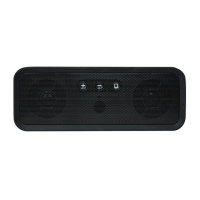
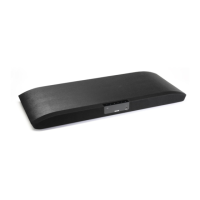
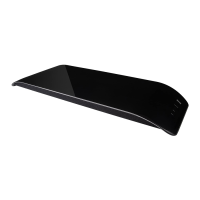
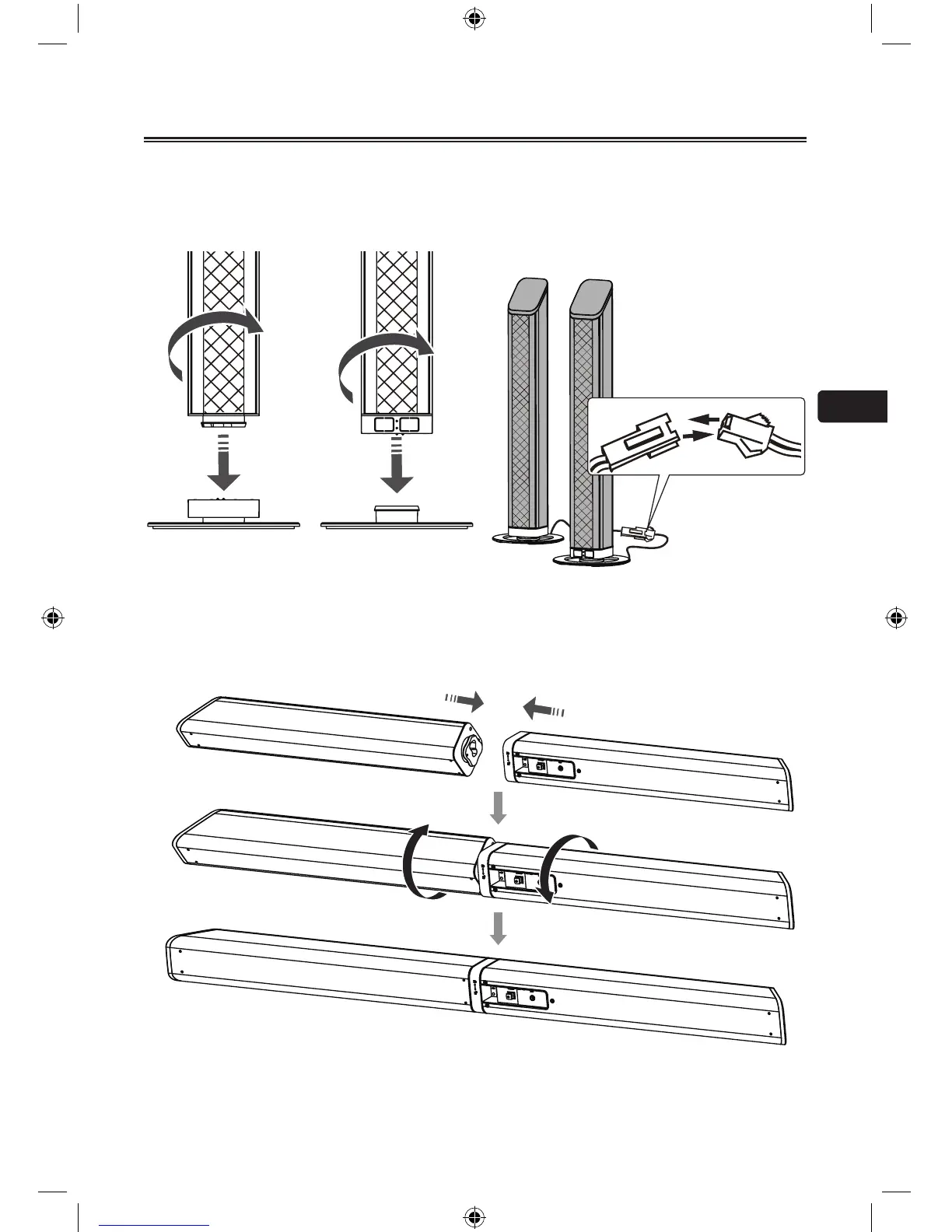
As the unit can be used either a single sound bar or a 2-piece tower speakers.
• Placement
- You are suggested putting the unit with below options:
Option - A Option - B


 To Next Page
 Loading...