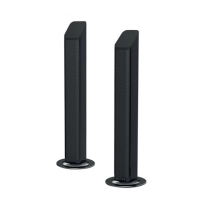
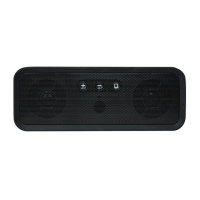
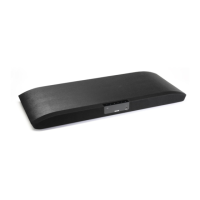
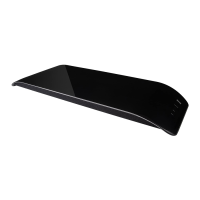
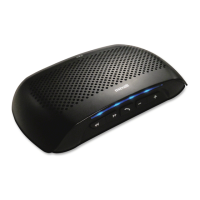
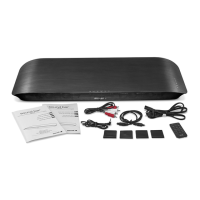
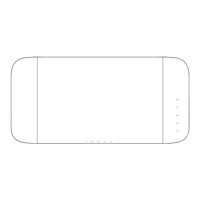
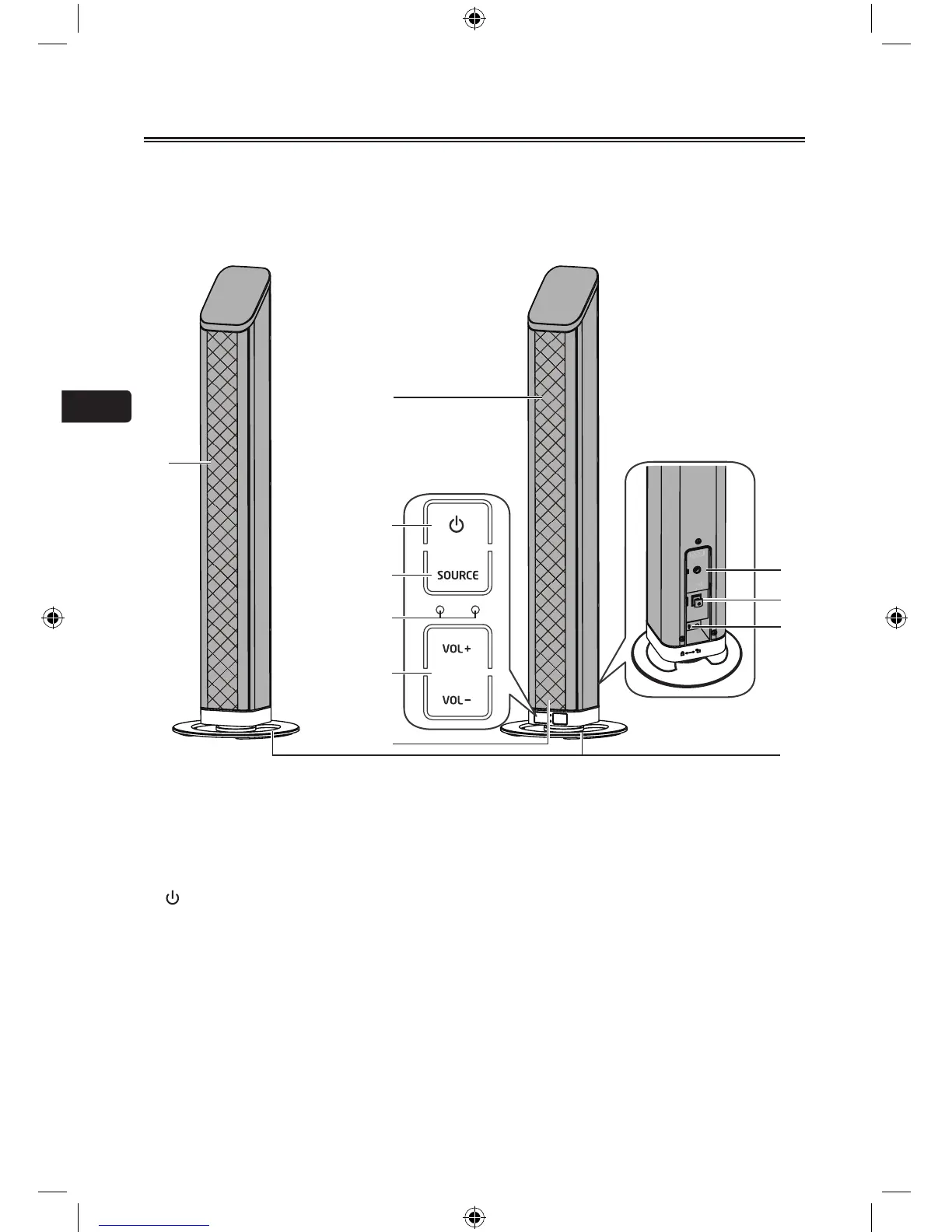
Identifying the Parts
Remote Control
1
Turn on or Turn off the unit.
2 MUTE
Mute or resume sound from the unit.
3 VOL+/VOL-
Adjust sound volume level.
H
/
G
In Bluetooth mode, skip to previous/next
audiole.
BF
In Bluetooth mode, start or pause playback.
4 Source buttons
DirectlyswitchtoAUX, Optical and BT
(Bluetooth) modes.
Press and hold the BT PAIR button Enable
Bluetooth pairing mode in BT mode.
5 EQ buttons
Select a preset sound effect: at, movie, music.
Getting Started
Prepare the Remote Control
The Remote Control allows the unit to be
operated from a distance.
•
Even if the Remote Control is operated
within the effective range (6m), remote
control operation may be impossible if there
are any obstacles between the unit and
the remote control.
•
If the Remote Control is operated near
other products which generate infrared
rays, or if other remote control devices using
infra-red rays are used near the unit, it may
operate incorrectly. Conversely, the other products may operate incorrectly.
For First-time use:
The unit has a pre-installed lithium CR2025 battery. Remove the
protective tab to activate the remote control battery.


 To Next Page
 Loading...