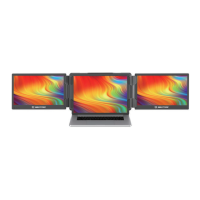
Installation and Storage
2. Releasing the Holding Clamp
Note: Lightly press the lock button, and the
spring-loaded holder will extend.
Note: Make sure the fit is tight to prevent the
product from wobbling and/or falling off.
1. Unfolding Sequence
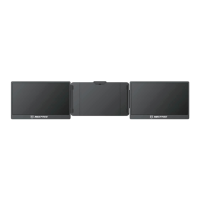
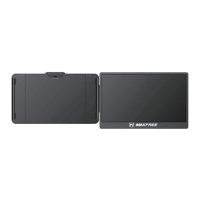
Take it out of the package, find the end with the "+" and "-" signs facing us, with the screen facing up,
first slowly open the right screen, and then slowly open the left screen (note: the order should not be
confused, otherwise the screen will be damaged)
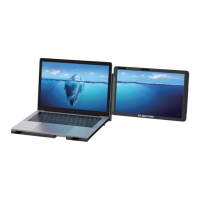
Press the Lock Switch button (two small triangular icons), the T2 screen will pop up directly, and
then adjust T2 to a suitable size.
2



 To Next Page