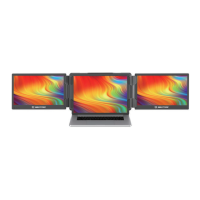
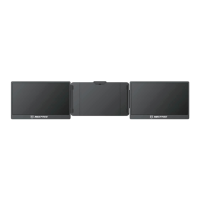
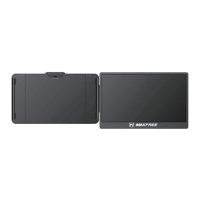
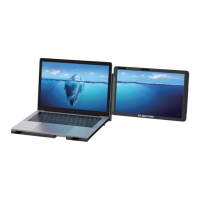
3. Using the Kickstand
Adjust the support bracket on the back of the product to the desired length
Connect the T2 and the laptops, check whether the laptops has a Type-C interface; whether the
laptops can provide 5V/2A power
If your laptop has a Type-C port
Option 1: If your laptop's Type-C output port can provide more than 5V/2A power, just connect
the T2 with your laptop directly with a Type-C cable.
Option 2: If your laptop's Type-C output port cannot provide more than 5V/2A power, or the monitor
has no signal/signal instability after connecting. Then you need to use two Type-C cables, one to
connect T2 and the laptop, and the other to connect an external power supply(Over 5V/2A) and the
PD port of T2.
4. Connecting the T2
3


 To Next Page