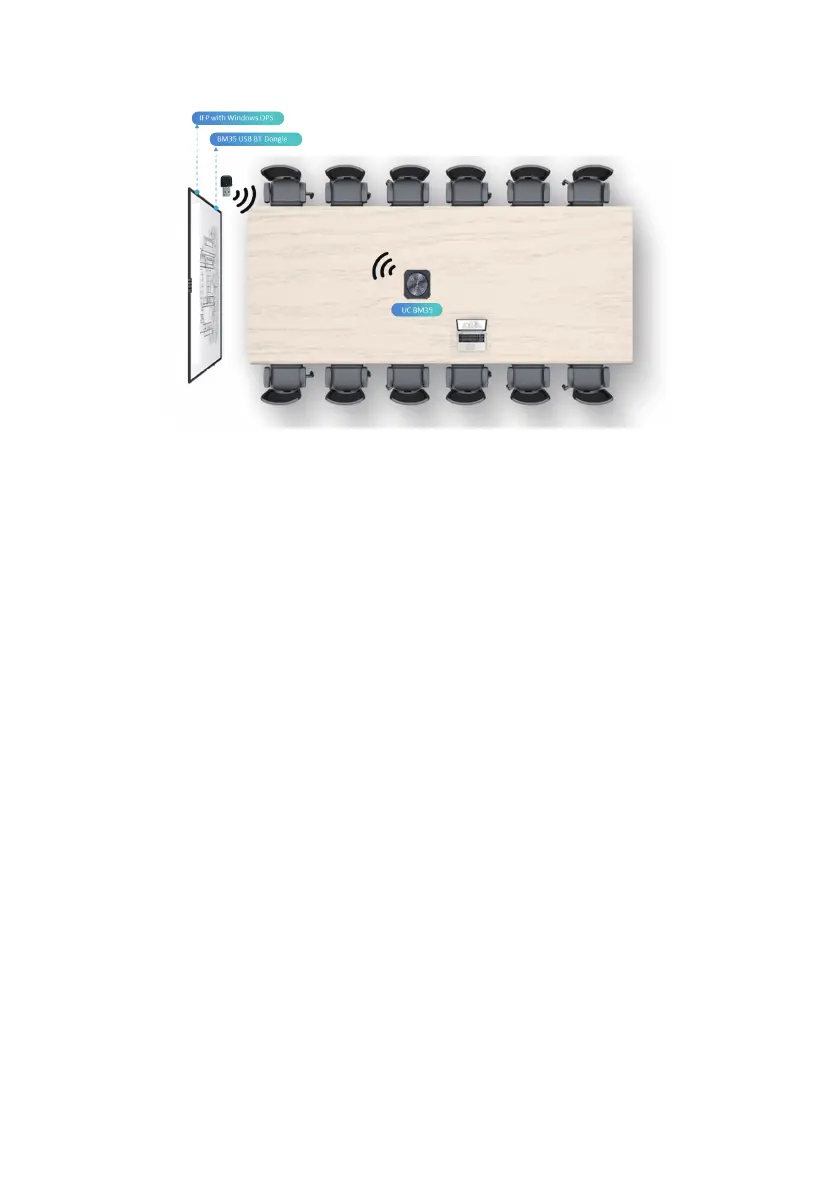
7.3 Connecting to IFP
Notes: For wireless set up please insert the USB dongle into the USB port on the front of the
Interactive Display to ensure the best coverage.
The USB Dongle will automatically connect to the Speakerphone and pairing in done
automatically.
8. Maintenance and Troubleshooting
8.1 Software Upgrade
•Visit HTTP://www.maxhub.com to download MAXHUB Align software, the UC device
management software to update and manage Speakerphone
8.2 Bluetooth USB Dongle Repairing
•If you loose your Dongle and had to purchase a new one to re-pair, please perform the
following steps:
-Plug the new Dongle into a PC USB port.
-Make sure the speakerphone's Bluetooth connection (Flashing blue) is not connected to
any deivces
-Press and hold the Bluetooth button for at least 9 seconds; you will hear a voice stating
"Bluetooth off"; after 2 seconds you will hear "Dongle Pairing" followed by "Dongle connect-
ed".
11



 To Next Page