ENGLISH
Recall List: If ‘on’ is selected, the receiver will autoamtically create a list of the last
shown channels (the list will be deleted when the receiver is turned off).
Press the ‘recall’ key on the remote control to see the list.
If ‘off’ is selected it is not possible to see a list of the last shown channels. In stead
the key ‘recall’ will work as a back function (which will show the previous shown
channel).
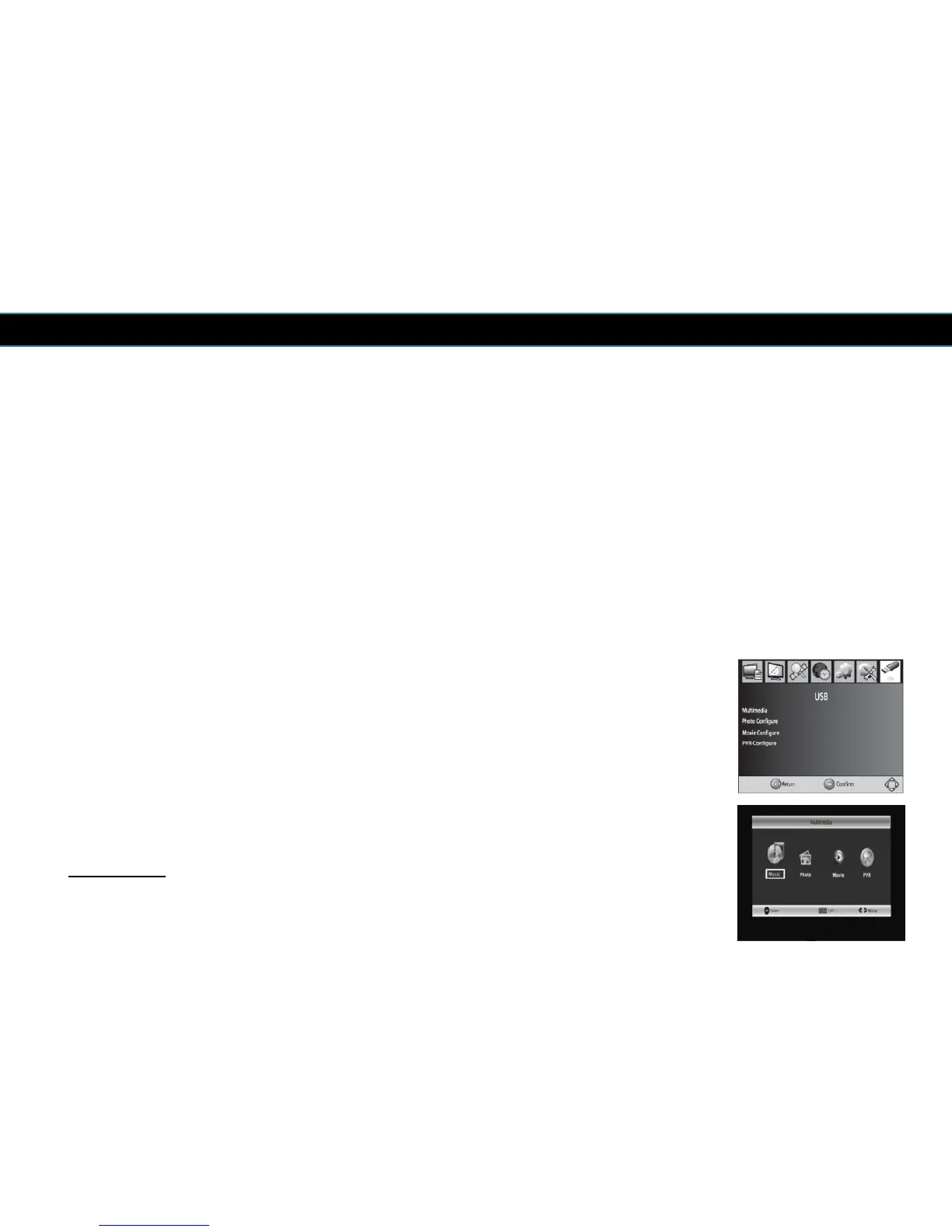
10 USB
To access the Menu, press the MENU button and select [USB]. The menu
provides options to playback Music, Photo and movie files, it can support MP3,
WMA, JPEG, BMP and AVI files. The receiver will only support USB media with
FAT and FAT32 file system. It will not support NTFS file system.
The receiver also has a PVR function which can record programmes when a USB
media is connected.
24
Multimedia:
It is possible to select which type of multimedia you wish to see. You
can choose between: music, photo, movie and PVR.



 To Next Page