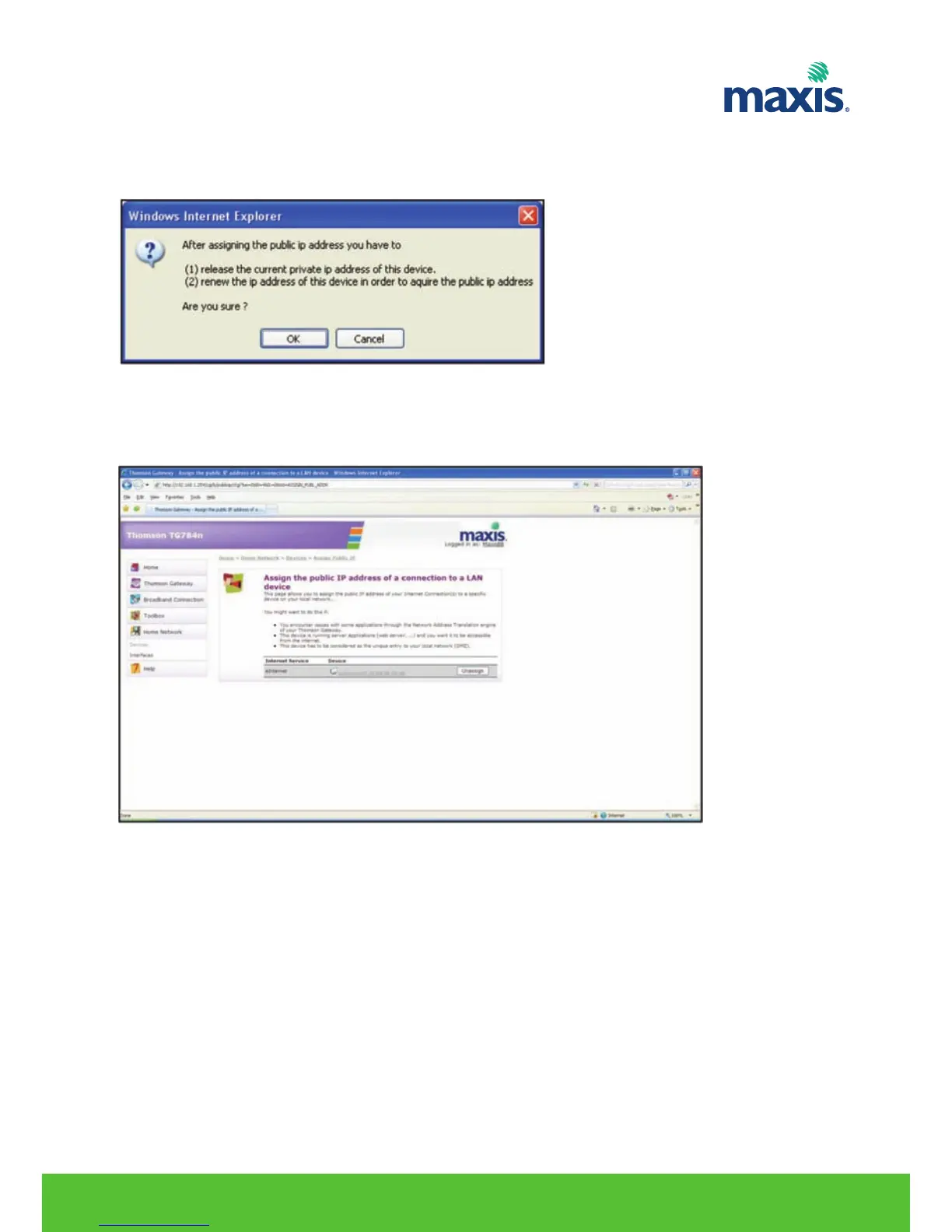
5. Click Apply.
6. The RGW prompts you that you will have as a result of the new configuration, click OK.
7. Release and renew the IP address of the device.
8. To remove or unassigned the device from DMZ zone.
9. Click on Unassign and release renew the IP address on the device.
RESIDENTIAL GATEWAY MODEL TG799VN | 26


 To Next Page