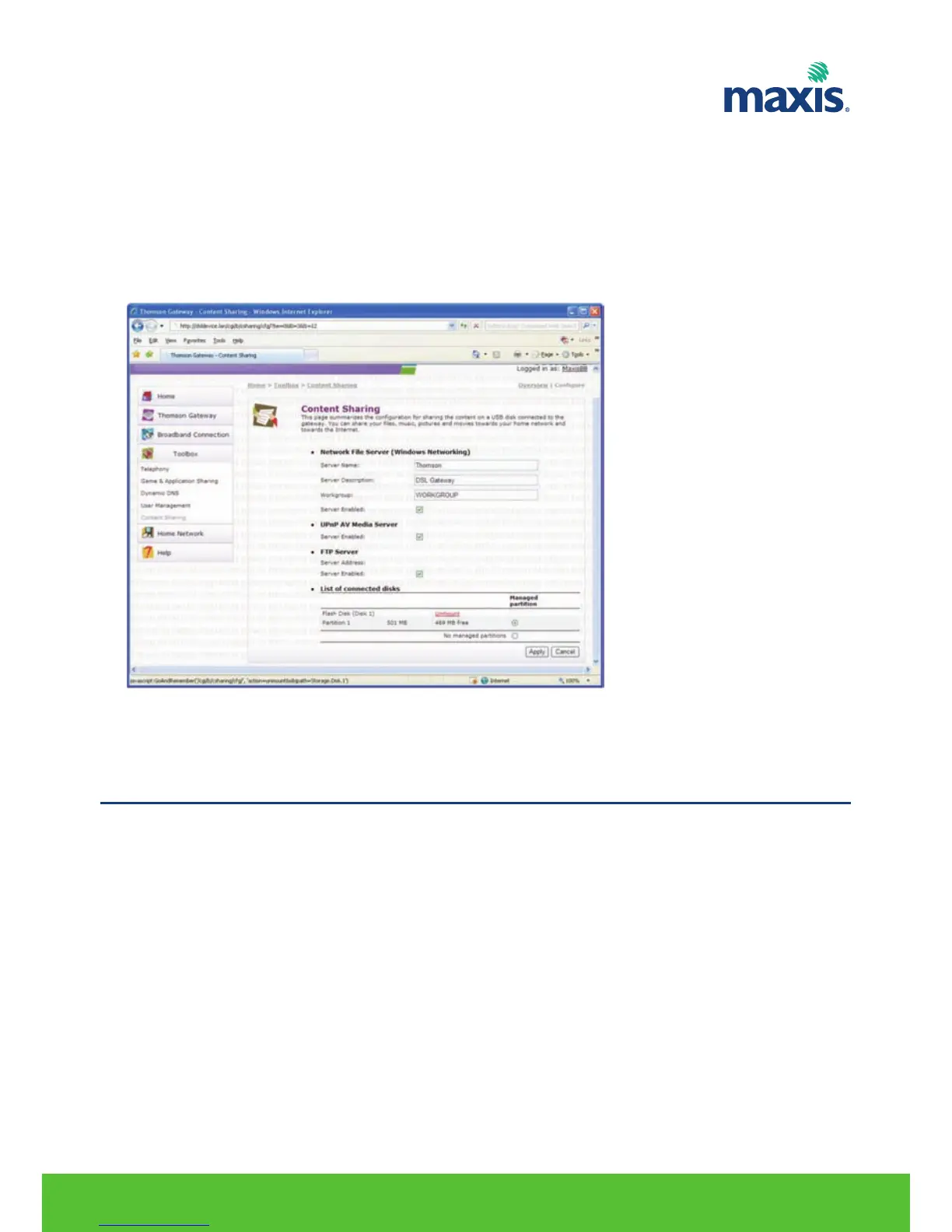
Unmounting your USB device
Proceed as follows
1. Browse to the Residential Gateway GUI.
2. On the Toolbox menu, click Content Sharing.
3. In the Navigation bar, click Configure.
4. Click Unmount.
5. Unplug your USB storage device from the Residential Gateway.
Printer Sharing
* Pre-requisite before the print server.
1. Connect the USB printer to the TG799vn USB port.
2. You have the printer software loaded on the PC (OS 2K/XP/Vista and OS X)
3. The printing format used is RAW.
RESIDENTIAL GATEWAY MODEL TG799VN | 31
12. USB PRINTER SHARING


 To Next Page