RESIDENTIAL GATEWAY MODEL TG799VN | 34
13. TROUBLESHOOTING
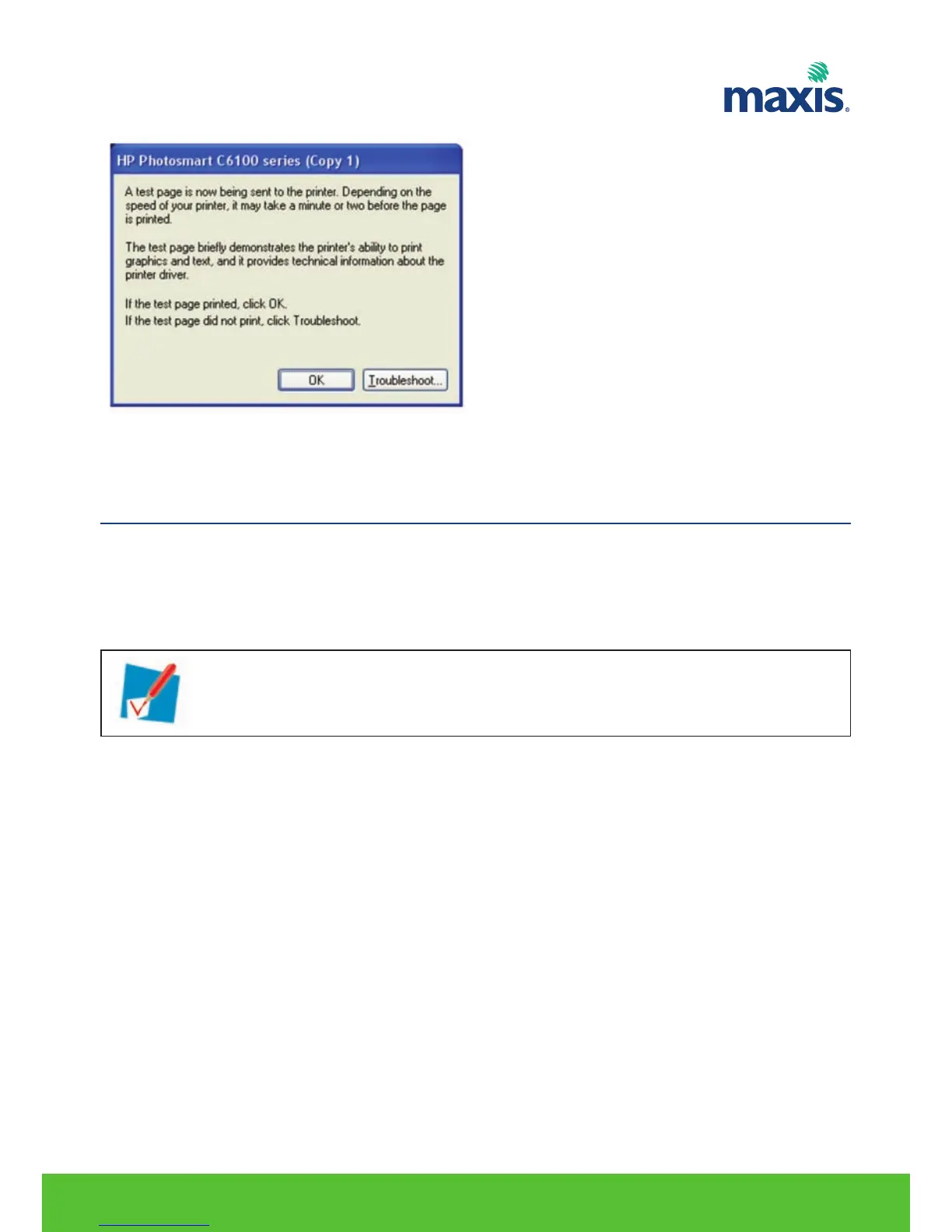
Finish! Your printer sharing is completed.
None of the lights light up (Residential Gateway does not work)
Make sure that:
• The Residential Gateway is plugged into a power socket outlet.
• You are using the correct power supply for your Residential Gateway device.
The Broadband LED does not light up
Make sure that:
• Ethernet Cable to WAN port is connected.
• ONT is turned on.
The Internet LED does not light up
Make sure that your user name and password are correct.
Proceed as follows:
1. Browse to the Residential Gateway GUI.
2. On the Broadband menu, click Internet Services.
3. Under Internet, click View More.
4. Check your user name.
5. Re-enter your password.
6. Click Connect.
The power requirements for your Residential Gateway are clearly indicated on the
identification label of the Residential Gateway. Only use the power adaptor supplied with
your Residential Gateway.


 To Next Page