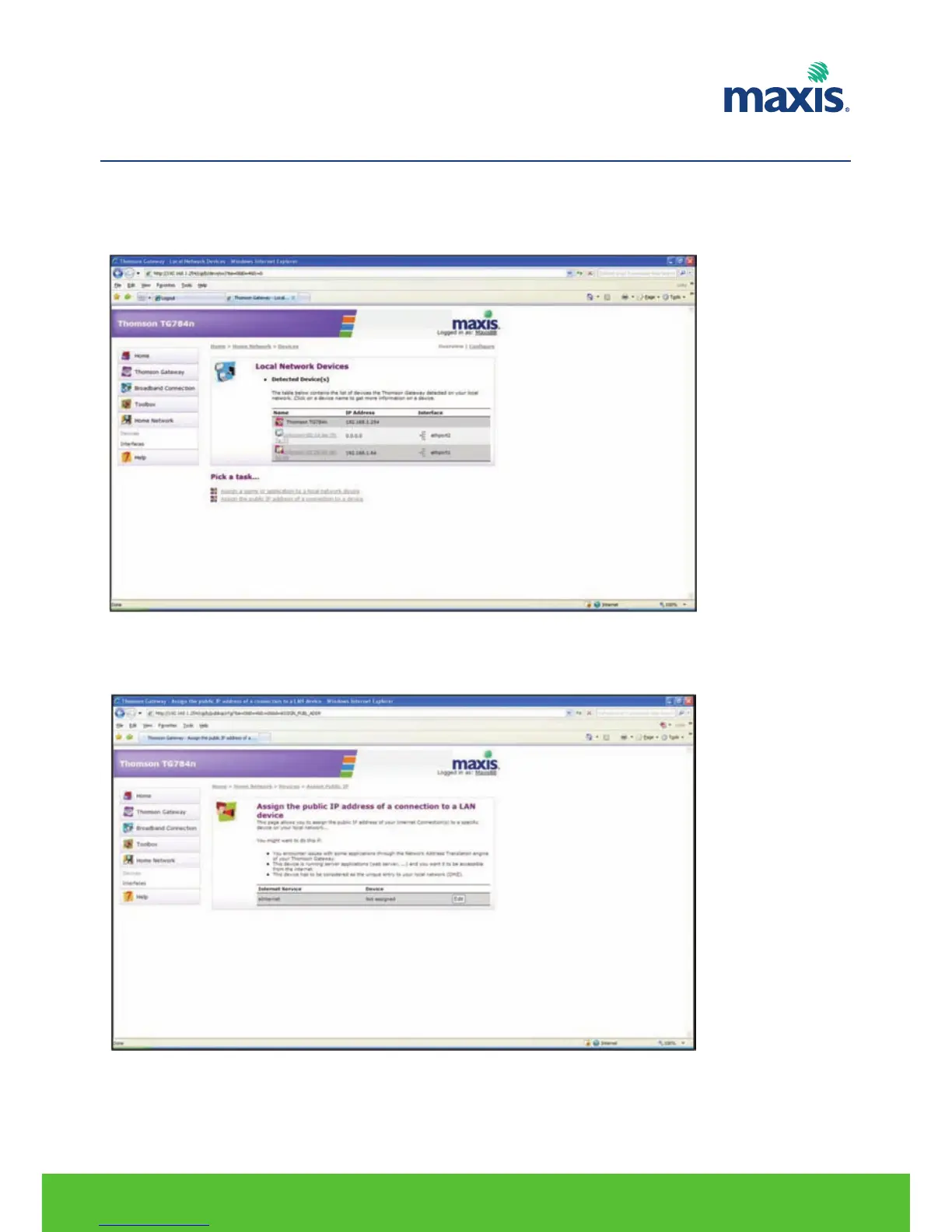
Proceed as follows:
1. On the Home Network menu, click Devices.
2. In the Pick a task... list, click Assign the public IP address of a connection to a device.
3. Click the Edit link of your eInternet connection.
4. In the Device list, select the device you want to assign the public address to.
RESIDENTIAL GATEWAY MODEL TG799VN | 25
10. DMZ CONFIGURATION


 To Next Page