After Sales Support
UK/N.IRELAND HELPLINE N
O
:
REP.IRELAND HELPLINE N
O
:
WEBSITE:
EMAIL:
01270 508538
1800 995 036
www.quesh.co.uk
enquiries@quesh.co.uk
8
Using The Dictaphone
Deleting A File
Use the skip forward and back buttons to cycle through the
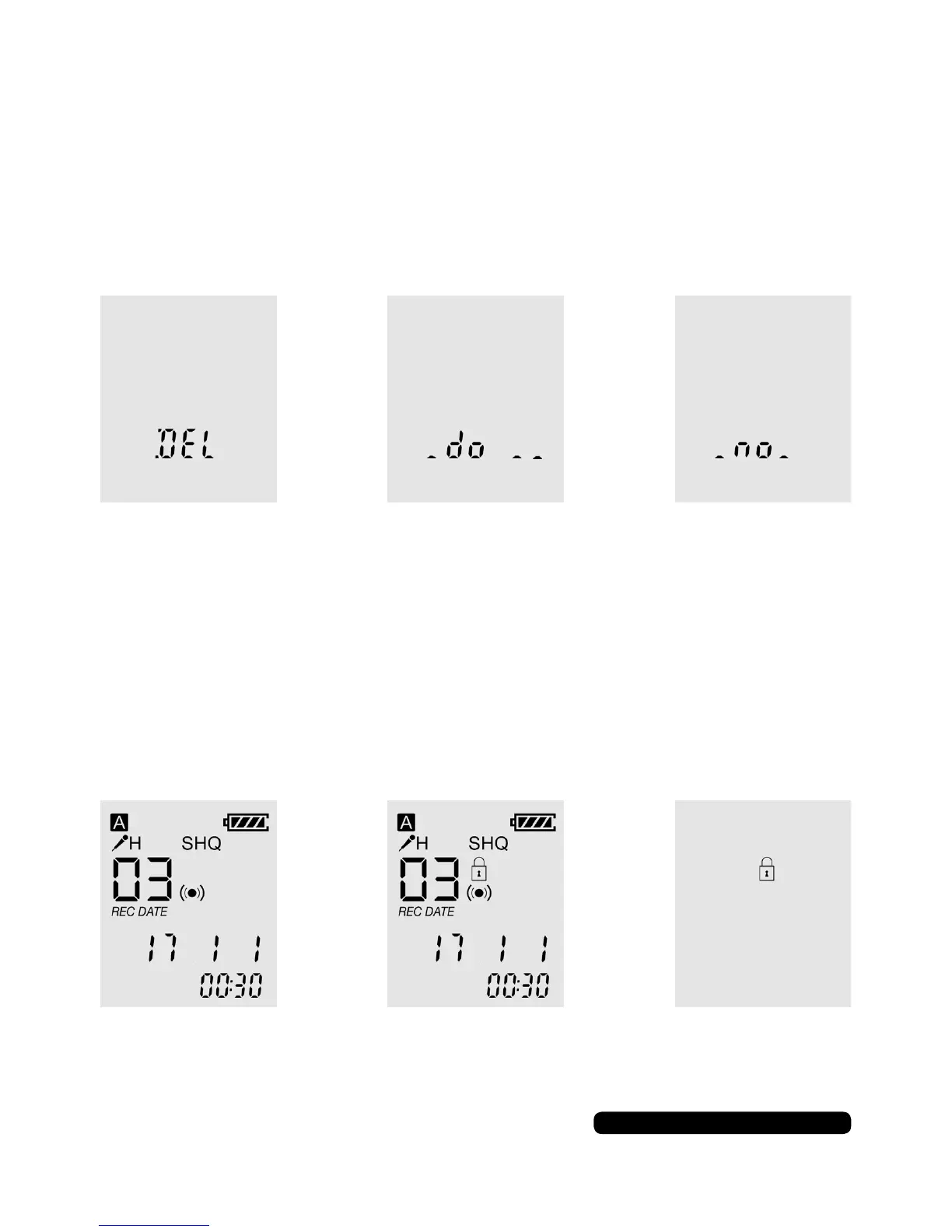
recorded les. Press and hold the ‘ERASE’ until ‘DEL’ shows on the
screen and press ‘ERASE’ to conrm to delete the le or ‘MENU’ to
cancel.
Locking/Unlocking A File
After a le has been recorded press and hold the stop button to
lock or unlock a le. This will stop the le being deleted on the
dictaphone. Mass storage mode is not effected by this option.


 To Next Page