After Sales Support
UK/N.IRELAND HELPLINE N
O
:
REP.IRELAND HELPLINE N
O
:
WEBSITE:
EMAIL:
01270 508538
1800 995 036
www.quesh.co.uk
enquiries@quesh.co.uk
14
Settings
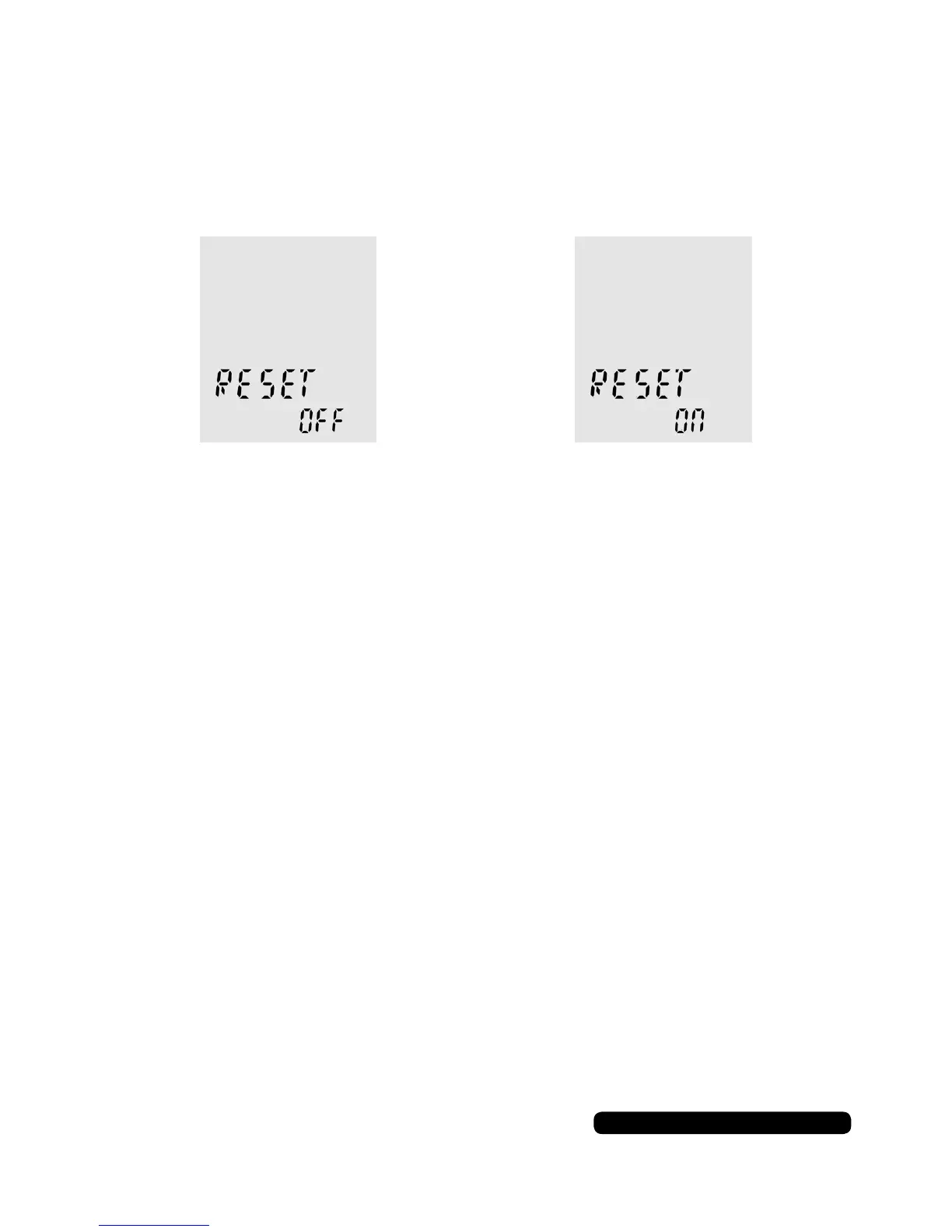
Reset
This option will restore the dictaphone to default settings.
Repeatedly press ‘MENU’ until ‘RESET’ appears on the screen.
Use the skip forward and back buttons to choose your option and
press play to conrm. Selecting ‘ON’ will return the dictaphone to
it’s default settings. Selecting ‘NO’ will cancel the action.
Headphones
Connecting Headphones (Not supplied)
You can use a standard set of headphones with a 3.5mm jack.
Insert them in to the headphone port on the top of the dictaphone.
The volume is controlled as normal with the volume buttons on the
side of the dictaphone.
Connecting A Microphone (Not supplied)
You can use a standard microphone with a 3.5mm jack.
Insert it in to the microphone port on the top of the dictaphone.
This will disable the internal microphone of the dictaphone while
the microphone is connected. You may need to adjust the
microphone settings within the dictaphone for the best results.
Microphones


 To Next Page