9
After Sales Support
UK/N.IRELAND HELPLINE N
O
:
REP.IRELAND HELPLINE N
O
:
WEBSITE:
EMAIL:
01270 508538
1800 995 036
www.quesh.co.uk
enquiries@quesh.co.uk
Settings
Folders
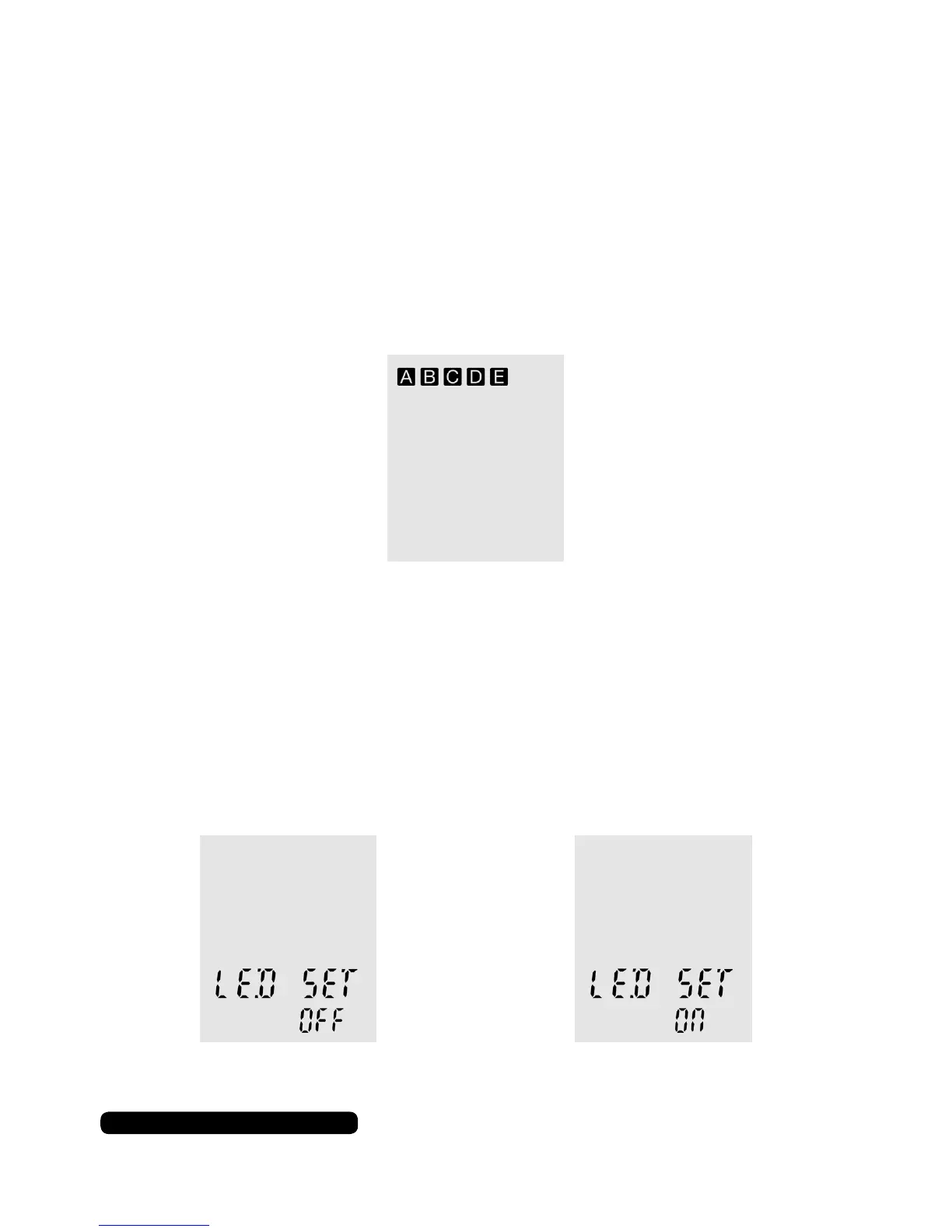
You can record to one of the ve separate les in the dictaphone.
The le selected is indicated by the square and letter icon.
Press and hold the ‘MENU’ button for 3 seconds to change the
folder in use. Folders A, B, C and D will only store and play ‘.WAV’
le. Folder ‘E’ will store and play both ‘.WAV’ and ‘.MP3’ les.
LED Screen Light
To turn on or off the LED light for the screen, press the menu button
so ‘LED SET’ appears on the screen. Use the skip forward or back
buttons to change the setting to ‘ON’ or ‘OFF.
Press stop to conrm you selection.
Adjusting The Volume
Use the ‘+’ or ‘-’ button on the right hand side to raise or lower the
playback volume on dictaphone.


 To Next Page