11
After Sales Support
UK/N.IRELAND HELPLINE N
O
:
REP.IRELAND HELPLINE N
O
:
WEBSITE:
EMAIL:
01270 508538
1800 995 036
www.quesh.co.uk
enquiries@quesh.co.uk
Settings
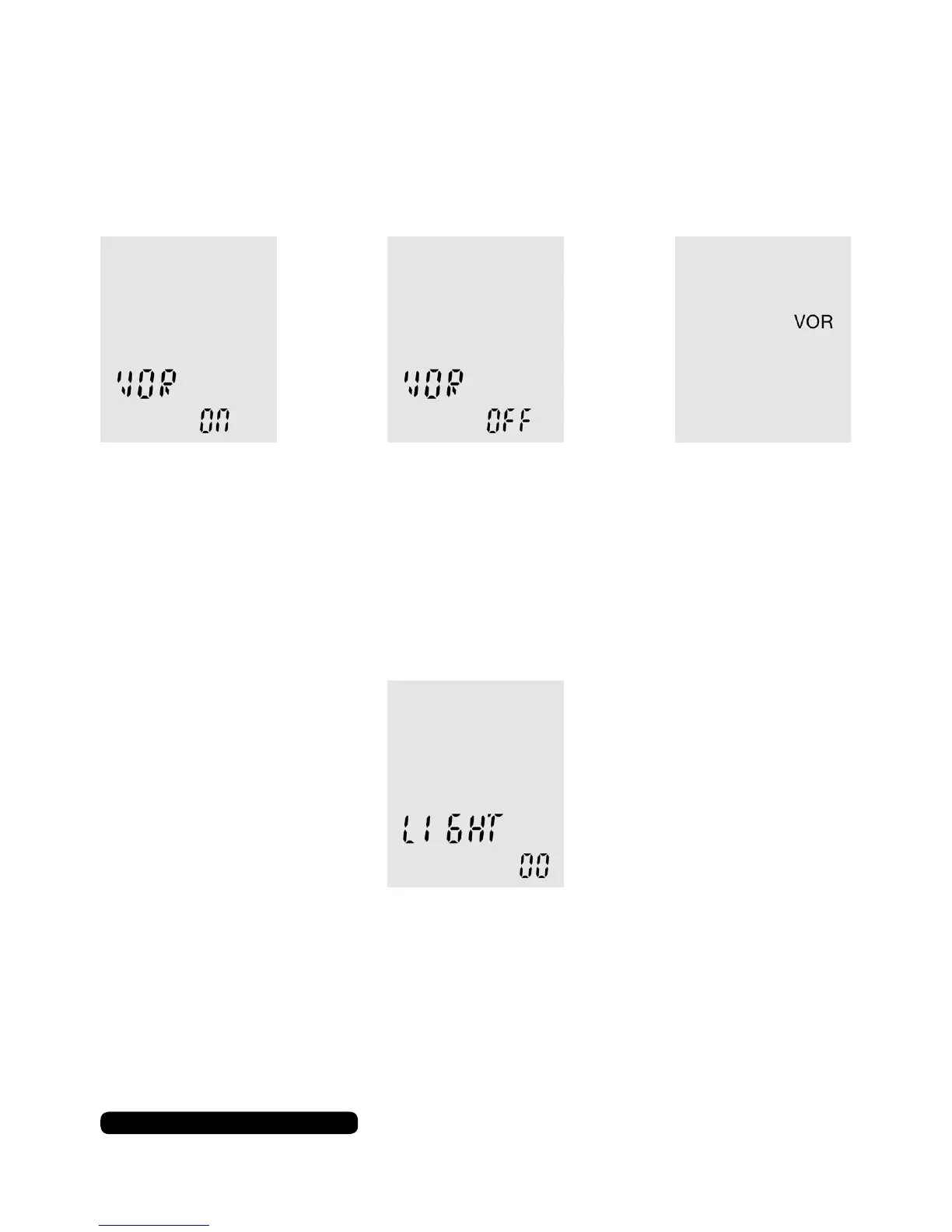
VOR (Voice Operating Recording)
This option will allow the dictaphone to automatically start
recording when the microphone detects sound.
Light
This option controls how long the dictaphone screen is illuminated
after it has been interacted with.
Use the skip forward or back buttons to turn on or off this feature.
Press play to conrm your selection and press stop to go back.
The light ranges from 00 to 30 in multiples of 5 seconds. Use the
skip forward or back buttons to change the value and press play to
conrm your selection. Press stop to go back.


 To Next Page