7
After Sales Support
UK/N.IRELAND HELPLINE N
O
:
REP.IRELAND HELPLINE N
O
:
WEBSITE:
EMAIL:
01270 508538
1800 995 036
www.quesh.co.uk
enquiries@quesh.co.uk
Using The Dictaphone
Recording
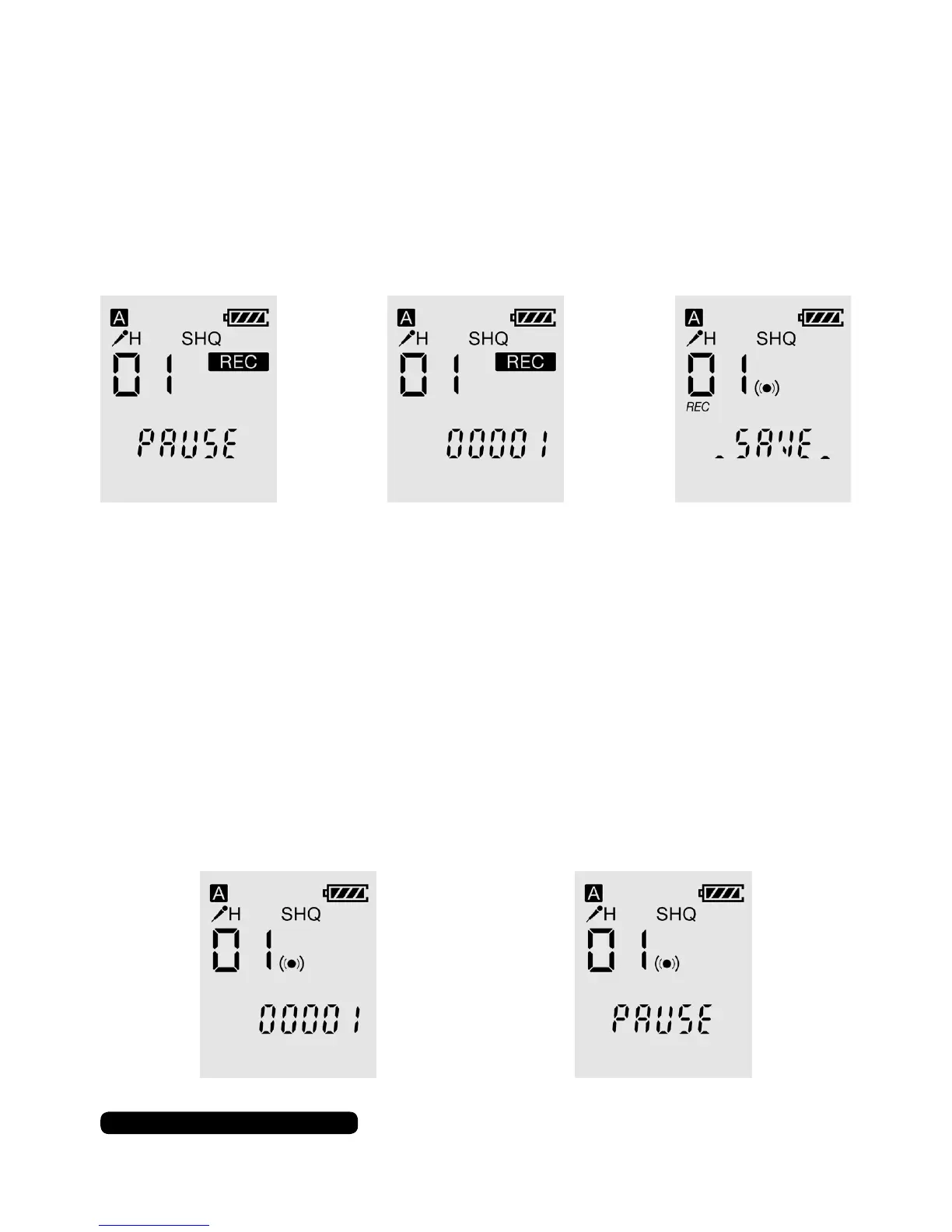
Once the dictaphone is turned on press the record button to
begin recording. The dictaphone will ash ‘pause’ for a few
seconds before recording. Press the record button to pause the
recording or press the stop button to stop and save the recording.
The LED will show red when the dictaphone is recording and the
LED will ash red when the recording is paused.
Playback
To play back a recorded le use the skip forward or back buttons to
cycle through the available les that have been previously recorded.
Press the play button to play the le back. Press the play button
again to pause the playback and again to unpause it.
The LED will show blue when the le is playing and the LED will
ash blue when the playback is paused.


 To Next Page