After Sales Support
UK/N.IRELAND HELPLINE N
O
:
REP.IRELAND HELPLINE N
O
:
WEBSITE:
EMAIL:
01270 508538
1800 995 036
www.quesh.co.uk
enquiries@quesh.co.uk
12
Settings
Setting The Date And Time
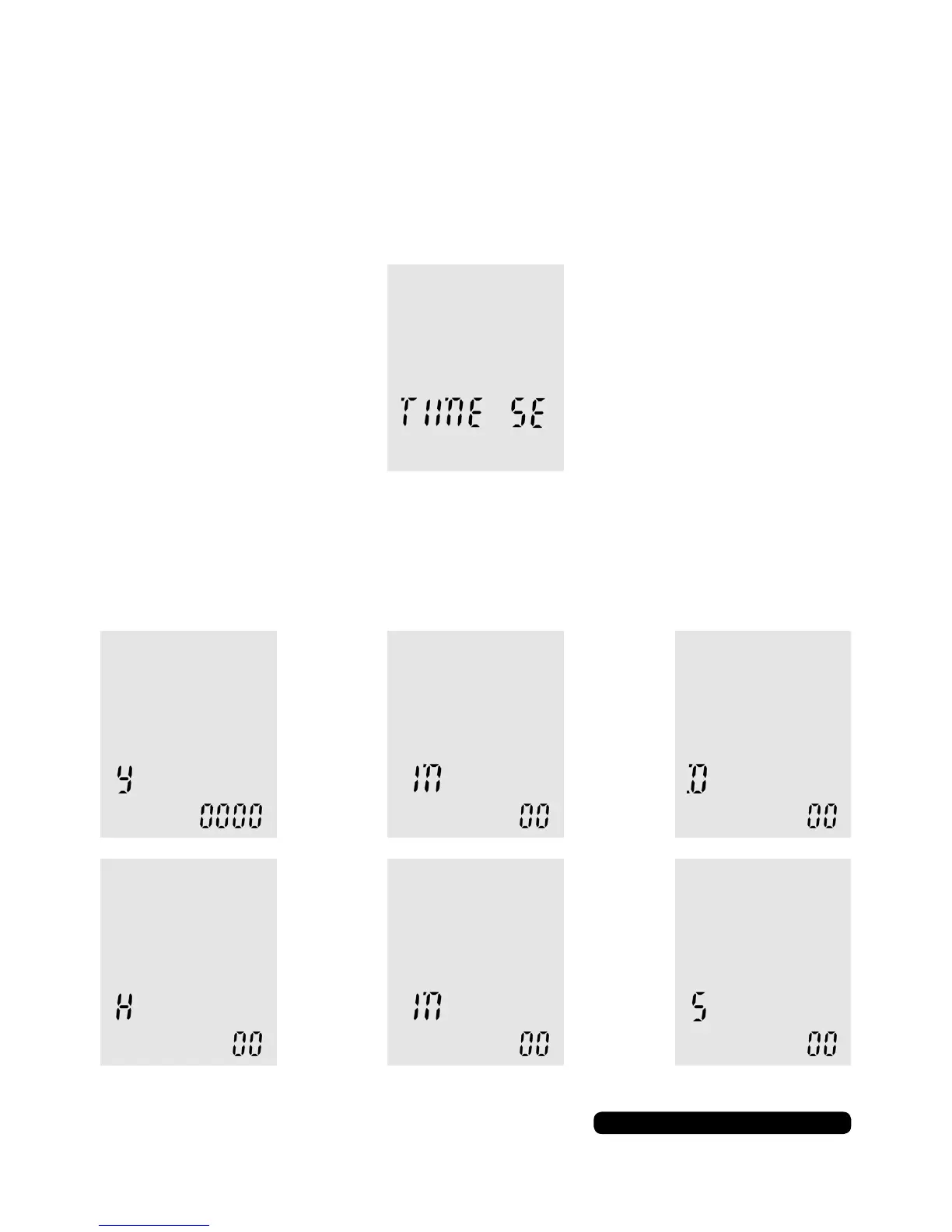
The next 7 screens are to do with setting the date and time. As you
cycle through the setting options with menu button, you will see
‘TIME SE’ this is the start of the settings.
The next 6 screens are options for the year, month and day, then
hours, minutes and seconds.
Use the skip forward or back buttons to change the value and
press play to conrm. Press ‘MENU’ to advance to the next screen.
> >
> >
(Year) (Month) (Day)
(Hours) (Minutes) (Seconds)


 To Next Page