12
4. Allow 30 minutes for proper cleaning. Aer cleaning, press the ON/OFF switch again. Use a drain hose on the
front of the water trough to drain o the waste water to a convenient container. Don’t drain o the waste
water to the inside of the cabinet.
5. Repeat steps 3 and 4 (without Ice Maker Cleaning Soluon) three mes to rinse the ice making system
thoroughly.
6.
Next, prepare a sanizing soluon made of 1 ounce of household bleach and 2 gallons of hot water (95˚ to 115˚F).
Fill a spray bole with the sanizing soluon and spray all corners and edges, making sure to cover all surfaces
with the soluon. Wipe the enre bin inside and outside, covering the enre surface of the walls. Allow the
soluon to be in contact for at least 3 minutes, then dry.
7. Repeat steps 1 to 5 with the sanizing soluon of step 6 (bleach and water). Filling the water through to its
maximum level.
8. Repeat steps 3 and 4 to rinse the ice making system one more me.
9.
Press the ON/OFF buon again. The machine will return to the regular ice making mode. Discard the rst batch
of ice.
WARNING
The ice machine cleaner contains acids.
DO NOT use or mix with any other solvent-based cleaner products. Use rubber gloves to protect hands.
Carefully read the material safety instrucons on the container of the ice machine cleaner.
Discard the rst batch of ice produced aer cleaning.
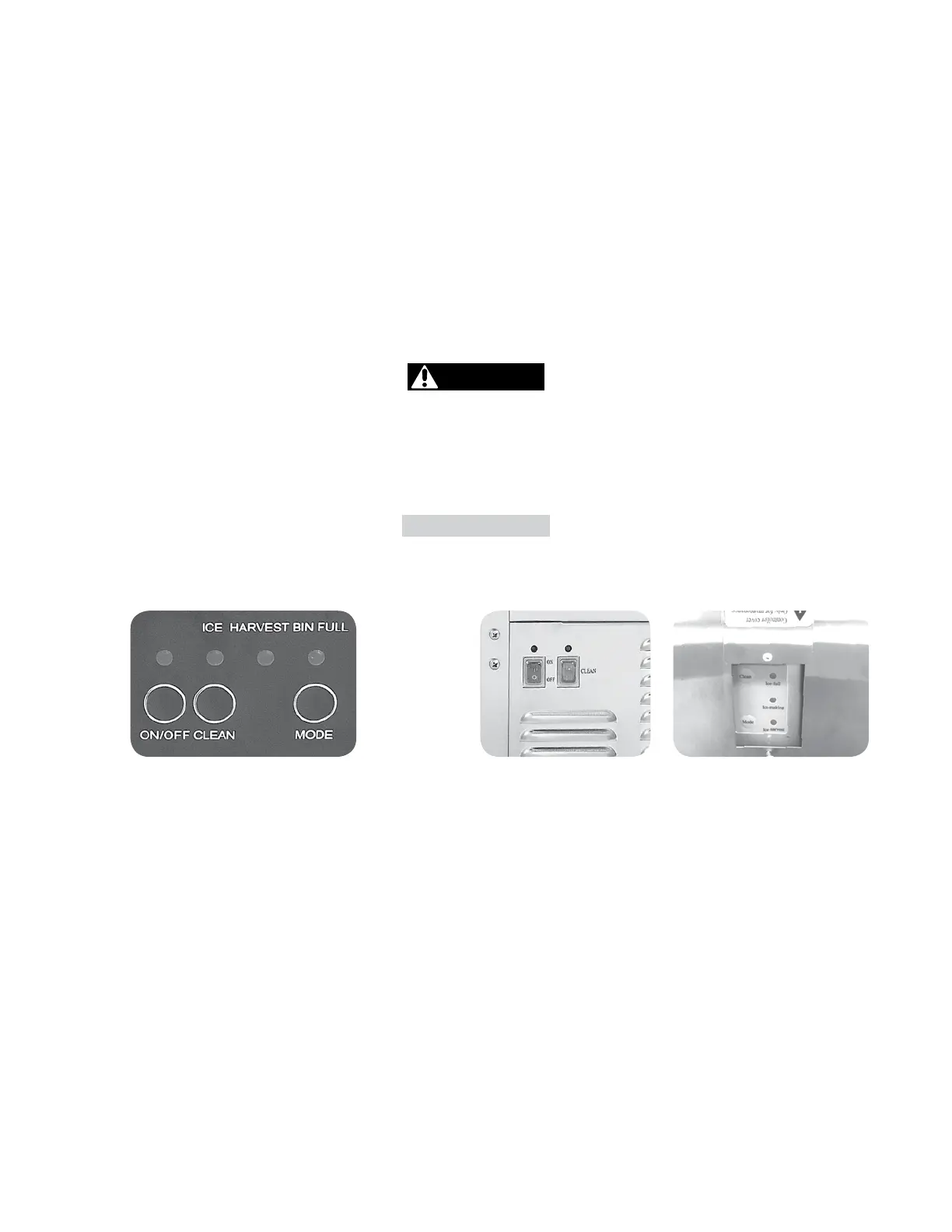
CONTROL PANEL
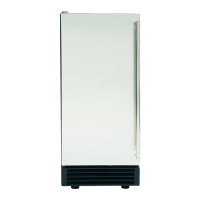
MIM50V - MIM50
Front Inside Door
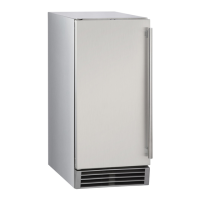
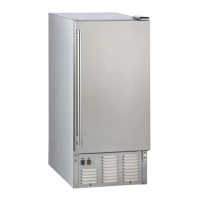
MIM50-O
Front Inside Door Back
Descripon Of LEDs And Buons
1. Bin Full (Red) LED: Bin full indicator light
When this is lit, the ice storage bin is full of ice or there is something blocking the bin-full probe. The unit will
stop working. When ice cubes are removed from the ice storage bin, freeing the bin-full probe, the red LED
will remain ashing for 3 minutes, then the unit will restart and return to the ice making mode.
2. Ice Making (Green) LED: Ice making indicator light
When this is lit, the unit is working in the ice making mode controlled by a temperature probe on the evaporator.
3. Ice Harvest (Yellow) LED: Ice harvest indicator light
When this is lit, the unit is working in the ice harvest mode controlled by the ice-full probe.
4. Mode buon: Mainly for service. When this is pressed, the ice making mode changes to the ice harvest mode
or vice versa. The mode can be judged from the status of the green and yellow LEDs.
5. Adjust buon: To be used by an authorized service technician.


 To Next Page