SECTION
3.
PROGRAMMING AND SET-UP PROCEDURES
For
more
information
other
than
what
is listed in the section, please see
Programming
and Operating Manual MKllA-20 Controller, part
number
16007856. This manual can be
obtained
from
your
commercial
distributor
or
Maytag Appliances Sales
Company
-
Customer
Service, 240 Edwards St.
SE,
Cleveland, TN 37311.
TOUCHPAD FUNCTIONS
During
the
wash process
it
is possible
to
check certain details
by
pressing certain keypads. A
brief
description
of
these keypad functions are given below.
TIME+
16009607
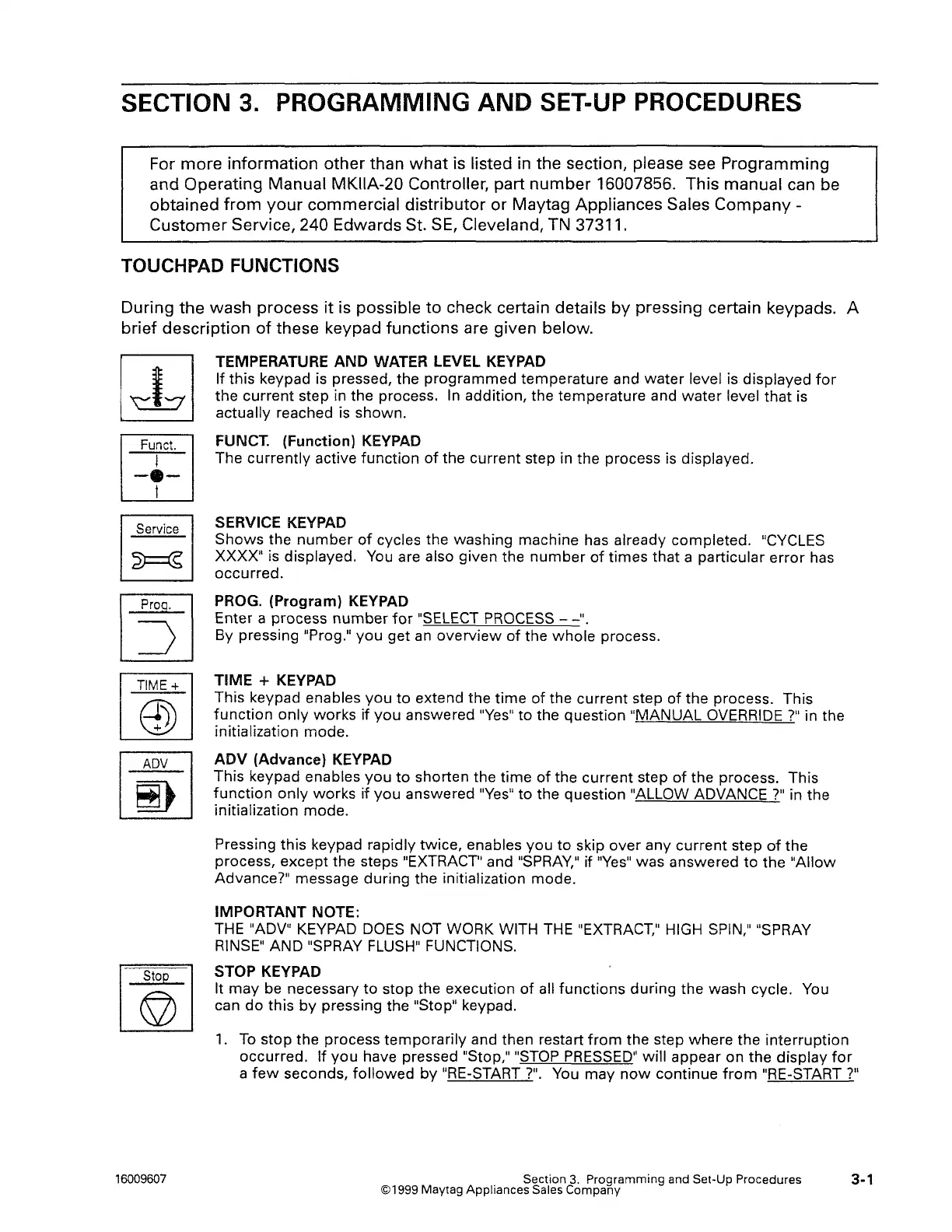
TEMPERATURE AND WATER LEVEL
KEYPAD
If this keypad is pressed, the
programmed
temperature and
water
level is displayed
for
the
current
step in the process.
In
addition, the temperature and
water
level
that
is
actually reached is shown.
FUNCT. (Function)
KEYPAD
The
currently
active
function
of
the current step in the process is displayed.
SERVICE
KEYPAD
Shows
the
number
of
cycles the washing machine has already completed. "CYCLES
XXXX" is displayed. You are also given the
number
of
times that a particular
error
has
occurred.
PROG. (Program) KEYPAD
Enter a process
number
for
"SELECT PROCESS -
-".
By pressing "Prag."
you
get
an
overview
of
the
whole
process.
TIME + KEYPAD
This keypad enables
you
to
extend the
time
of
the current step
of
the process. This
function
only
works
if
you
answered
"Yes"
to the question "MANUAL OVERRIDE
?"
in the
initialization mode.
ADV (Advance)
KEYPAD
This keypad enables
you
to
shorten the
time
of
the current step
of
the process. This
function
only
works
if
you
answered
"Yes"
to the question "ALLOW ADVANCE?" in the
initialization mode.
Pressing this keypad rapidly twice, enables
you
to
skip
over
any
current
step
of
the
process,
except
the steps "EXTRACT'' and
"SPRAY,"
if
"Yes"
was answered
to
the
"Allow
Advance?" message during the initialization mode.
IMPORTANT NOTE:
THE "ADV" KEYPAD DOES NOT WORK WITH THE "EXTRACT," HIGH SPIN," "SPRAY
RINSE"
AND "SPRAY FLUSH" FUNCTIONS.
STOP KEYPAD
It
may
be necessary
to
stop the execution
of
all
functions
during
the wash cycle. You
can
do
this
by
pressing the "Stop" keypad.
1.
To
stop
the process
temporarily
and then restart
from
the step
where
the
interruption
occurred. If
you
have pressed "Stop," "STOP PRESSED"
will
appear on the
display
for
a
few
seconds,
followed
by
"RE-START
?".
You may
now
continue
from
"RE-START
?"
Section
3.
Programming and Set-Up Procedures
©1999 Maytag Appliances Sales Company
3-1



 To Next Page