Dolphin Troubleshooting
Corrective actionPossible reasonSymptom
Remove object from
moving parts
Foreign object stuck in
moving parts
2. Dolphin is
moving in circles
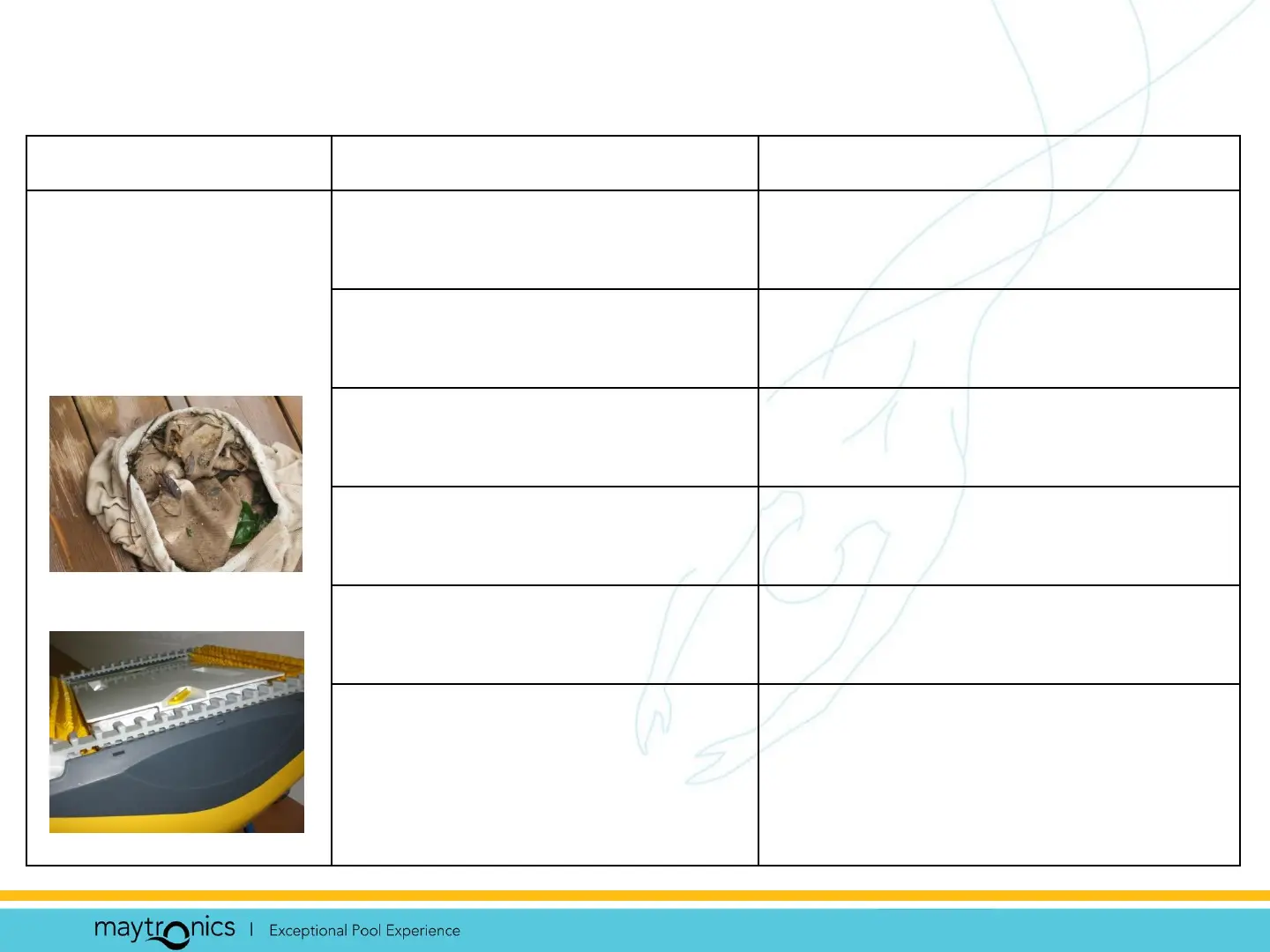
Clean / machine wash filter
bag
Clogged filter bag
Place power supply so it can
reach all pool areas
Power supply wrongly
positioned
Contact your dealer; replace
tracks
Tracks worn due to wear
and tear
Lock bottom lid in the right
position (both locks)
Wrong mounting of
bottom lid
Correct water conditions:
PH = 7.0 – 7.4
Salt: Max 5,000 ppm
Temp: 12˚ to 32˚
Pool water is out of spec










 To Next Page