23
Procedure Operation Inspection item(s)
1
• Switch the ignition ON (engine off)
• Turn system switch on
-
2
Bring a piece of cardboard close to each sensor to verify that
the intermittent beeper sound changes depending on the
distance.
* When verifying, shift the shift lever to the reverse position.
• Connection between sensor wiring harness and
control unit
• Connection between each sensor and sensor
wiring harness
• Connection between control unit and buzzer
3
Verify that a beep sound is not heard even though cardboard
comes close to each sensor when the system switch is
turned off.
• Connection between switch and wiring harness
If a beeper sound is not heard or is heard continuously, verify the following troubleshooting:
Proce
dure
Operation Inspection item(s)
1 Beep sound is not heard even if each sensor operates
• Is there a device generating ultrasonic waves
near the vehicle?
(Air compressor, high-pressure car washer,
impact wrench, or electric drill)
2
While the system switch is turned on, the malfunction alarm
sound (continuous or inconsistent sound for 1 s or more) is
heard even though obstructions are not detected.
• Connection between sensor wiring harness and
main wiring harness
• Connection between sensor and sensor wiring
harness
3
When the sensor is operated, a beep sound is heard
continuously
• Are there obstructions around the vehicle?
• Is the ground detected?
* If beep sound stops after placing cardboard on
the ground, the ground may be detected.
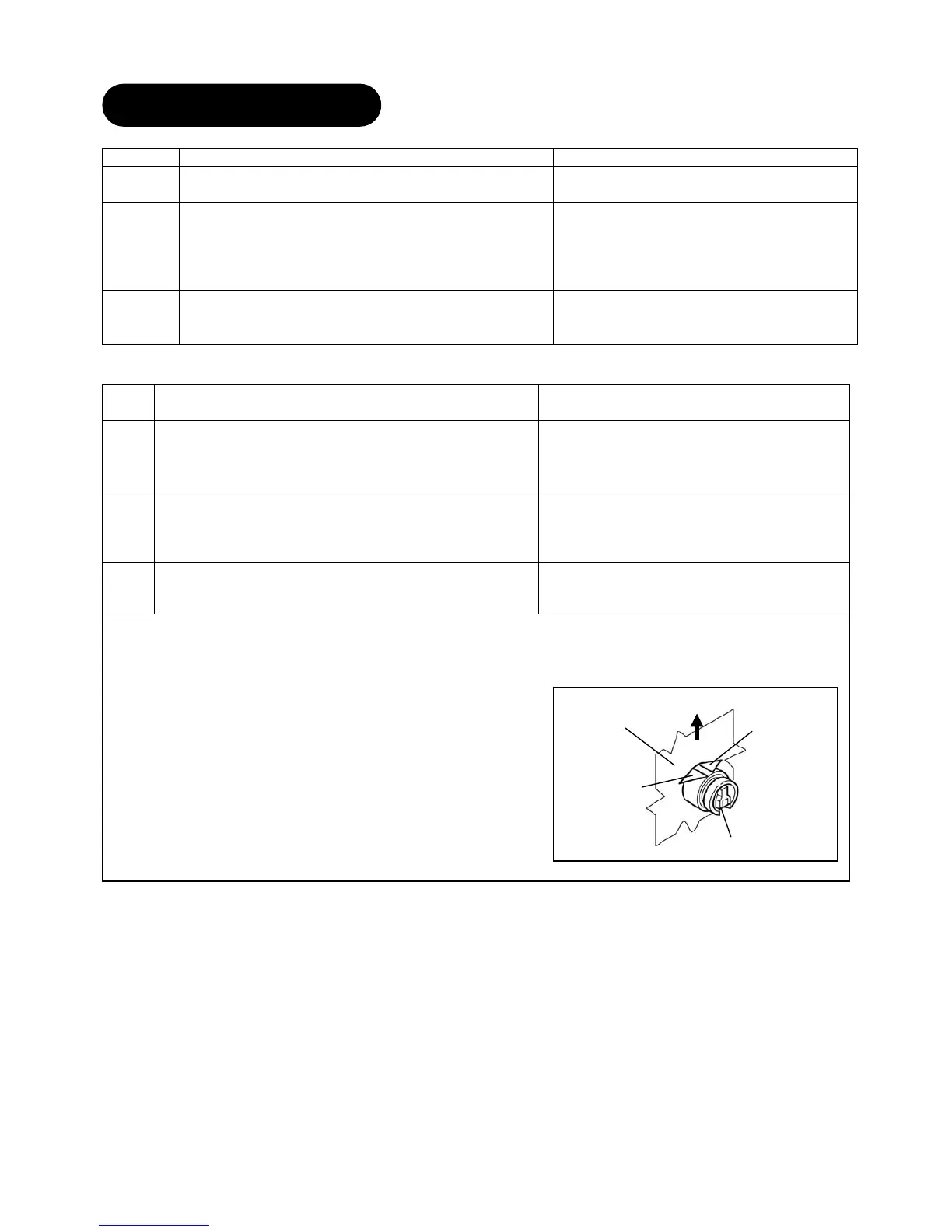
Is the sensor installed in the direction indicated
in the instructions?
Sensor
Rear bumper
Sensor tab
Sensor tab
Up side
11.TROUBLESHOOT


 To Next Page