•
If an error occurs while trying to
link a device, “Err” flashes in the
display for three seconds, and the
display returns to “LINK
CHANGE”. If this occurs, check the
pairing status of the Bluetooth
®
audio device and the location of the
device in the vehicle (not in the
luggage compartment or a
metal-type box), and then try the link
operation again.
•
Device selection can also be done
using voice recognition.
+RZWRFRQILUPWKHGHYLFHFXUUHQWO\
OLQNHG
6ZLWFKWRWKHOLQNFKDQJHPRGH5HIHUWR
³&KDQJLQJWKHOLQNWRD%OXHWRRWK
DXGLR
GHYLFH´
7KHGHYLFHQDPHGLVSOD\HGILUVWLVWKH
GHYLFHZKLFKLVFXUUHQWO\OLQNHG
'HOHWLQJDGHYLFH%OXHWRRWK
$XGLR
8VLQJWKHDXGLRFRQWUROGLDOVHOHFWWKH
SDLULQJGHOHWHPRGH³3$,5'(/(7(´
LQWKH³%76(783´PRGH5HIHUWR
³%OXHWRRWK
DXGLRGHYLFHVHWXS´IRU
GHWDLOV
3UHVVWKHDXGLRFRQWUROGLDOWR
GHWHUPLQHWKHPRGH
7KHQDPHRIWKHILUVWGHYLFHDPRQJWKH
SDLUHGGHYLFHVLVGLVSOD\HG
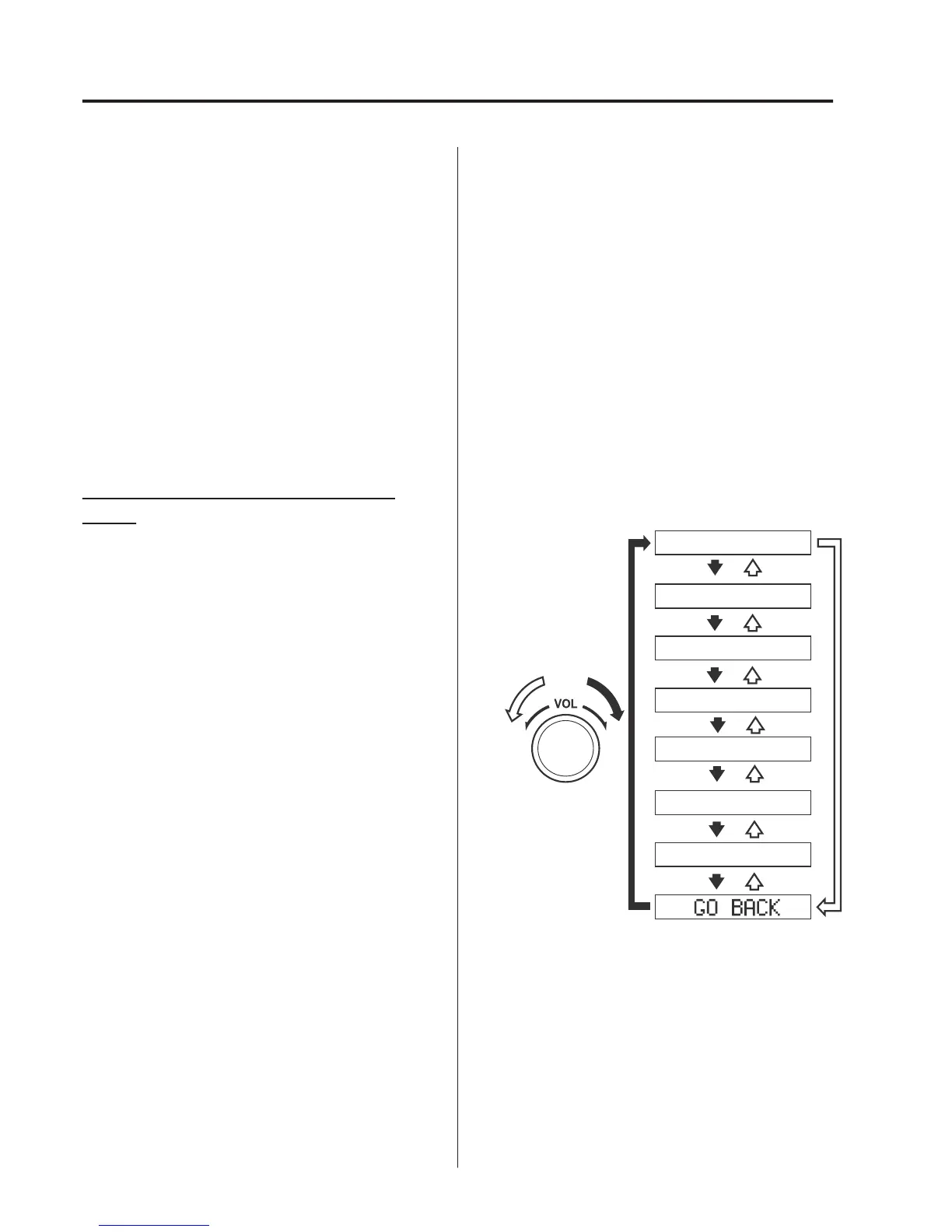
5RWDWHWKHDXGLRFRQWUROGLDODQGVHOHFW
WKHQDPHRIWKHSDLUHGGHYLFH\RX
ZRXOGOLNHWRGHOHWH
Device name 1
Device name 2
Device name 3
Device name 4
Device name 5
Device name 6
Device name 7
NOTE
Only the names of paired devices can
be displayed. If only one device is
paired, only the name for this device is
displayed.
,IDVHOHFWLRQRWKHUWKDQ³*2%$&.´
LVPDGHDQGWKHDXGLRFRQWUROGLDOLV
SUHVVHG³685("12´LVGLVSOD\HG
,QWHULRU)HDWXUHV
$XGLR6HW>7\SH$QRQWRXFKVFUHHQ@



 To Next Page