Black plate (307,1)
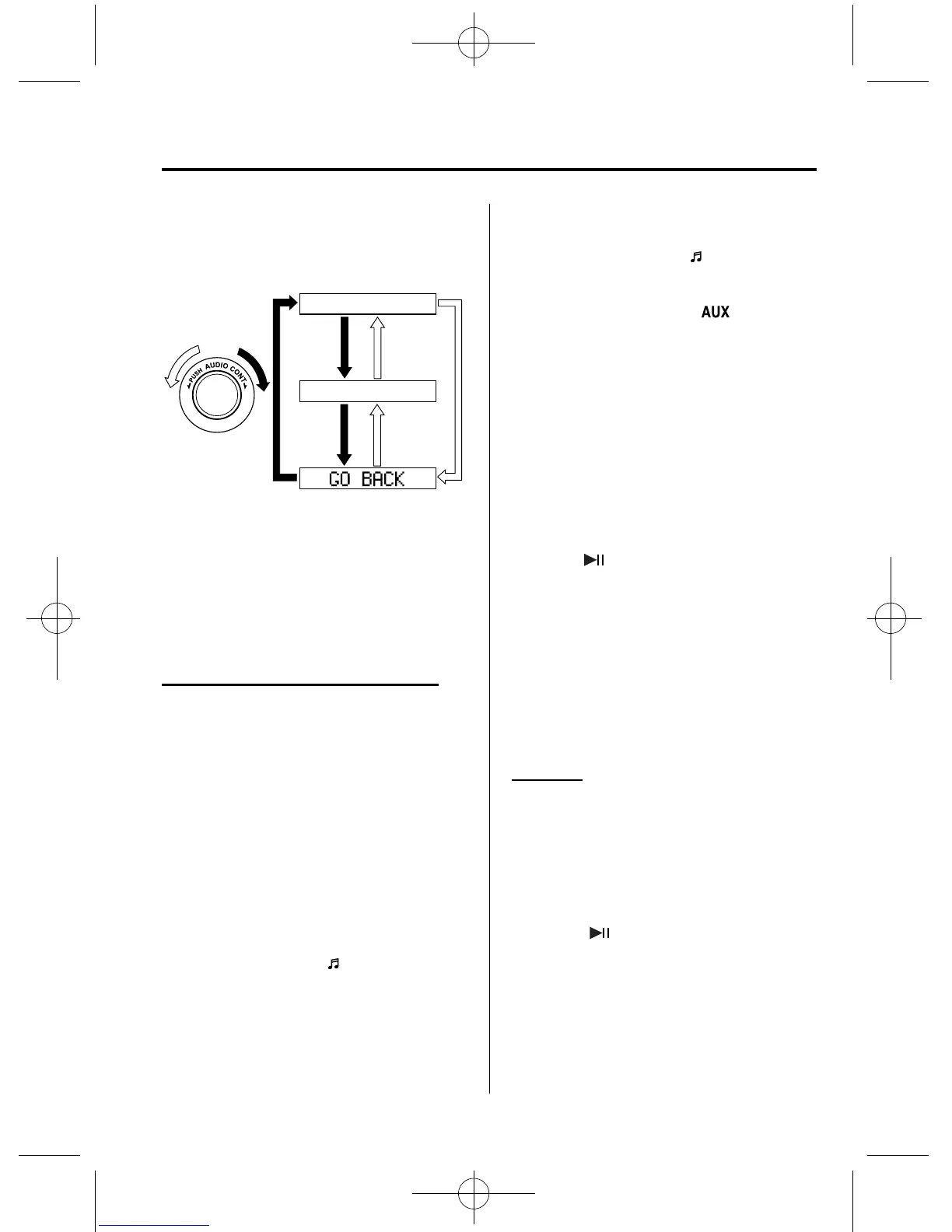
4. Rotate the audio control d ial to select
the information for the Bluetooth
®
unit
which you would like to view.
Device name
BT address
NOTE
When “GO BACK” is selected and the audio
control dial is pressed, the display returns to
“DEVICE INFO”.
qHow to Use the Bluetooth®
Audio System
Switching to Bluetooth
®
audio mode
To listen to music or voice audio recorded
to a Bluetooth
®
audio device, switch to
the Bluetooth
®
audio mode to operate the
audio device using the audio system or 7-
inch navigation system control panels.
Any Bluetooth
®
audio device must be
programmed to the vehicle's Bluetooth
®
unit before it can be used. (Refer to
“Bluetooth
®
audio device programming”)
1. Switch the ignition to ACC or ON.
2. Turn on the Bluetooth
®
audio device's
power.
Make sure that the “
” symbol is
displayed in the information display.
The symbol is not displayed if an
unprogrammed Bluetooth
®
audio
device is being used or the vehicl e's
Bluetooth
®
unit has a malfunction.
NOTE
Some Bluetooth
®
audio devices need a certain
amount of time before the “
” symbol is
displayed.
3. Press the AUX button ( ) to switch
to the Bluetooth
®
audio mode and start
playback.
If the current device version is lower
than AVRCP Ver. 1.3:
“BT Audio” is displayed.
If the current device is AVRCP Ver.
1.3:
The playback time is displayed.
NOTE
l
If the Bluetooth
®
audio device does not
begin playback, press the Play/Pause
button (
).
l
If the mode is switched from Bluetooth
®
audio mode to another mode (radio mode),
audio playback from the Bluetooth
®
audio
device stops.
l
If a call is received on a hands-free mobile
phone during playback from the Bluetooth
®
audio device, the playback is stopped.
Playback from the Bluetooth
®
audio device
resumes after the call ends.
Playback
1. To listen to a Bluetooth
®
audio device
over the vehicle's speaker system,
switch the mode to Bluetooth
®
audio
mode. (Refer to “Switching to
Bluetooth
®
audio mode”)
2. To stop playback, press the Play/Pause
button (
).
3. Press the button again to resume
playback.
Interior Comfort
Bluetooth® Audio
6-69
CX-7_8CG3-EA-11J_Edition1 Page307
Saturday, September 24 2011 10:33 AM
Form No.8CG3-EA-11J



 To Next Page