J94S.book Page 35 Saturday, June 23, 2001 1:04 PM
Interior Comfort
Audio System
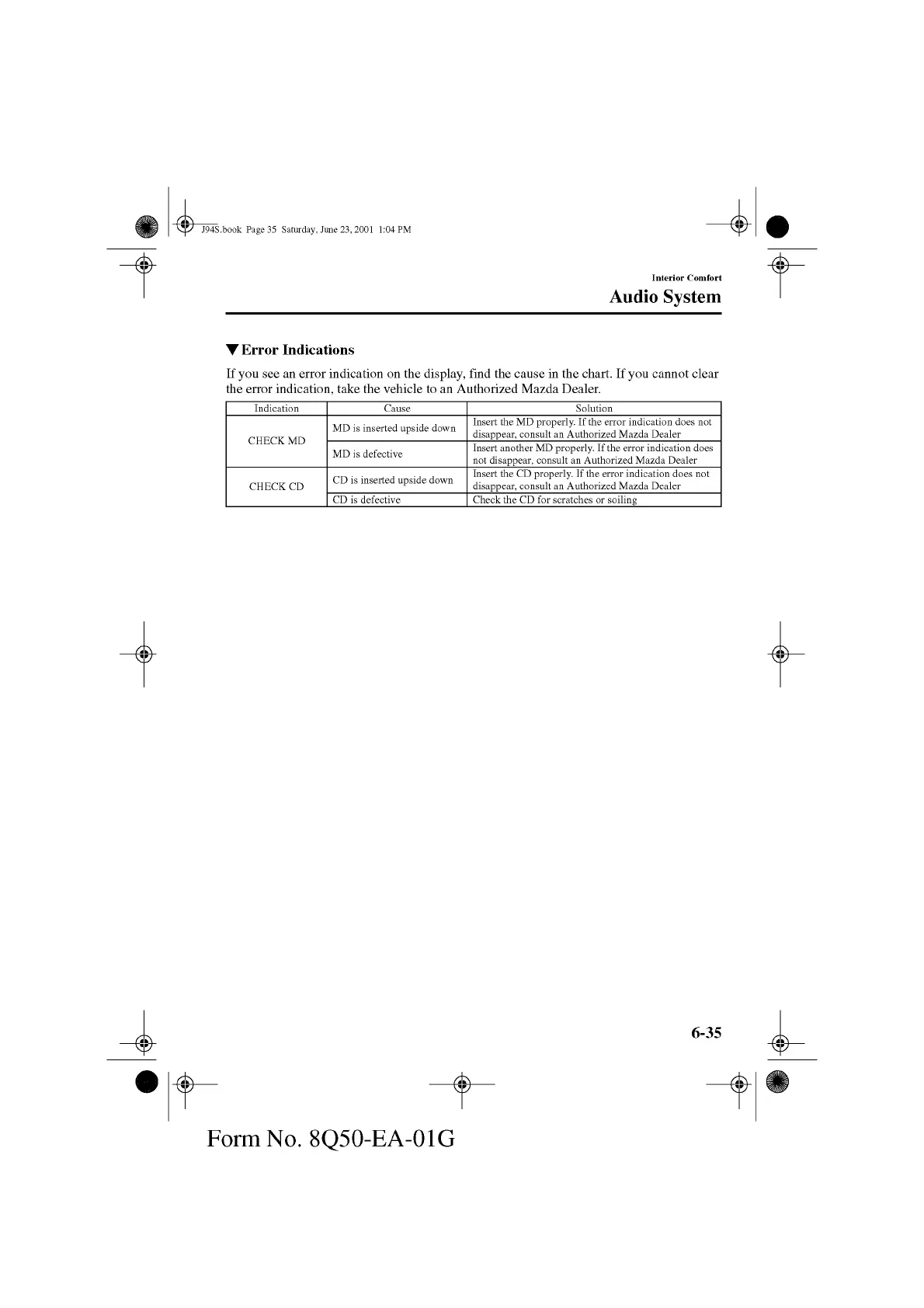
▼ Error Indications
If you see an error indication on the display, find the cause in the chart. If you cannot clear
the error indication, take the vehicle to an Authorized Mazda Dealer.
Indication Cause Solution
CHECK MD
MD is inserted upside down
Insert the MD properly. If the error indication does not
disappear, consult an Authorized M azda Dealer
MD is defective
Insert another MD properly. If the error indication does
not disappear, consult an Authorized M azda Dealer
CHECK CD
CD is inserted upside down
Insert the CD properly. If the error indication does not
disappear, consult an Authorized M azda Dealer
CD is defective Check the CD for scratches or soiling
6-35
Form No. 8Q50-EA-01G



 To Next Page