CARER: How to setup the Periodic-Check in feature
mcarewatch.com.au
20
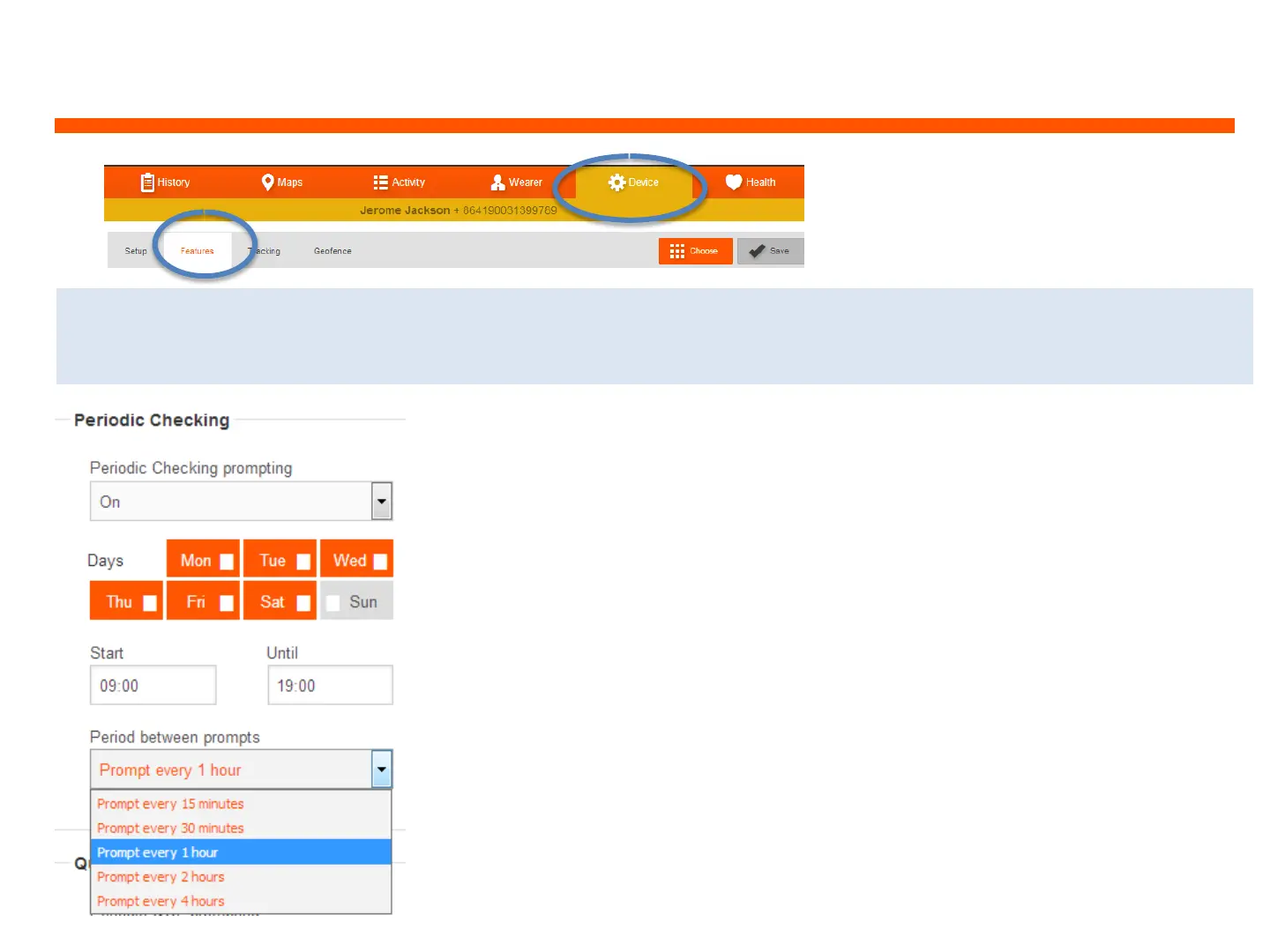
1. On the web dashboard and
click on ‘Device’ and ‘Features’,
and to ‘Periodic Checking’
2. Change the ‘Periodic Checking prompting’ to ON
3. Click on the days, to highlight the days you would like
this feature to be switched active
4. Select the time to Start and End the monitoring of this
feature. All times are based on 24 hour time, i.e. 19:00
represents 7:00PM
5. Select how often you would like to send the Check in
prompts and then click on the SAVE button at the top of the
Features page
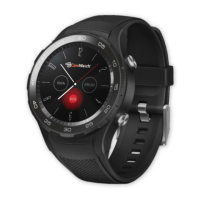
This feature will ask the wearer: ‘Are you OK?’. If the wearer presses the red thumbs
down icon, or if there is no response, a voice call is made to that carer’s phone


 To Next Page