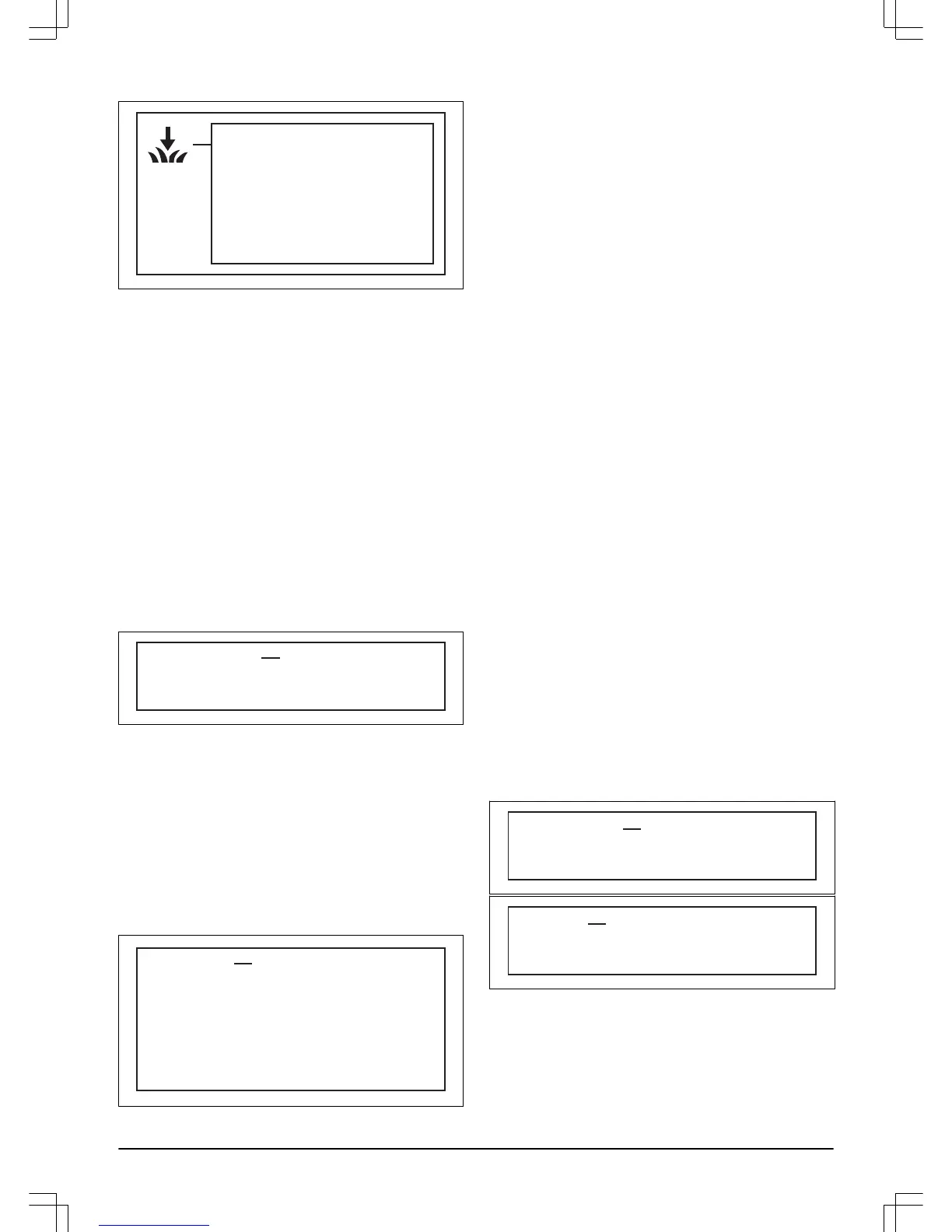
3.14 Installation - ROB R800, ROB R1000
INSTALLATION
Remote start 1
Remote start 2
Test settings
Drive past wire
The following operating settings are available via this
selection in the main menu.
•
Remote start 1:
To control the robotic lawnmower so
that it can easier reach remote parts of the garden.
•
Remote start 2:
To control the robotic lawnmower so
that it can easier reach remote parts of the garden.
•
Test settings:
To check the above settings.
•
Drive past wire:
To set the distance over the
boundary wire that the robotic lawnmower should
travel before turning back.
For examples of garden settings, see
Yard layout
examples on page 30
.
3.14.1 Remote start 1
One important function with the guide wire is the
possibility to steer the robotic lawnmower to remote
garden areas when required. This function is very useful
in gardens where, for instance, the front and back are
joined by a narrow passage.
Remote start 1 Proportion
Distance
3.14.1.1 Proportion
With this function activated, (any option other than
Never
is selected) the robotic lawnmower will at times
follow the guide wire from the charging station to the
remote area and begin mowing there.
How often the robotic lawnmower must follow the guide
wire from the charging station is selected as a proportion
of the total number of times it leaves the charging
station. At all other times, the robotic lawnmower leaves
the charging station in the standard manner and starts to
mow.
Proportion Never
Rarely
Medium
Often
Always
• The following five options can be selected;
-
Never
(0%)
-
Rarely
(approx. 20%)
-
Medium
(approx. 50%)
-
Often
(approx. 80%)
-
Always
(100%)
Select the percentage that corresponds to the size
of the remote area relative to the total working area.
If the remote area is for instance less than half of the
total working area, then
Rarely
should be selected. If
the remote area is for instance half of the total
working area,
Medium
should be selected. Compare
with the examples in
Yard layout examples on page
30
. The default setting is
Rarely
.
3.14.1.2 Distance
Enter the distance in metres along the guide wire from
the charging station to the remote area where the
robotic lawnmower begins mowing. Tip! Use the
Test
OUT
function to determine how far it is to the remote
area. The distance, stated in metres, will be shown in
the robotic lawnmower’s display.
3.14.2 Remote start 2
If the working area contains two remote areas, the guide
wire should be installed so that it reaches both areas.
Remote start 1
and
Remote start 2
can then be
combined to steer the robotic lawnmower to each area.
The settings for
Proportion
and
Distance
are carried out
in the same way as for
Remote start 1
. The default
setting is
Never
.
Take into account that the total figure for
Proportion
cannot exceed 100%. If one has for instance selected
Often
for
Remote start 1
, then one can only select
Never
or
Rarely
for
Remote start 2
.
3.14.3 Test settings
In the
Test settings
menu, it is possible to test how the
settings for
Remote start 1
and
Remote start 2
work in
the working area in question.
Test settings Test IN
Test OUT
Test OUT Remote start 1
Remote start 2
3.14.3.1 Test OUT
The
Test OUT
function is used to test the installation
and to calculate the distance from the charging station to
a remote area.
To test the settings in
Remote start 1
:
24 - Installation 358 - 002 -




 To Next Page