EasyManua.ls Logo

McCulloch ROB S400 - User Manual

McCulloch ROB S400
56 pages
Print Icon
To Next Page IconTo Next Page
Loading...
EN, English
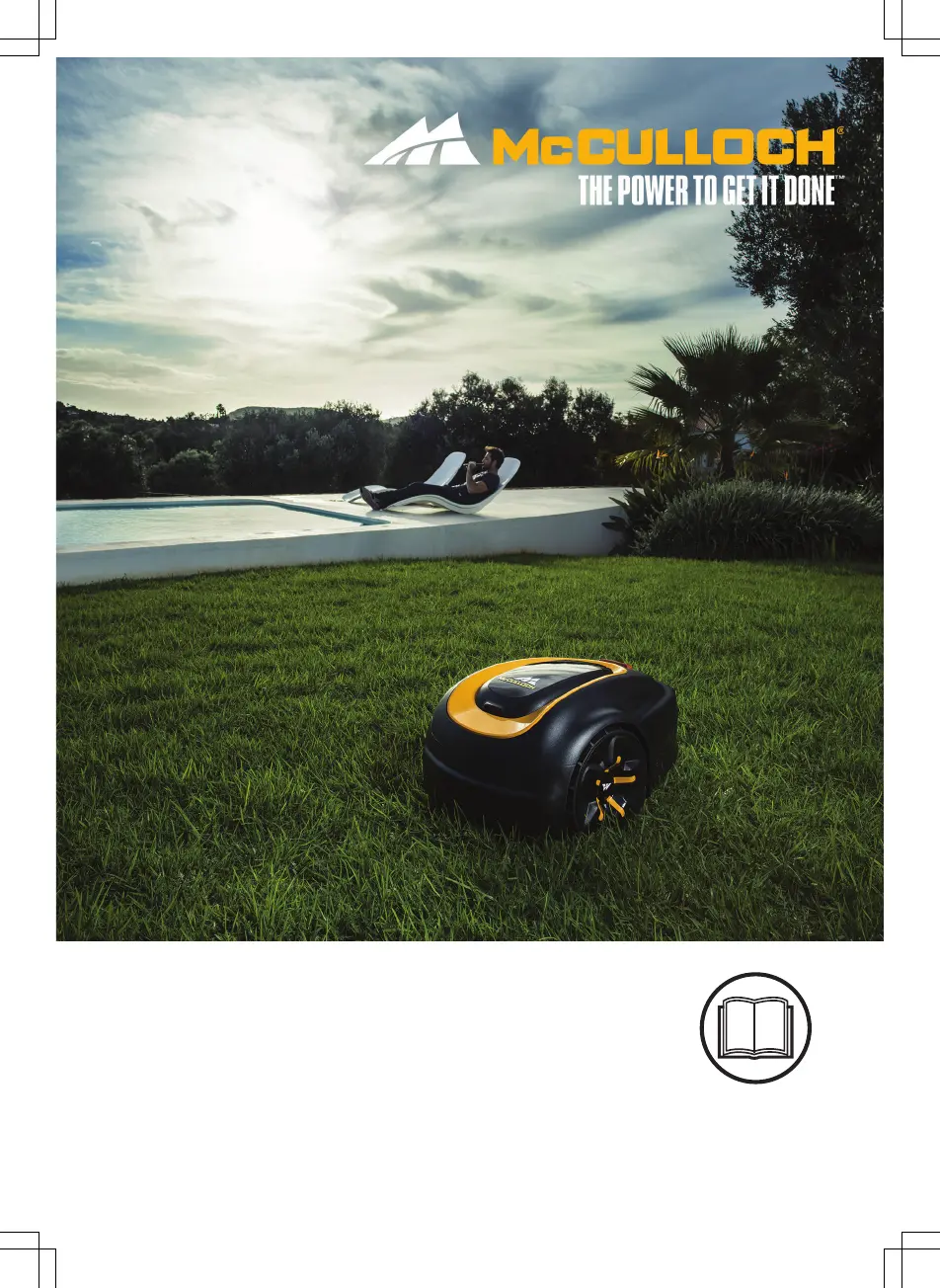
Operator's manual
ROB S400, ROB S500,
ROB S600
Read the operator's manual carefully and make sure that you
understand the instructions before you use the product.

Other manuals for McCulloch ROB S400

Questions and Answers

  • R
    Ronald BakerSep 8, 2025
    What causes McCulloch ROB S400 Lawn Mower charging station to be blocked?
    • J
      jennahansonSep 9, 2025
      If your McCulloch Lawn Mower's charging station is blocked, it could be due to poor contact between the charging plates on the product and the contact plates on the charging station; ensure good contact. An object might be obstructing the product; remove it. Verify that the charging station is on a flat, horizontal surface. Also, check that the guide wire is correctly installed according to the instructions.
  • B
    Brandon BallardAug 23, 2025
    What to do if McCulloch Lawn Mower battery is empty?
    • A
      Andrea RandallAug 23, 2025
      If your McCulloch Lawn Mower shows an empty battery, make sure the charging station and guide wire are correctly installed. Check if the guide wire is broken or not properly connected. If these steps don't resolve the issue, the battery might be spent and require replacement. Also, check if the indicator lamp in the charging station flashes red, which could indicate a defective charging station antenna.
  • C
    Christine KimAug 25, 2025
    Why McCulloch Lawn Mower is not driving?
    • A
      Andrew AlexanderAug 25, 2025
      If your McCulloch Lawn Mower isn't driving, it might be caught on something; free it and address the cause. If wet grass is the issue, wait for the lawn to dry. For work areas with steep slopes, these areas should be isolated. If a guide wire is on a slope, ensure it is laid at an angle across the slope.
  • L
    Linda BradfordAug 26, 2025
    What to do if McCulloch ROB S400 cutting system is blocked?
    • K
      Karen JohnsonAug 27, 2025
      If the cutting system of your McCulloch Lawn Mower is blocked, it might be due to grass or another object wrapped around the blade disc; inspect and remove any obstructions. Also, ensure the blade disc isn't sitting in a pool of water; relocate the product and prevent water accumulation. Finally, if the grass is too high, cut it before using the product, ensuring it's no more than 4 cm / 1.6 in.
  • M
    Miguel MillerAug 27, 2025
    Why McCulloch ROB S400 Lawn Mower is outside working area?
    • S
      Samantha MolinaAug 28, 2025
      If your McCulloch Lawn Mower is operating outside the designated working area, the boundary wire connections to the charging station may be crossed; ensure they are correctly connected. Check that the boundary wire is laid according to the provided instructions and isn't too close to the work area's edge. Interference from metal objects or buried cables nearby could also be a factor, so try moving the boundary wire. If another product installation is nearby, place your product in the charging station and generate a new loop signal.
  • J
    jtaylorSep 22, 2025
    Why McCulloch ROB S400 displays 'Wheel drive problem'?
    • V
      Victoria SmithSep 22, 2025
      If your McCulloch Lawn Mower displays a 'Wheel drive problem', grass or another object may be wrapped around the drive wheel. Clean the wheels and the area around them.
  • C
    Christina SmithSep 16, 2025
    What does 'Charging current too high' mean on McCulloch ROB S400?
    • D
      Danielle NovakSep 16, 2025
      If your McCulloch Lawn Mower displays 'Charging current too high', the power supply unit might be wrong or faulty. Restart the product. If the problem persists, the message requires action by authorized service technician.
  • E
    etaylorSep 18, 2025
    What to do if McCulloch Lawn Mower asks for PIN code?
    • C
      Craig WintersSep 18, 2025
      If your McCulloch Lawn Mower indicates a 'Wrong PIN code', enter the correct PIN. Note that after five incorrect attempts, the keypad will be blocked for five minutes. If you forget the PIN, contact customer service.
  • N
    Natalie CastanedaSep 7, 2025
    Why McCulloch Lawn Mower displays 'Next start hh:mm'?
    • J
      John TapiaSep 7, 2025
      If your McCulloch Lawn Mower displays 'Next start hh:mm', the schedule settings may be preventing operation; adjust the schedule. Alternatively, the rest period might be active, which is normal. Also, ensure the clock and date are correctly set on the product.
  • S
    Sarah Ramos MDSep 4, 2025
    How to resolve guide not found error on McCulloch Lawn Mower?
    • A
      Ashley CamachoSep 4, 2025
      If your McCulloch Lawn Mower displays a 'Guide not found' error, ensure the guide wire connector is tightly connected to the charging station. Check for any breaks in the guide wire, and if found, replace the damaged section. Also, verify that the guide wire is correctly connected to the boundary loop.

Summary

1.2 Product overview

2 Safety

2.1 Important Safety Information

Crucial safety information to be read and kept for future reference.

2.2 Safety definitions

2.3 Safety instructions for operation

Instructions and warnings for operating the product safely.

2.3.1 Use

2.3.2 Battery safety

2.3.3 How to lift and move the product

Instructions for safely lifting and transporting the robotic lawn mower.

2.3.4 Maintenance

3 Installation

3.1 Introduction - Installation

Introduction to the installation process and important considerations.

3.4.3 To examine where to put the boundary wire

3.5 Installation of the product

3.5.2 To install the charging station

Instructions for correctly installing the charging station.

3.5.3 To install the boundary wire

3.5.4 To install the guide wire

3.10 To do the product settings

3.10.3 To do the schedule settings

Guide to setting up the product's mowing schedule.

3.10.3.2 Wizard

3.10.3.5 To set the schedule

Detailed instructions for manually setting the mowing schedule.

3.10.5 Security level

3.10.6 Lawn Coverage

Function to guide the product to remote lawn areas.

3.10.12.1 To set the time & date

3.10.12.4 To reset all user settings

Resetting all user-configured settings to factory defaults.

4 Operation

4.1 The ON;OFF button

Instructions for turning the product on and off.

4.2 To start the product

Steps to initiate the product's operation.

4.3 Operating modes

Description of available operating modes like Secondary area, Power Cut, Spot Cut.

4.4 Park modes

4.5 To stop the product

Procedure for safely stopping the product's operation.

4.6 Switch off

Steps to turn off the product completely.

4.7 Schedule and Standby

4.8 To charge the battery

4.9 Adjust the cutting height

How to adjust the cutting height for optimal grass trimming.

5 Maintenance

5.1 Introduction - Maintenance

Introduction to maintenance procedures and their importance.

5.3 Replace the blades

5.3.1 To replace the blades

Detailed procedure for replacing the blades.

5.4 Battery

Information regarding the product's battery and charging safety.

5.4.1 To replace the battery

6 Troubleshooting

6.2 Fault messages

Table of common fault messages, their causes, and solutions.

6.3 Information messages

6.4 Indicator lamp in the charging station

6.5 Symptoms

6.6 Find breaks in the loop wire

9 Warranty

9.1 Warranty terms

Details of the product's warranty coverage and exclusions.

McCulloch ROB S400 Specifications

General IconGeneral
TypeRobotic lawn mower
Cutting width160 mm
Grass catcher-
Product colorBlack, Yellow
Maximum lawn area400 m²
Maximum cutting height50 mm
Minimum cutting height20 mm
Suitable for slope up to35 %
Cutting clearance adjustmentYes
Power sourceBattery
Charging time60 h
Battery capacity2 Ah
Battery life (max)65 min

Related product manuals