EasyManua.ls Logo

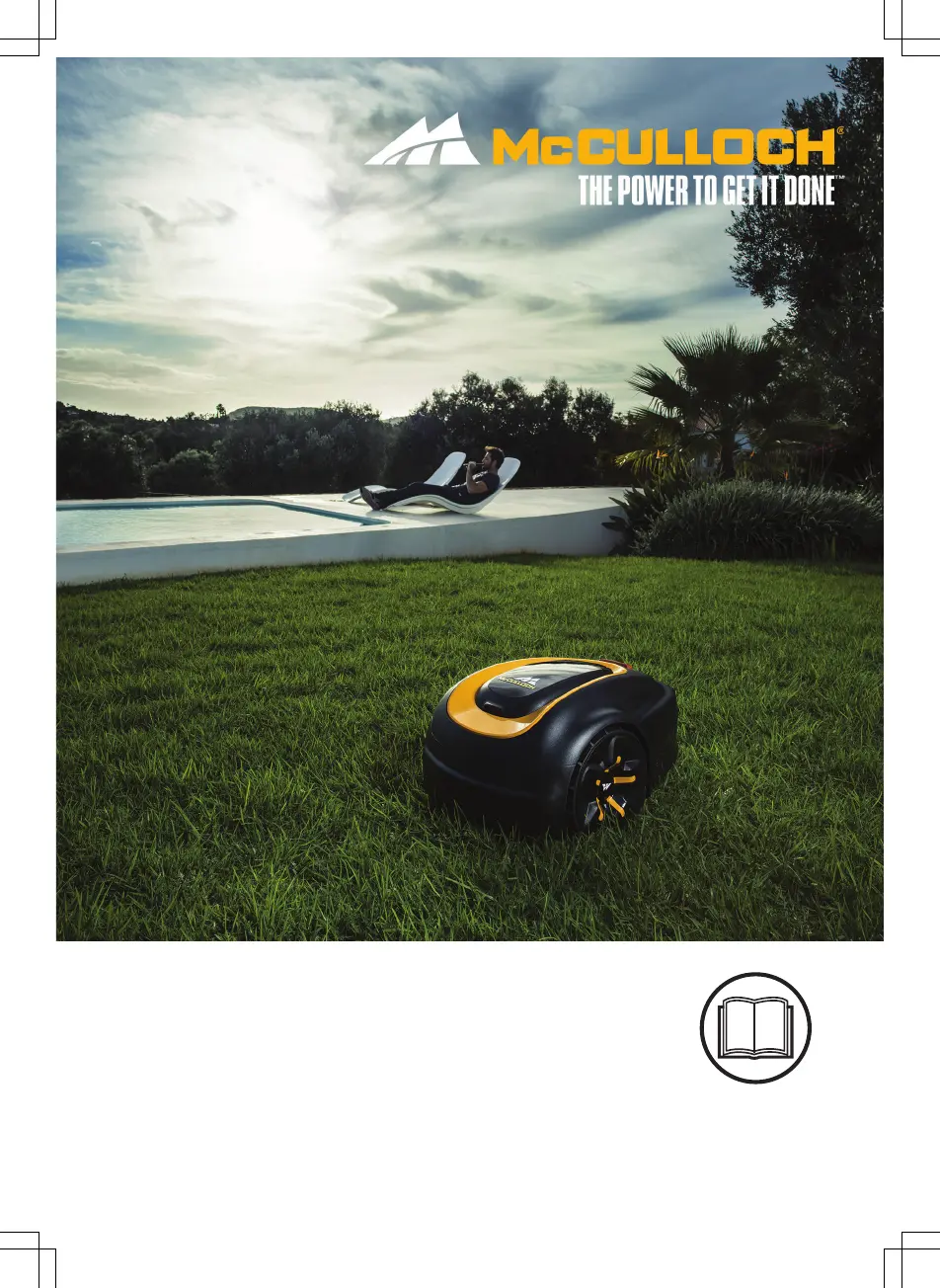
McCulloch ROB S600 - User Manual

McCulloch ROB S600
56 pages
Print Icon
To Next Page IconTo Next Page
Loading...
EN, English
Operator's manual
ROB S400, ROB S500,
ROB S600
Read the operator's manual carefully and make sure that you
understand the instructions before you use the product.

Other manuals for McCulloch ROB S600

Questions and Answers

  • T
    Timothy SilvaSep 8, 2025
    What causes McCulloch ROB S600 Lawn Mower charging station to be blocked?
    • L
      Levi WilsonSep 8, 2025
      If your McCulloch Lawn Mower's charging station is blocked, it could be due to poor contact between the charging plates on the product and the contact plates on the charging station; ensure good contact. An object might be obstructing the product; remove it. Verify that the charging station is on a flat, horizontal surface. Also, check that the guide wire is correctly installed according to the instructions.
  • C
    Curtis TapiaAug 23, 2025
    What to do if McCulloch ROB S600 Lawn Mower battery is empty?
    • K
      Karen BrockAug 23, 2025
      If your McCulloch Lawn Mower shows an empty battery, make sure the charging station and guide wire are correctly installed. Check if the guide wire is broken or not properly connected. If these steps don't resolve the issue, the battery might be spent and require replacement. Also, check if the indicator lamp in the charging station flashes red, which could indicate a defective charging station antenna.
  • J
    john81Aug 25, 2025
    Why McCulloch Lawn Mower is not driving?
    • Z
      zbrownAug 25, 2025
      If your McCulloch Lawn Mower isn't driving, it might be caught on something; free it and address the cause. If wet grass is the issue, wait for the lawn to dry. For work areas with steep slopes, these areas should be isolated. If a guide wire is on a slope, ensure it is laid at an angle across the slope.
  • J
    James GreenAug 26, 2025
    What to do if McCulloch Lawn Mower cutting system is blocked?
    • F
      Franklin PittsAug 26, 2025
      If the cutting system of your McCulloch Lawn Mower is blocked, it might be due to grass or another object wrapped around the blade disc; inspect and remove any obstructions. Also, ensure the blade disc isn't sitting in a pool of water; relocate the product and prevent water accumulation. Finally, if the grass is too high, cut it before using the product, ensuring it's no more than 4 cm / 1.6 in.
  • Y
    ysmithAug 27, 2025
    Why McCulloch ROB S600 Lawn Mower is outside working area?
    • P
      Patrick AdkinsAug 27, 2025
      If your McCulloch Lawn Mower is operating outside the designated working area, the boundary wire connections to the charging station may be crossed; ensure they are correctly connected. Check that the boundary wire is laid according to the provided instructions and isn't too close to the work area's edge. Interference from metal objects or buried cables nearby could also be a factor, so try moving the boundary wire. If another product installation is nearby, place your product in the charging station and generate a new loop signal.
  • W
    Whitney GutierrezSep 22, 2025
    Why McCulloch Lawn Mower displays 'Wheel drive problem'?
    • V
      Victoria HamptonSep 22, 2025
      If your McCulloch Lawn Mower displays a 'Wheel drive problem', grass or another object may be wrapped around the drive wheel. Clean the wheels and the area around them.
  • D
    Donald FullerSep 16, 2025
    What does 'Charging current too high' mean on McCulloch ROB S600 Lawn Mower?
    • J
      Jason DavisSep 16, 2025
      If your McCulloch Lawn Mower displays 'Charging current too high', the power supply unit might be wrong or faulty. Restart the product. If the problem persists, the message requires action by authorized service technician.
  • D
    doylebrendaSep 18, 2025
    What to do if McCulloch ROB S600 Lawn Mower asks for PIN code?
    • M
      Mary ButlerSep 18, 2025
      If your McCulloch Lawn Mower indicates a 'Wrong PIN code', enter the correct PIN. Note that after five incorrect attempts, the keypad will be blocked for five minutes. If you forget the PIN, contact customer service.
  • M
    Mark CruzSep 7, 2025
    Why McCulloch ROB S600 displays 'Next start hh:mm'?
    • D
      Deborah KochSep 7, 2025
      If your McCulloch Lawn Mower displays 'Next start hh:mm', the schedule settings may be preventing operation; adjust the schedule. Alternatively, the rest period might be active, which is normal. Also, ensure the clock and date are correctly set on the product.
  • J
    Jordan RodgersSep 4, 2025
    How to resolve guide not found error on McCulloch ROB S600 Lawn Mower?
    • B
      bsanchezSep 4, 2025
      If your McCulloch Lawn Mower displays a 'Guide not found' error, ensure the guide wire connector is tightly connected to the charging station. Check for any breaks in the guide wire, and if found, replace the damaged section. Also, verify that the guide wire is correctly connected to the boundary loop.

Summary

McCULLOCH Operators Manual ROB S400, ROB S500, ROB S600

Introduction and Product Details

Product Description

Explains the robotic lawn mower's automatic operation, movement, and sensor use.

Support and General Introduction

Introduces the manual and provides contact info for product support.

Product Components

Product Overview

Details and illustrates all parts of the robotic lawn mower and its accessories.

Understanding Symbols and Instructions

Product and Display Symbols

Explains the meaning of various warning and indicator symbols found on the product and its display.

Manual Conventions

Describes how text formatting is used in the manual for clarity.

System Navigation and Controls

Menu Structure Overview

Provides a diagram showing the hierarchy of menus and functions available on the product.

Display and Keypad Functions

Explains how to read the display and use the keypad for product control and settings.

Safety Precautions

Important Safety Information

Stresses the importance of reading and understanding the manual before operating the product.

Safety Definitions and Operational Rules

Defines safety terms and outlines critical rules for safe product operation.

Specific Safety Procedures

Safe Handling, Maintenance, and Storm Safety

Details safe practices for maintenance, moving, and thunderstorm precautions.

Installation Preparation

Installation Overview and Preparations

Introduces installation, lists components, and covers general preparations.

Charging Station and Power Supply Installation

Charging Station Placement

Guides on selecting the optimal location for the charging station.

Power Supply Installation and Safety

Details power supply installation and associated safety warnings.

Boundary Wire Installation

Boundary Wire Placement Guidelines

Explains how to position the boundary wire around the work area and obstacles.

Boundary Wire in Special Areas

Slopes, Passages, and Islands

Details boundary wire installation for slopes, passages, and creating islands.

Work Area Configuration

Secondary Areas and Guide Wire Placement

Covers creating secondary areas and positioning the guide wire for navigation.

Product Installation Tools and Charging Station

Installation Tools

Lists the necessary tools for installing the product and its components.

Installing the Charging Station

Provides detailed steps and safety guidelines for installing the charging station.

Boundary Wire Installation Steps

Installing the Boundary Wire

Details the process of laying out the boundary wire around the entire work area.

Guide Wire and Wire Positioning

Installing the Guide Wire

Guides on connecting the guide wire to the charging station and boundary wire.

Positioning Wires with Stakes

Explains how to use stakes to fix the boundary and guide wires in place.

Post-Installation Checks and Settings

Post-Installation Checks

Covers visual checks of the charging station after installation.

Basic Product Settings

Guides on initial product setup and configuration after installation.

Calibration and Schedule Setup

Guide Calibration Process

Explains the automatic calibration process for optimizing the guide corridor.

Accessing Product Settings and Schedule Wizard

Guides on accessing menus, understanding the structure, and using the schedule wizard.

Scheduling Options

Day, Night, and Manual Scheduling

Details how to set specific daily, nightly, or custom mowing schedules.

Calculating Optimal Operating Hours

Provides a method to calculate optimal mowing durations based on lawn size.

Schedule Management and Lawn Shield

Copying and Resetting Schedules

Explains how to copy existing schedules or reset to factory defaults.

Lawn Shield Functionality

Describes the Lawn Shield feature for automatic cutting adjustments and its frequency settings.

Security and Lawn Coverage

Security Settings and PIN Management

Covers setting security levels, PIN codes, and managing alarms.

Lawn Coverage Configuration

Details how to set up Lawn Coverage for mowing remote areas and its frequency.

Lawn Coverage and Starting Point

Managing Lawn Coverage Settings

Explains how to test, enable, disable, or reset Lawn Coverage settings for specific areas.

Setting the Starting Point

Guides on configuring the product's starting position relative to the guide wire.

Advanced Operation Settings

Drive Past Wire and ECO Mode

Adjusts how the mower approaches boundary wires and enables energy-saving ECO mode.

Collision Avoidance & Bluetooth Connectivity

Configures collision avoidance and pairs the product with the mobile app.

General Settings

Time, Language, Country Settings

Allows users to configure essential parameters like time, date, language, and country.

Resetting Settings and About Info

Explains how to reset user settings and access product information.

Product Operation

ON;OFF Button and Indicator Lamp

Details the function of the ON/OFF button and the status indicated by the keypad lamp.

Starting the Product and Operating Modes

Guides on how to start the product and select different operating modes.

Operational Modes and Stopping

Park Modes and Secondary Area Operation

Explains parking modes and operating in secondary areas.

Stopping and Switching Off the Product

Provides instructions on how to safely stop or completely switch off the robotic lawn mower.

Scheduling and Standby

Schedule and Standby Overview

Explains the product's standby periods and provides examples of work area scheduling.

Charging and Cutting Height

Charging the Battery

Details the procedure for charging the product's battery.

Adjusting Cutting Height

Guides on how to adjust the cutting height for optimal lawn care.

General Maintenance

Cleaning and Chassis Inspection

Covers regular cleaning of the product body, chassis, blade disc, and wheels.

Blade and Battery Maintenance

Replacing the Blades

Provides instructions on how to safely replace the mower blades.

Battery Safety and Handling

Warns about battery safety during charging and general handling.

Battery Replacement and Winter Service

Replacing the Battery

Details the step-by-step process for replacing the product's battery.

Winter Service Recommendations

Advises on professional service for winter storage to maintain optimal condition.

Troubleshooting

Fault Messages and Causes

Lists common fault messages, their causes, and recommended actions for resolution.

Troubleshooting Specific Issues

Trapped, Battery, PIN, Drive, and Motor Issues

Addresses issues like getting trapped, empty battery, wrong PIN, and drive motor problems.

Troubleshooting Station and Status Issues

Charging Station and Product Status Issues

Covers problems with the charging station, product status, and lift sensor.

Troubleshooting System and Connectivity

System Faults and Connectivity Problems

Addresses issues like safety function faults, electronic problems, and connectivity errors.

Information Messages and Calibration Issues

Information Messages and Guide Not Found

Explains information messages like low battery, settings restored, and guide not found.

Guide Calibration Failure

Details reasons for guide calibration failure and troubleshooting steps.

Charging Station Indicator Lamp

Indicator Lamp Meanings

Explains the meaning of different light signals from the charging station's indicator lamp.

Product Symptoms

Docking, Timing, and Blade Issues

Covers symptoms like docking difficulty, incorrect operation times, and blade-related vibrations.

Performance Issues and Loop Wire

Performance Issues and Uneven Mowing

Addresses short operating times, parked hours, and uneven mowing results.

Finding Breaks in the Loop Wire

Guides on how to locate and repair breaks in the boundary or guide wire.

Transportation, Storage, and Disposal

Transportation and Storage Guidelines

Provides instructions for transporting, storing, and preparing the product for storage.

Disposal Requirements

Outlines local recycling requirements and regulations for product disposal.

Technical Specifications

Product Dimensions and Electrical Data

Lists the physical dimensions, battery specifications, power supply, and energy consumption data.

Noise Emissions and Performance Data

Noise Emissions and Mowing Specifications

Details noise levels, cutting system specs, slope limits, and IP ratings.

Registered Trademarks

Trademark Information

Lists registered trademarks, including Bluetooth®, and their usage.

Product Warranty

Warranty Terms and Exclusions

Explains the warranty period, coverage, terms, and common exclusions.

EC Declaration of Conformity

Compliance Statements and Standards

Declares the product's compliance with relevant EU directives and applied standards.

McCulloch ROB S600 Specifications

General IconGeneral
TypeRobotic lawn mower
Noise level57 dB
Cutting width160 mm
Grass catcherNo
Product colorBlack, Yellow
Number of blades3
Number of wheels3 wheel(s)
Maximum lawn area600 m²
Mulching function-
Maximum cutting height50 mm
Minimum cutting height20 mm
Suitable for slope up to35 %
Automatic base station returnYes
Power sourceBattery
Charging time1 h
Battery capacity2 Ah
Battery life (max)65 min
Weight and Dimensions IconWeight and Dimensions
Depth550 mm
Width380 mm
Height230 mm

Related product manuals