56
101019
Speaker Volume
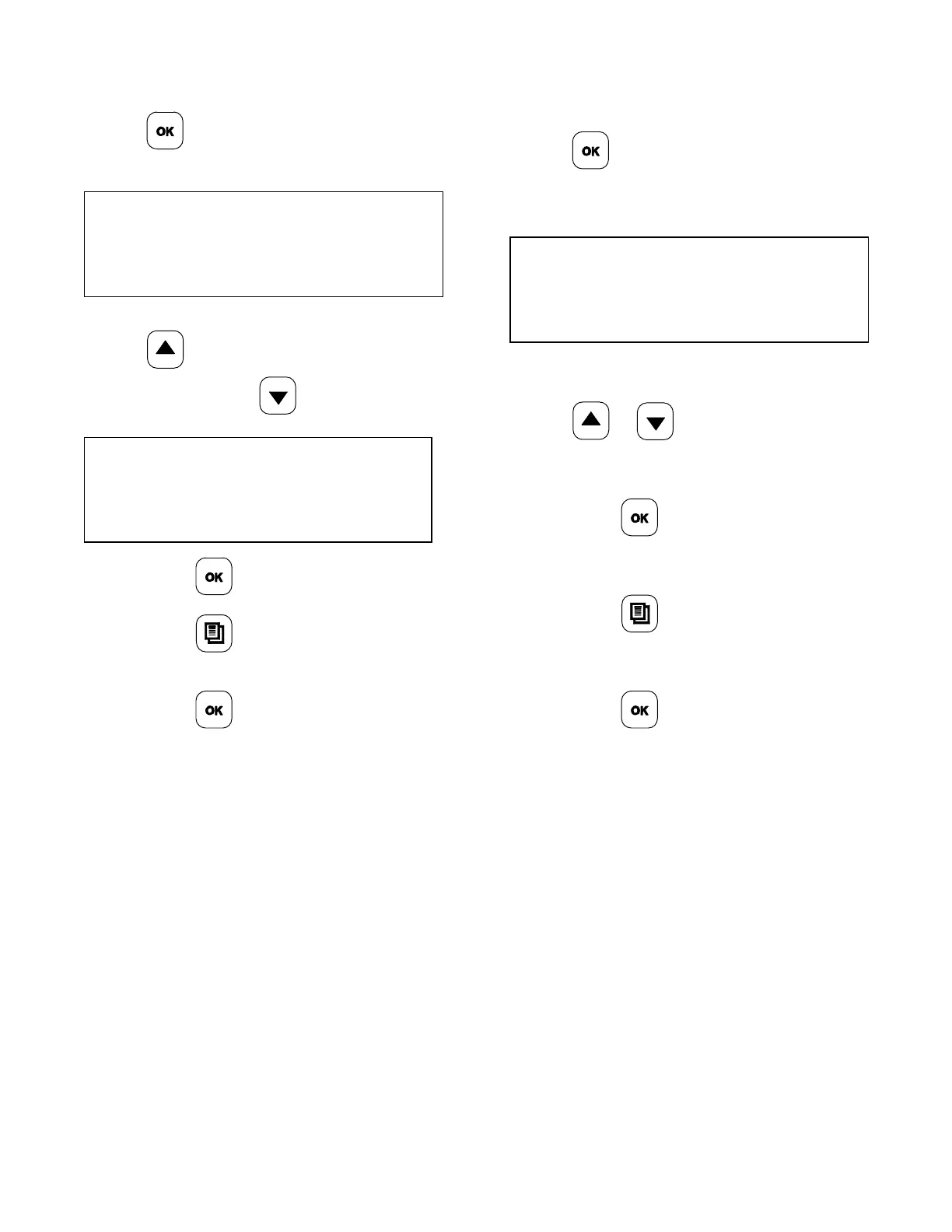
1. From the SYSTEM SET UP menu, press
the
key until the screen displays
“SPEAKER VOLUME” .
SPEAKER VOLUME
09
2. To increase the speaker volume, press
the
key. To decrease the speaker
volume, press the
key.
SPEAKER VOLUME
10
3. Press the key to save the changes.
4. Press the
key to return to the
AM/PM Mode.
5. Press the
key to exit from
programming, or let the display time out
after 3-5 seconds.
Too Cool Delay
1. From the SYSTEM SET UP menu, press
the
key until the display shows
“TOO COOL DELAY”.
TOO COOL DELAY
XXX
2. To change the Too Cool Delay time, press
the
or keys to obtain the
desired number.
3. Press the
key to confirm the
selection.
4. Press the
key to return to the
AM/PM Mode.
5. Press the
key to exit the
programming mode, or wait for the display
to time out after 3-5 seconds.


 To Next Page