• Put the coffee cup under the dispensing spout;
•
6.
Preparing coffee
Press the desired delivery switch. You will have the delivery which can be stopped by means of the same
switch once the desired amount of coffee in the cup is obtained.
6.1 AEP version
•
Put the coffee cup under the dispensing spout;
Press the desired dose touch: the dose’s red led will also come on;
Wait for coffee to be delivered: the red led will switch off, while all the green led will remain
switched on;
To stop delivery of coffee in advance, press again the delivery dose key;
In the event of anomalies or if the push button panel is locked, use the manual delivery
switch.
6.2 SAE version
COFFEE DELIVERY
•
•
COFFEE DOSE PROGRAMMING
•
Hold down the keys and until all dose key led’s come on (both red and green);
•
Press the dose key to be programmed (e.g. 1 espresso coffee ); the dose’s green led will blink;
Wait for dispensing; to confirm the dose press again the selected dose key ;
Repeat this operation for the other dose keys;
Upon conclusion of the programme, wait until all red led’s on the push button come out.
•
•
•
For models with 2-3 groups it is possible to program simultaneously all of the machine push button touch pads using
only the right push button touch pad. The programmed doses from the right group will be automatically transfered to
the other groups, too. It is however advisable to check the programming of the other push button touch pads.
•
•
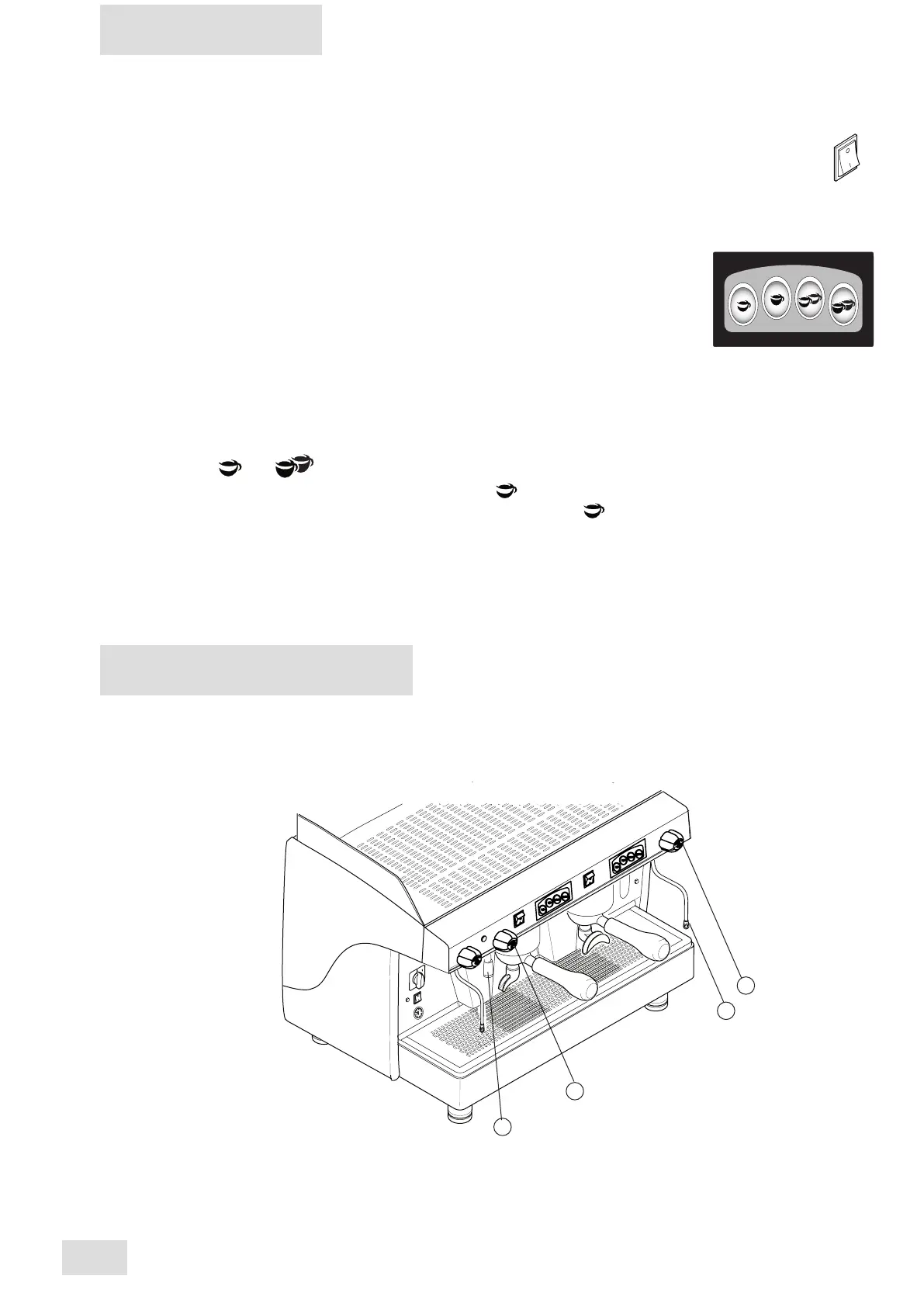
To dispense steam, turn the steam knob counter-clockwise (3):
the steam coming out of the steam nozzle (4) will be proportional to the opening of the tap.
Steam delivery
7.
Preparing hot drinks
Hot water delivery
To dispense hot water, turn the hot water knob counter-clockwise (1):
the hot water coming out of the nozzle (2) will be proportional to the time opening of the tap.
1
2
3
4
12
AEP - SAE
english



 To Next Page