In order to enter the programming menu, simultaneously press the keys “ ” and “ ” until on display will appear
the message “Password”. Enter the password: use the keys “ ” and “ ” in order to arrive to the needed character
and the “ ” key to confirm it. After you have entered the 4 character password, press again the “ ” key to confirm
entering into the menu.
Use the increase “ ” and decrease “ ” keys, in order to scroll the various programming submenus.
Use the ENTER “ ” key to enter in the desired submenu or to pass from one parameter to another in the same
submenu.
Use the increase “ ” and decrease “ ” keys to modify the parameter’s value.
In order to save the value of the modified parameter and return to the main menu use the key “ ”.
Administrator’s programming machine’s parameters
11.
^
M
^
^
^
^
^
^
10.8
Language programming
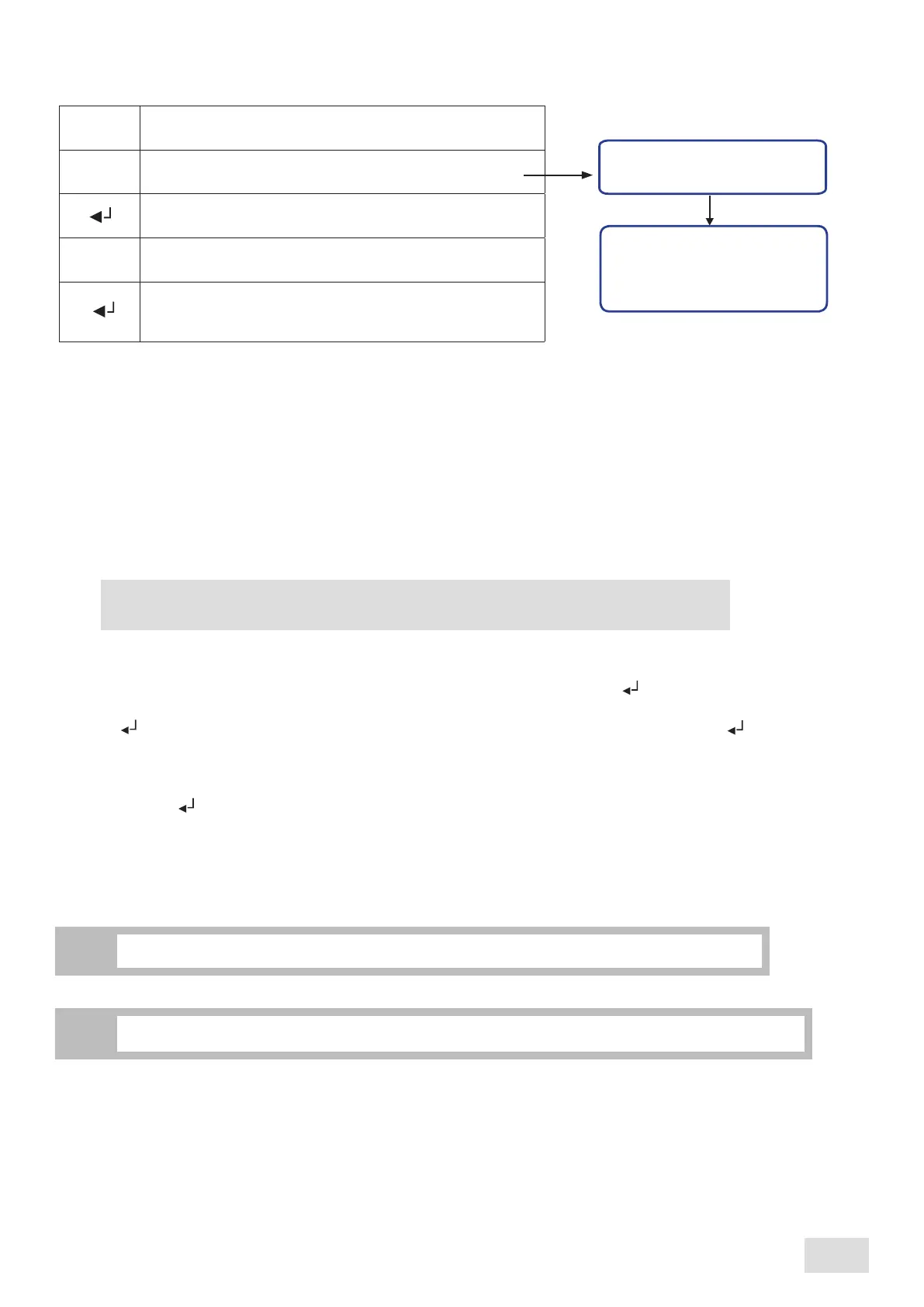
Proceed as follows:
Language
Language
Enter into the programming menu
Scroll the menu until reaching the desired submenu
Confirm in order to enter the designated submenu
Italian
English
Romanian
^
Scroll the submenu until reaching the desired language to
be set
^
^
Confirm the set programming language. It will automatically
exit from the relevant submenu; the language will be
already changed
10.9
Unlocking
This submenu allows resetting the administrator’s menu password. It will be used by authorized personnel only.
The machine automatically exits programming if no selections are made for at least 60 seconds.
i
The preset factory password, needed in order to enter the programming menu, is “ABCD”.
i
25
SAE Display
english



 To Next Page