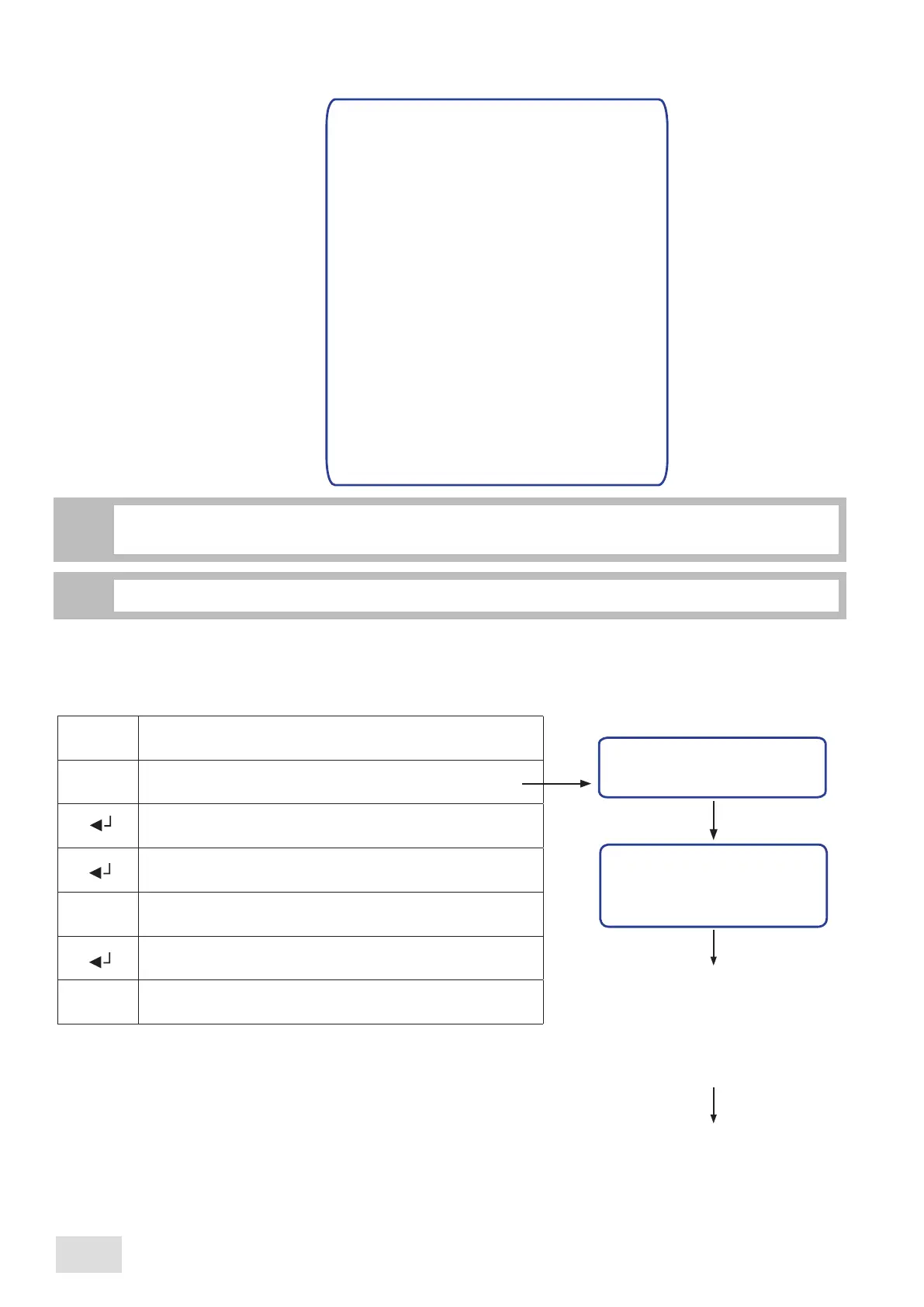
Hour/Date
Working days
Reg. softener
Cup heater*
Doser alarms
Language
Unlock
Setup
Mod. password
The areas designated with (*) are accessible only when the machine is prefigured with the appropriate
functions.
i
Total counts
Single count
Prog. doses
Credit*
Cred. preal.*
ADMINISTRATOR’S PROGRAMMING MENU
The following submenus can be visualized and/or modified by means of the display:
The selected submenu is highlighted by changing the writing’s colour into white.
i
11.1
Clock setup
In order to modify the date, hour and day shown on display, proceed as follows:
Clock setup
Hour: hh:mm
Date: zz-ll-aa
Day: n
1
2
3
4
Monday
Tuesday
Wednesday
Thursday
hh:
mm:
zz:
ll:
aa:
n:
hours
minutes
day
month
year
day of the week
Enter into the programming menu
Scroll the menu until reaching the desired submenu to be
modified
Confirm in order to enter the designated submenu
Scroll the submenu until reaching the desired paramater to
be modified
Modify the parameter
Pass to the next parameter of the submenu
Confirm and exit from the submenu
5
6
7
Friday
Saturday
Sunday
Hour/Date
^
^
M
^
SAE Display
26
english



 To Next Page