SAE version
To enable, disable or adjust the cup heater proceed as follows:
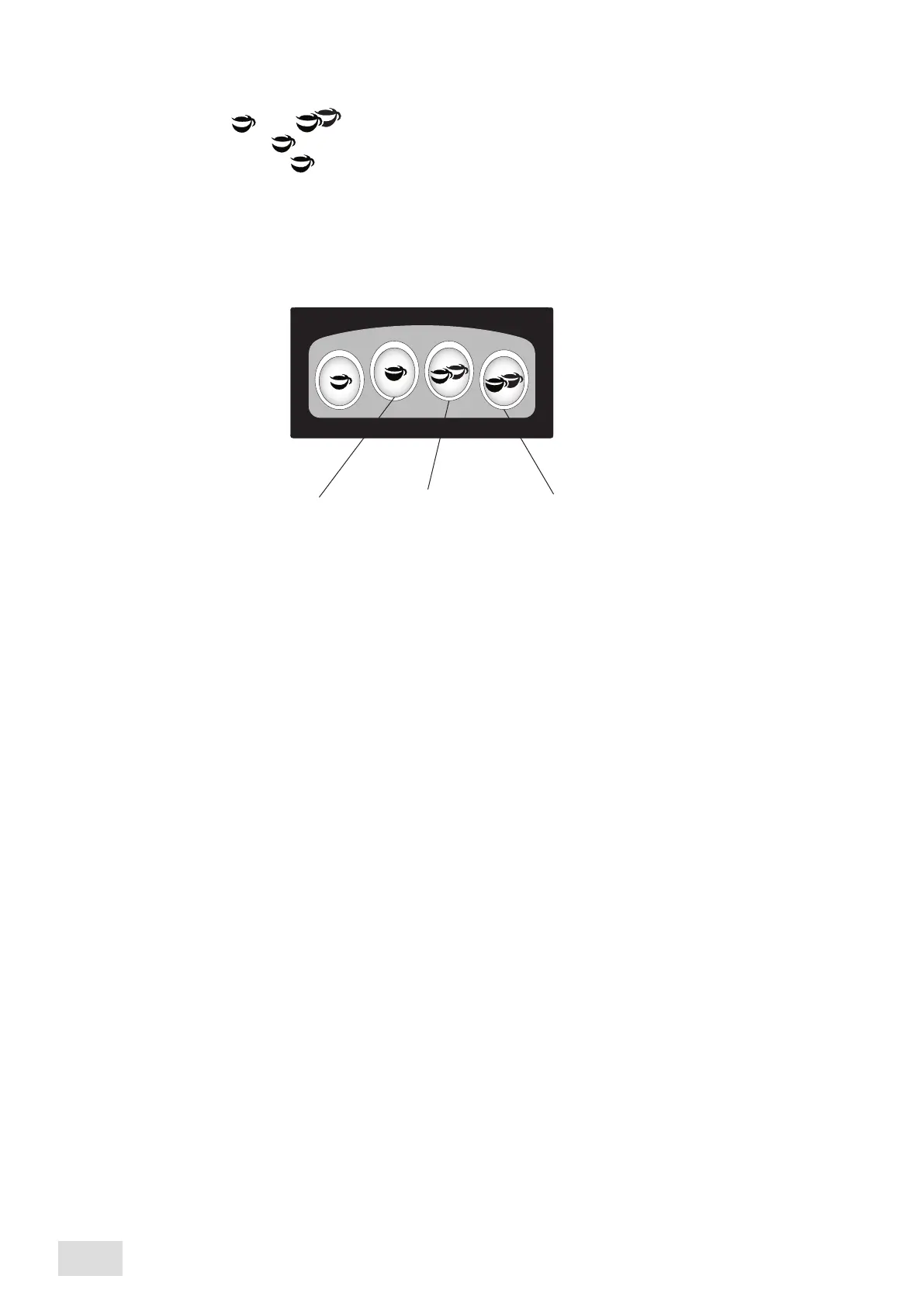
Hold down the dose keys and from the right group touch pad, until all the led’s stop from blinking;
If the red led from the key dose (1 espresso) is on, the heating device is switched off;
To switch it on, push the key dose ; the led from the same key dose will become green;
Only when the heating device is switched on, it is possible to modify the temperature by means of the dose keys
from the right touch pad, as follows:
70° C 80° C 90° C
•
•
•
•
14
AEP - SAE
english



 To Next Page