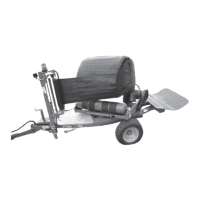
McHale 995 L+T Square Bale Wrapper
32
8.1.1 Selecting a Program
1. Unplug the Bale Wrap Computer to switch it off
2. Press and hold the “CAL” Button
3. Switch on the computer
4. Release the “CAL” Button
5. The display shows the over speed alarm setting
6. Press and release the “CAL” Button again
7. The last digit will flash “1”, “2” or “3”
8. Change by pressing “SET/RESET”
9. When the correct program number is displayed switch off the computer
10. The settings will be retained in the memory
8.1.2 Channels
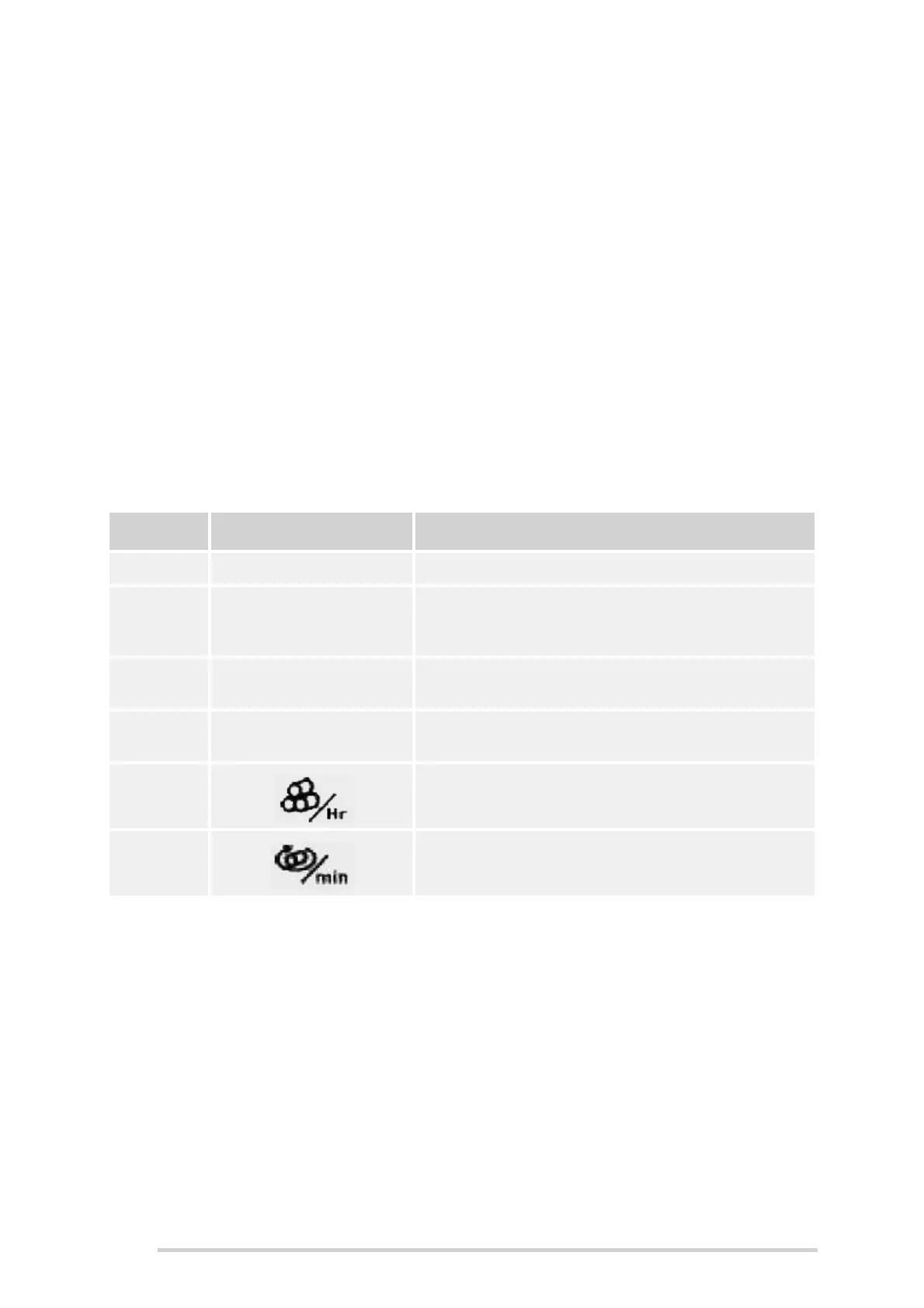
The Bale Wrap Computer has six channels which are used to monitor the various
operations of the machine.
Channel Display Description
1 NORMAL “Normal” display (Current/Target no. of wraps)
2
TOTAL
A B C D
E F G H
Store Totals (A-H)
3
PART
TOTAL
Part Total
4
GRAND
TOTAL
Grand Total
5 Bale Wrapping Rate
6 Bale Wrapping Speed



 To Next Page