INSTALLATION / Date/Time Setting
27
Date and time are managed automatically using the system data. However, it is possible to
change date and time manually
►
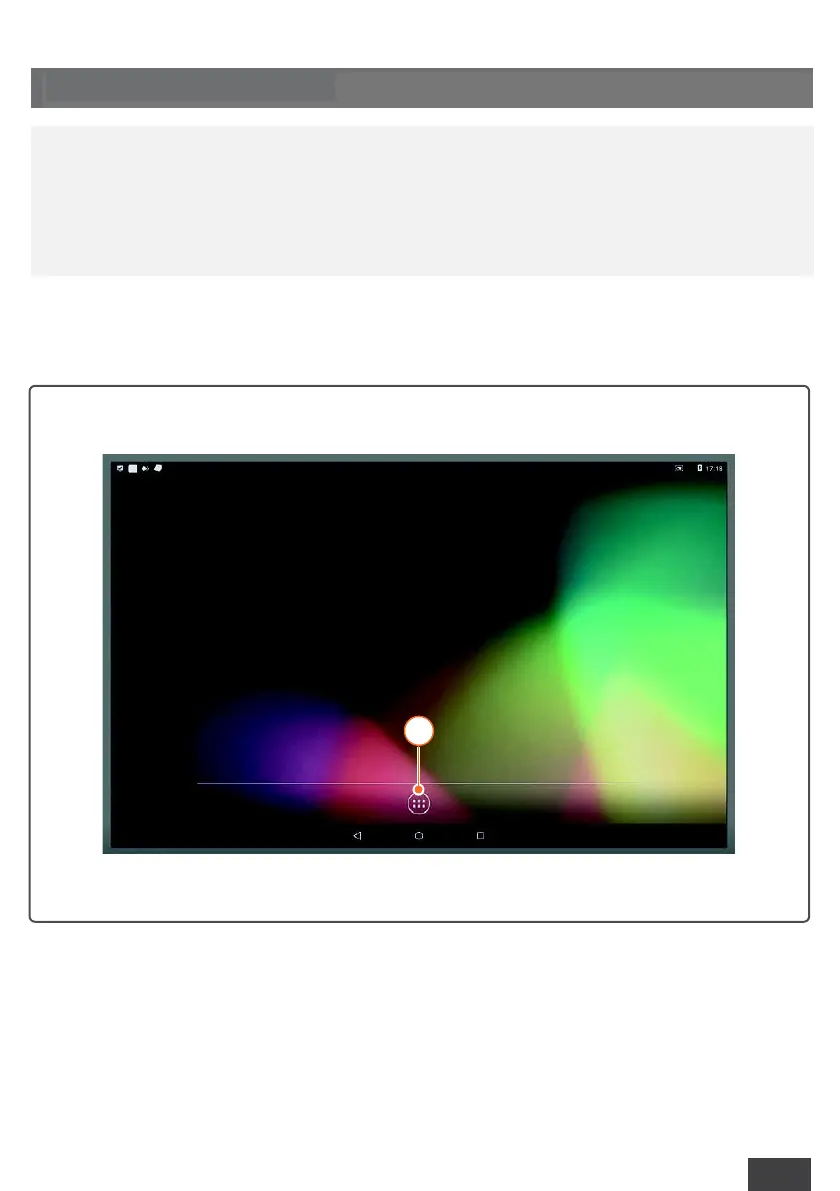
Start the system and click on the “App” icon (1);
6.3 DATE/TIME SETTING
l
The following instructions for date/time setting are carried out using the
provided software. For further information, please consult the official
documentation.



 To Next Page