UTILIZZO / Installazione di un applicazione
30
Apps can be installed and used just like on any normal tablet.
►
Save the app to a USB memory stick. Use a USB port on the device to connect the
peripheral device;
►
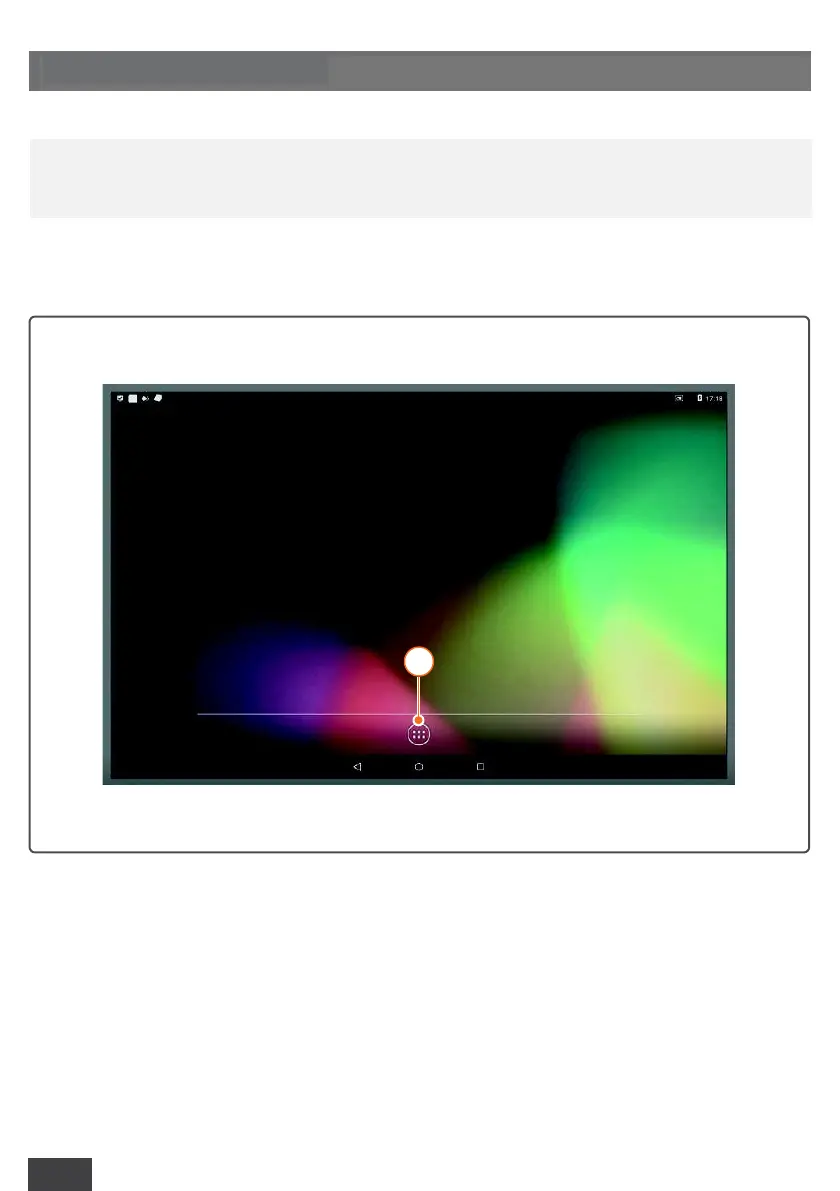
Start the system and click on the “app” icon (1);
6.4 INSTALLING AN APP
a
RCH declines all liability in case of malfunction if the installed applications are
not among those suggested for the provided software.



 To Next Page