MAINTENANCE / Ordinary Maintenance
37
Paper rolls have coloured lines on them that signal when the roll is about to end.
We suggest replacing the rolls when the coloured indicators show, to avoid changing the paper
roll during the printing of a pending commercial document.
If the ECR paper finishes in the middle of a printout, the display will show a message asking to
replace the paper roll.
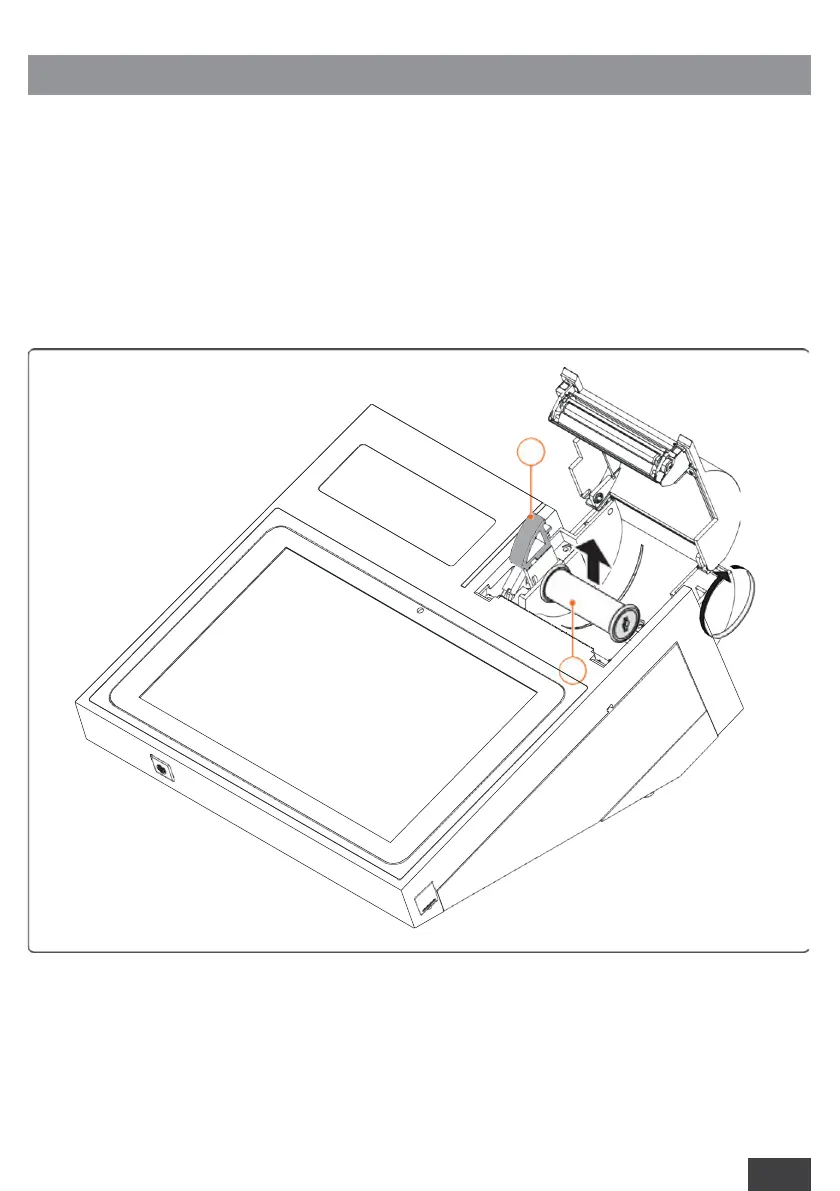
To replace the paper roll, the user must:
►
Push the button all the way (1) to open the cover and remove the empty paper roll (2);
7.1.3 PAPER ROLL REPLACEMENT



 To Next Page