MAINTENANCE / Ordinary Maintenance
35
►
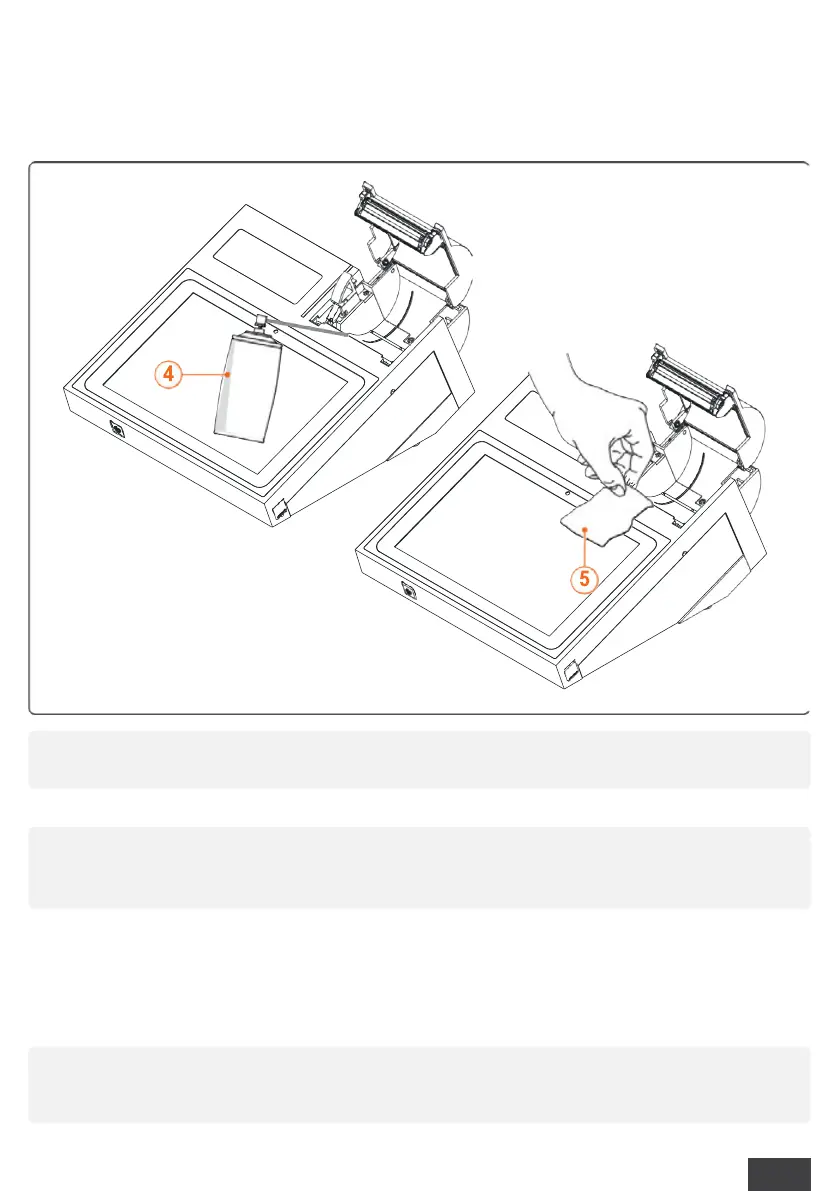
Aim the compressed air jet (3) in the direction of the printing mechanism and the cutter in
order to remove dust and paper residues;
►
Use a tissue (4) to clean the print head by wiping it multiple times in the same direction
(e.g. from right to left);
►
Use a tissue to clean the rubber roller by wiping it multiple times in the same direction (e.g.
from right to left);
►
Place the paper roll correctly and close the holder and the cover.
►
Wait about 30 seconds to allow the cleaning solution to evaporate and turn the ECR.
a
Do not direct the air jet directly towards the thermal print head.
a
Do not touch the print head with bare hands. Skin grease or other
contaminants may compromise the life and functionality of the print head.
l
Use approved thermal paper only. The producer recommends thermal papers
with a weight of 55gr/m
2
(e.g.: Mitsubishi P5046/P5047)



 To Next Page