Need help?
Do you have a question about the Mebay DC4 D MK3 Series and is the answer not in the manual?
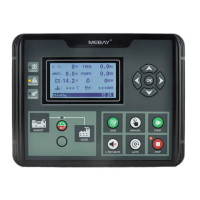
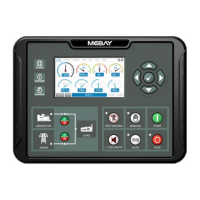
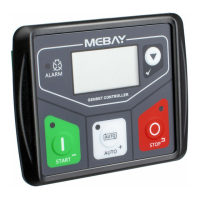
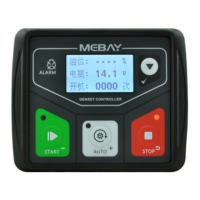
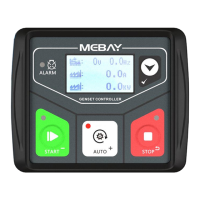
Details the four models under DC4xD MK3 series and key features like LCD screen, languages, RS485, USB.
Lists various parameters that can be displayed by the controller, such as RPM, voltage, and current.
Outlines the protective functions implemented in the controller, like overspeed protection.
Details general parameters like working voltage, power consumption, sensors, and outputs.
Details the function, description, and cable cross-sectional area for each terminal.
Provides a detailed wiring diagram for the DC40D MK3 in a 3-phase, 4-wire configuration.
Provides a wiring diagram for the DC42D MK3 in a 3-phase, 4-wire configuration.
Details the wiring diagram for the DC42DR-ABF MK3 in a 3-phase, 4-wire setup.
Wiring diagrams for DC40D MK3, 1-phase 2-wire and 2-phase 3-wire configurations.
Wiring diagrams for DC42D MK3, 1-phase 2-wire and 2-phase 3-wire configurations.
Details controller fixing, panel cutout dimensions, and installation notes.
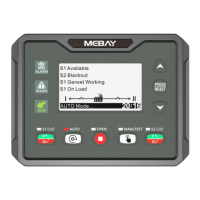
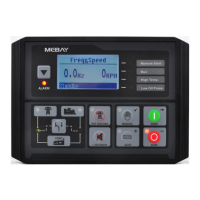
Provides an overview of the controller's panel layout and display elements.
Explains the main function of each key on the controller panel.
Provides instructions for operating the controller, including manual test mode.
Explains how to check and view alarm records stored by the controller.
Describes warning states that do not stop the genset but require attention.
Details the "Fail to Start" condition and associated alarms.
Explains shutdown alarms, which stop the generator and lock the system.
Guides on how to enter and set various parameters on the controller.
Details secondary basic settings like Primary Modes, Crank times, and E.T.S. hold times.
Lists various delay time settings for different operations.
Configures engine-related alarm thresholds like Over speed, Under speed, and temperature alarms.
Sets alarm parameters for generator operation like Over frequency, Under voltage, and current alarms.
Configures output and input functions for various pins and modes.
Sets up working plans and maintenance schedules for the genset.
Configures mains voltage protection settings like under/over voltage thresholds.
Configures LCD display and RS485 communication parameters.
Allows setting the permanent calendar date and current time.
Enables user-defined curves for sensors like oil pressure and temperature.
Provides guidance for diagnosing and resolving common genset controller problems.
 General
| Brand | Mebay |
|---|---|
| Model | DC4 D MK3 Series |
| Category | Controller |
| Language | English |

 To Next Page