page 21
To disable the AV/TIME function, press the ENTER key
when the cursor arrow is aligned with ON in AV/TIME
sub-menu 1. It will now display OFF.
Press the ESC key to return to the main menu page 1, and
again to return to the main display.
The maximum duration of AV/TIME calculation is approx.
22 minutes. When the time limit expires, ‘AT’ is displayed
in the main display, and the MAX key must be pressed in
order to clear ‘AT’ and continue use of the Tornado.
This function allows the selection of the Tornado data
capture rate, i.e. the amount of averaging performed by the
internal electronics before the load reading is displayed.
Data are sampled at 5000Hz and averaged to 2 levels:
MEDIUM 80Hz (Default)
HIGH 2000Hz
To set RATE, press and hold the MENU key until the main
menu page 1 appears. Press and release the MENU key to
access the main menu page 2. Using the UP and DOWN
keys move the arrow cursor to RATE, and press ENTER.
Using the UP and DOWN keys select the relevant level
(MEDIUM or HIGH) and press the ENTER key.
Press the ESC key to return to the main menu page 2, and
again to return to the main display.
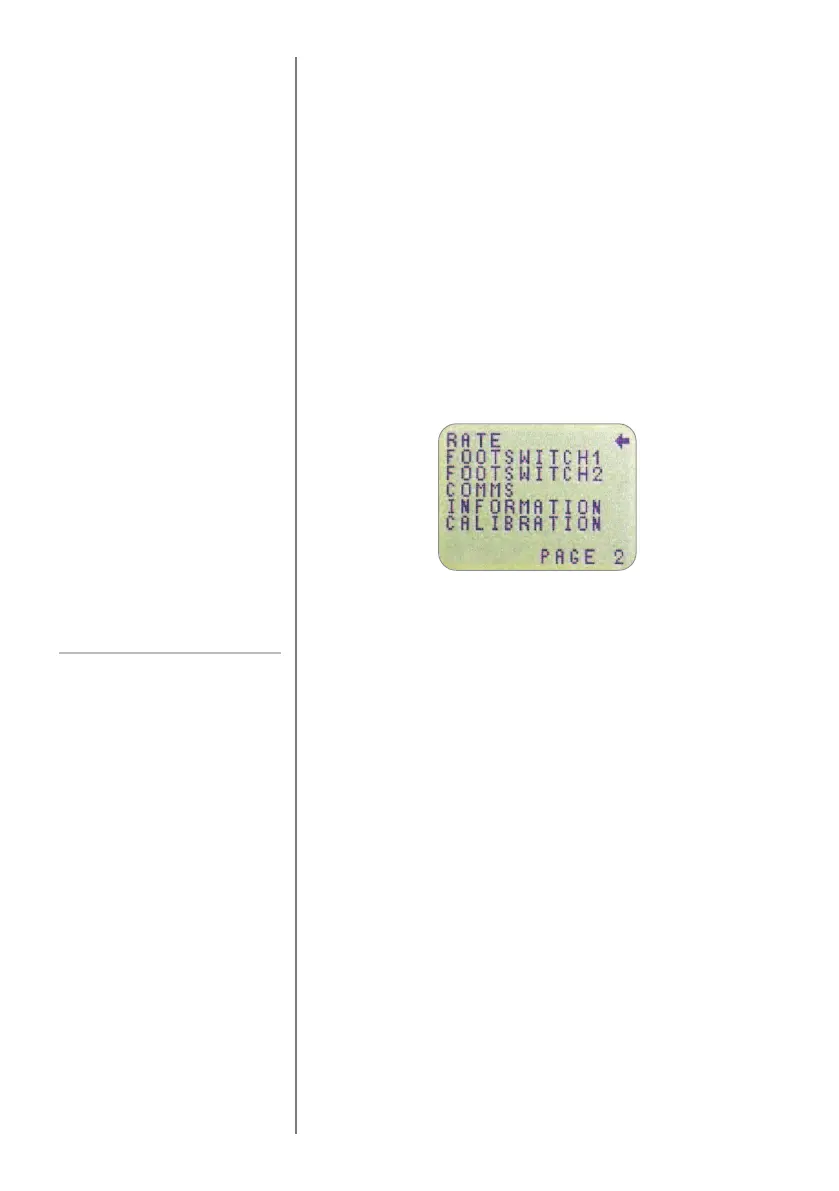
MAIN MENU PAGE 2
RATE
RATE sub-menu 1
Fig. 11
Main menu page 2



 To Next Page