ActiveCare - Fixed
User Manual
MAN-ActiveCare REV02 ActiveCare Fixed USER MANUAL Page 19 of 25
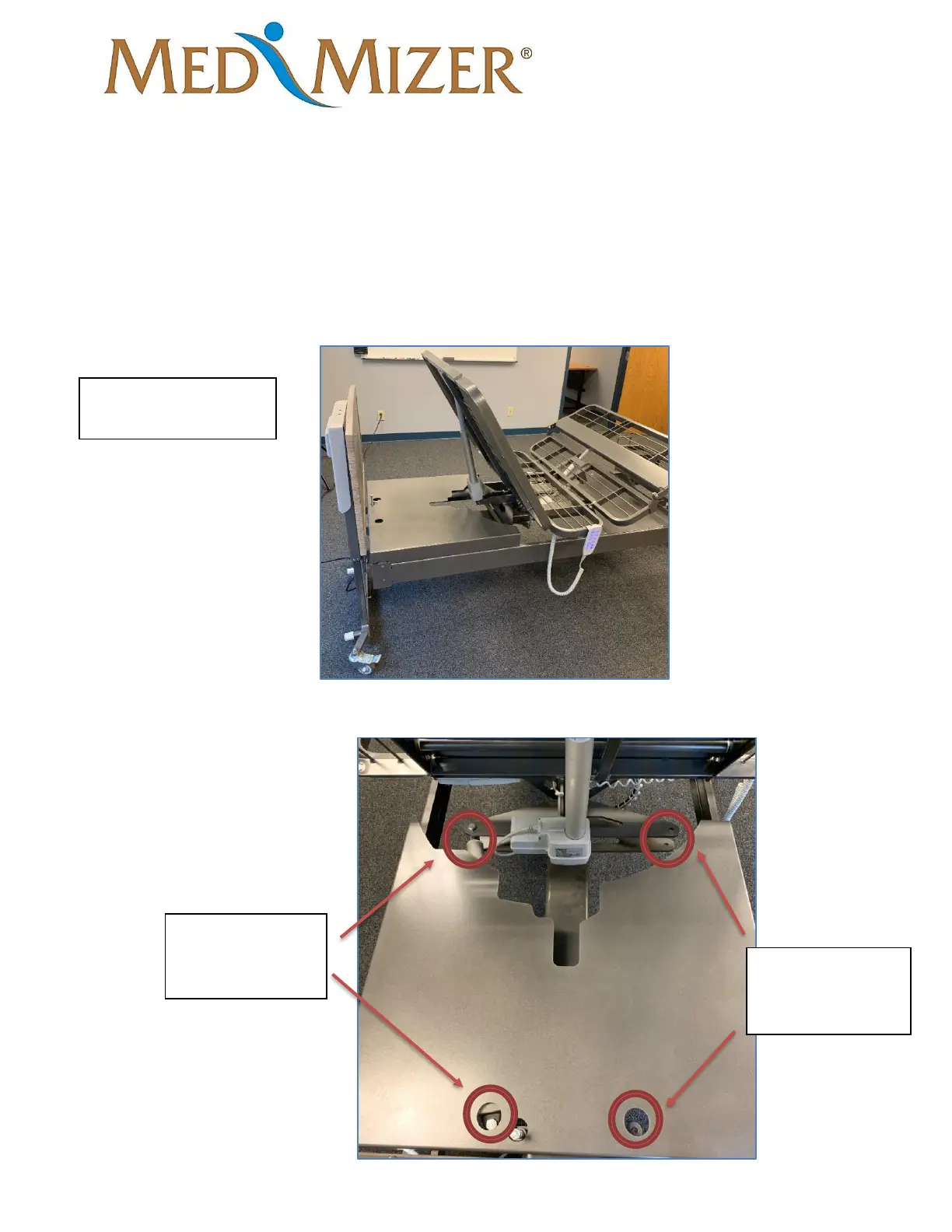
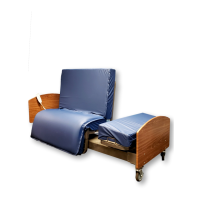
Pivot Bed Turn Left (factory installed to turn right)
Tools required
• 17mm wrench
• 17mm socket
• Drill/Impact
1. In the bed position, raise the height of the bed and head of the bed to its highest point.
2. Locate and remove the two bolts pictured below that hold the actuator into place. Once
removed, install the actuator to the corresponding holes on the opposite side of the bed.


 To Next Page