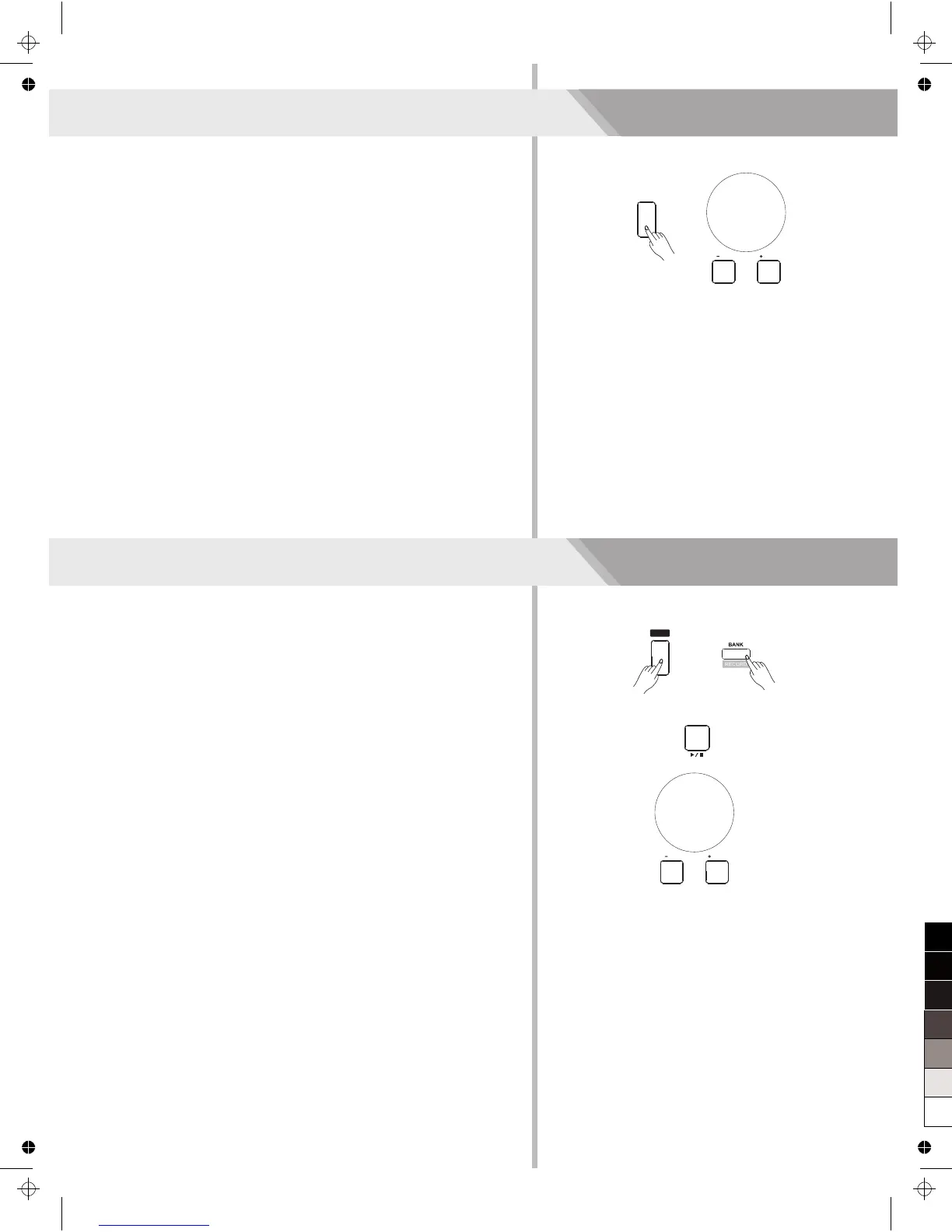
This instrument has featured 150 preset songs, and each song can be
practiced in Smart Learning mode.
1. Press the [SONG] button.
Enter the song selection mode. It will play all songs circularly.
2. Select a song.
Use the data dial or the [+/YES]/ [-/NO] button to select the song
you want to play.
3. Press the [START/STOP] button.
Once you start playing a song, it will play current song repeatedly.
4. While stop playing a song, press any of [STYLE] or [VOICE] button,
you can exiting the song mode.
Playing Songs
You can record your performance and the accompaniment; this
instrument can record up to 5 user songs.
1. Press and hold the [SHIFT] button, and then press the [BANK/
RECORD] button.
Enter the song mode, you can use the data dial or the [+/YES]/
[-/NO] button to select a user song to be saved.
2. Press and hold the [SHIFT] button, and then press the [BANK/
RECORD] button.
Enter the record standby mode, and you can select voice, style or
other parameters to prepare for recording.
3. Press the [START/STOP] button or play a key on the keyboard to
start recording.
4. When recording is in process, holding down [SHIFT] button and
then press the [RECORD] button, it will stop recording and enter the
Song play mode, and the current recorded song will play
automatically in circle.
Note:
Press the [SONG] button to enter the song mode and it will play all
songs circularly. Use the data dial, [+/YES] or [-/NO] button can select
a user songs (151~155). If there is no data in the selected user song, it
will display “NoFile!”and stop playing.
Record
10
SONG
/ NO
/ YES
SHIFT
START /
STOP
/ NO
/ YES



 To Next Page