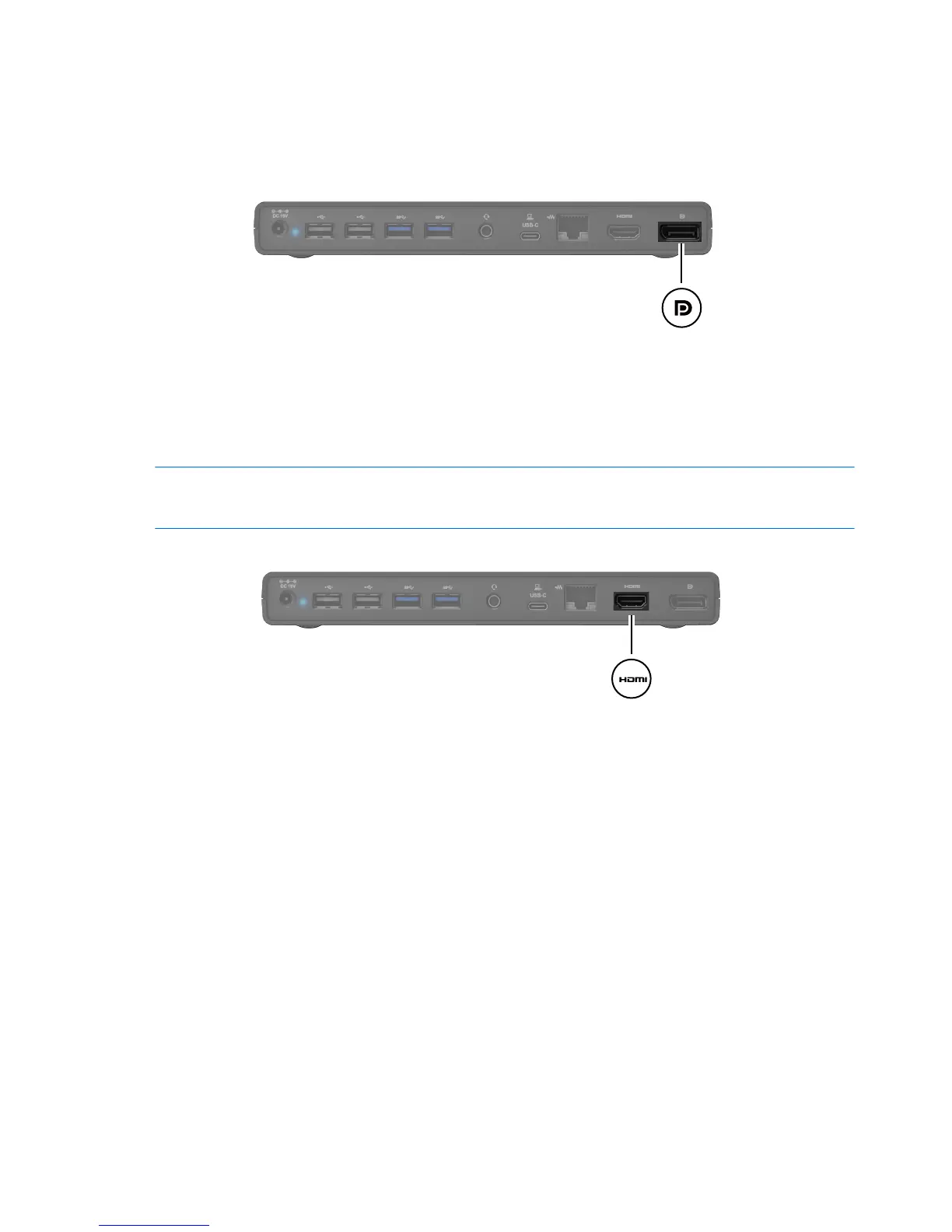
Connecting to a DisplayPort display device
The universal dock can also be connected to an external display device, such as a monitor or a projector,
through the DisplayPort. The universal dock supports video connections to the HDMI port and the
DisplayPort at the same time.
Connecting an HDMI device
NOTE:
12
Chapter 2 Using the universal dock
You can connect the universal dock to an external video or audio device, such as a high-definition
television, or to any digital audio components, through the HDMI port. The universal dock supports video
connections to the HDMI
port and the DisplayPort at the same time.
To transmit video signals through the HDMI port, you need an HDMI cable (purchased separately).
An HDMI-to-DVI adapter (purchased separately) is provided to enable you to connect a DVI-D device to the
universal dock.



 To Next Page