35
EN
CH+/CH-
OK
Select
Page Up/Down
1/1
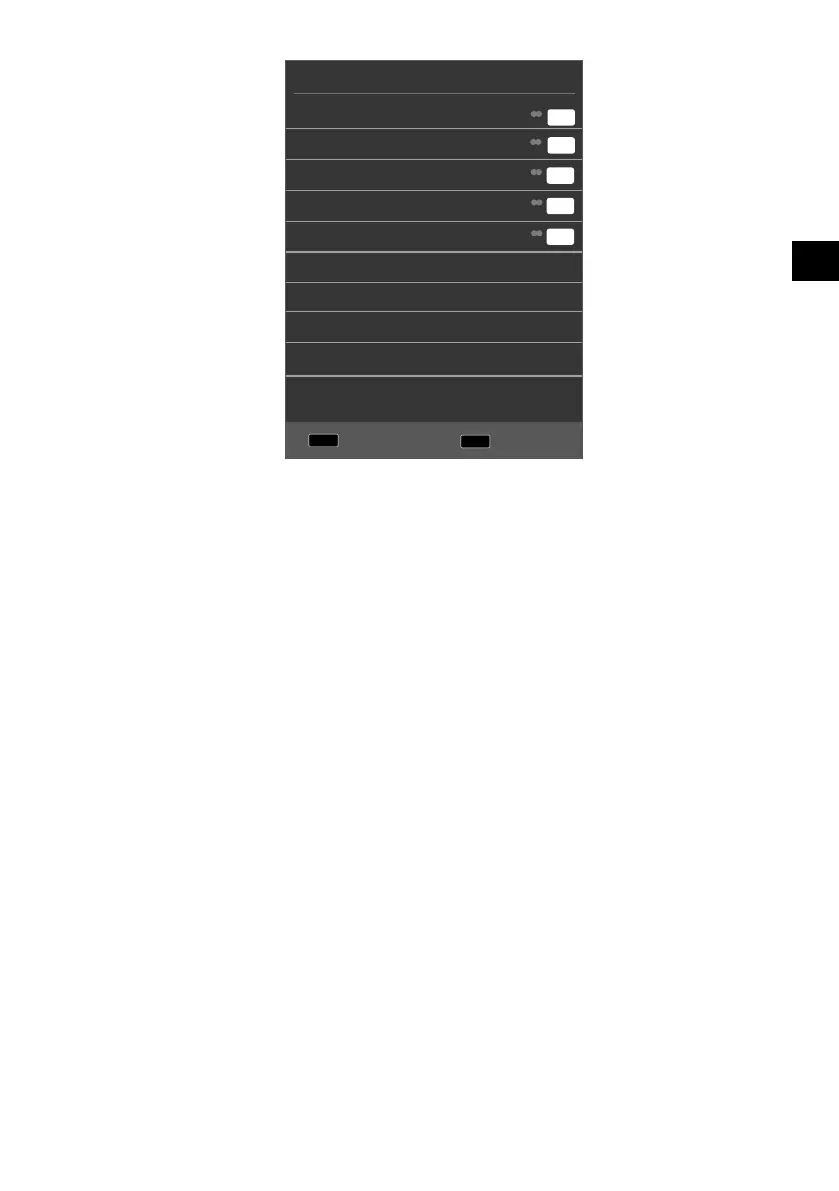
Favourite List
01 ----
04 ----
05 ----
07 ----
21 ----
DTV
DTV
DTV
DTV
DTV
T
T
T
T
T
Select a channel using the direction buttons and open it with OK.
You can move within the favourites list in steps of 10 using the P+/P buttons.
8.6. Selecting the source
Press the SOURCE button (on the remote control or on the device) to call up the
source selection list.
SATELLITE: Digital satellite signal
DTV:
Digital TV operation (digital cable connection, DVB-T, DVB-T2 HD)
ATV: Analogue TV operation (analogue cable connection)
AV: Audio/Video input on the side of the device via an adapter (AV)
SCART
(optional):
Device on the SCART socket
COMPONENT: Device on the YPBPR input via an adapter (YUV)
DVD (optional): DVD player
HDMI1: HDMI input
HDMI2: HDMI input
MEDIA: Media player
Use the direction buttons to go to the desired source.
Confirm your selection with the OK button.



 To Next Page