49
EN
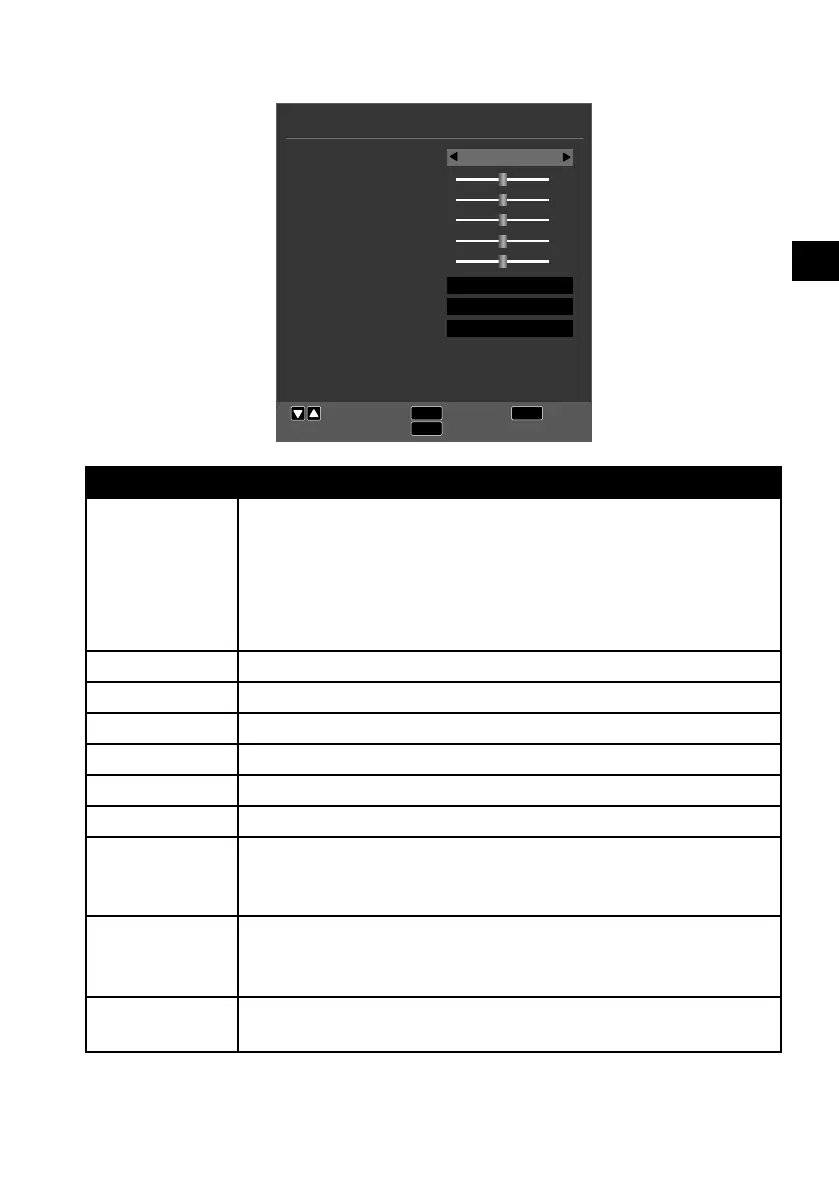
10.2. Picture menu
PICTURE
EXIT
MENU
Move
Return
Exit
OK
Select
Picture Mode
Contrast
Brightness
Colour
Tint
Sharpness
Colour Temp
Noise Reduction
Overscan
Backlight
Normal
Middle
Auto
80
Standard
50
50
50
50
50
Menu option Setting
PICTURE
MODE
Select picture mode: STANDARD, DYNAMIC, MILD, STAND
ARD, DYNAMIC, MILD, PERSONAL. This function corresponds
to the P.MODE button.
In the PERSONAL setting, you can set the CONTRAST,
BRIGHTNESS, COLOUR, TINT and SHARPNESS yourself.
These parameters cannot be changed in the other settings.
CONTRAST Increase or decrease contrast (on a scale of 0 – 100).
BRIGHTNESS Increase or decrease brightness (on a scale of 0 – 100).
COLOUR Increase or decrease the colour (on a scale of 0 – 100).
TINT Hue settings only available for NTSC reception.
SHARPNESS Increase or decrease sharpness (on a scale of 0 – 100).
COLOUR TEMP Select colour temperature: COLD, NORMAL and WARM.
NOISE
REDUCTION
This function reduces picture noise and improves picture qual-
ity when the signal is weak. Select between OFF, LOW, MID
DLE, HIGH and DEFAULT.
OVERSCAN
(HDMI only)
AUTO: Automated adjustment of the picture format to the in-
put signal
OVERSCAN: Format for playing back videos (Overscan)
BACKLIGHT Here you can regulate the brightness value of the background
lighting (on a scale of 0 - 100).



 To Next Page