50
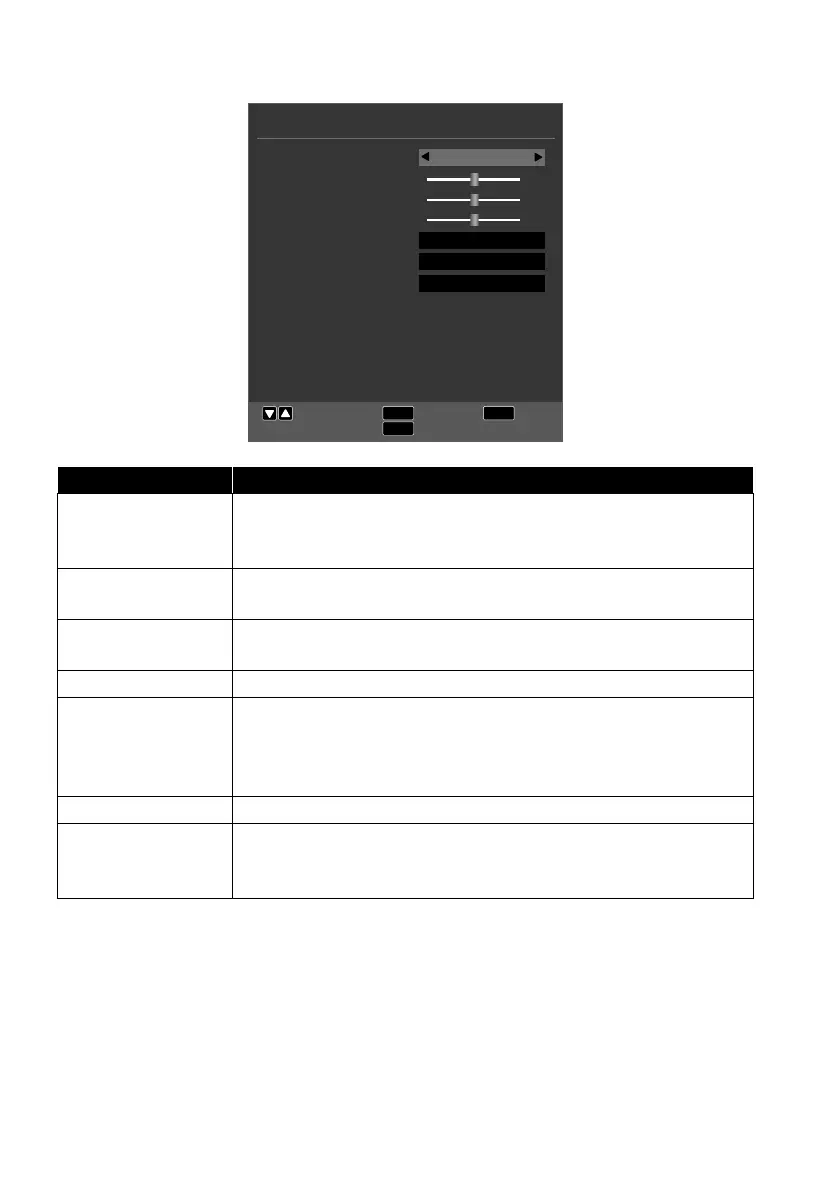
10.3. Sound menu
SOUND
EXIT
MENU
Move
Return
Exit
OK
Select
Sound Mode
Treble
Bass
Balance
Auto Volume Level
SPDIF Mode
AD Switch
Off
PCM
Off
Standard
50
50
50
Menu option Setting
SOUND MODE
Select the audio mode: STANDARD, MOVIE, MUSIC,
SPORTS, PERSONAL. This function corresponds to the S.
MODE button.
TREBLE
Increase or decrease the low frequencies (on a scale of 0 –
100).
BASS
Increase or decrease the high frequencies (on a scale of 0 –
100).
BALANCE Set the balance between the left and right speakers.
AUTO VOLUME
LEVEL
The AVL (Automatic Volume Limiting) function compensates
for the various volumes of the different channels. Set to OFF
to return to the original volume settings. Set to ON to hear a
constant volume.
SPDIF MODE Set the SPDIF mode.
AD SWITCH
Activate/deactivate audio description and set the volume.
Only available in DTV mode. Support for this function is de-
pendent on the programme.



 To Next Page