16
3. How to calibrate the i700
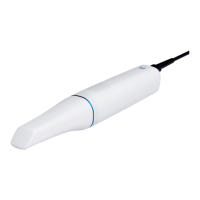
Switch on the i700 and connect the device to the software.
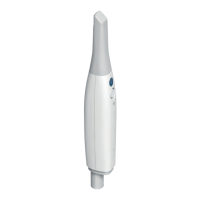
i) If the scanner tip is attached, please remove it from the handpiece.
ii) Turn the dial of the calibration tool to position (1).
iii) Remove the cover from the calibration tool and put the i700 handpiece into the calibration tool.
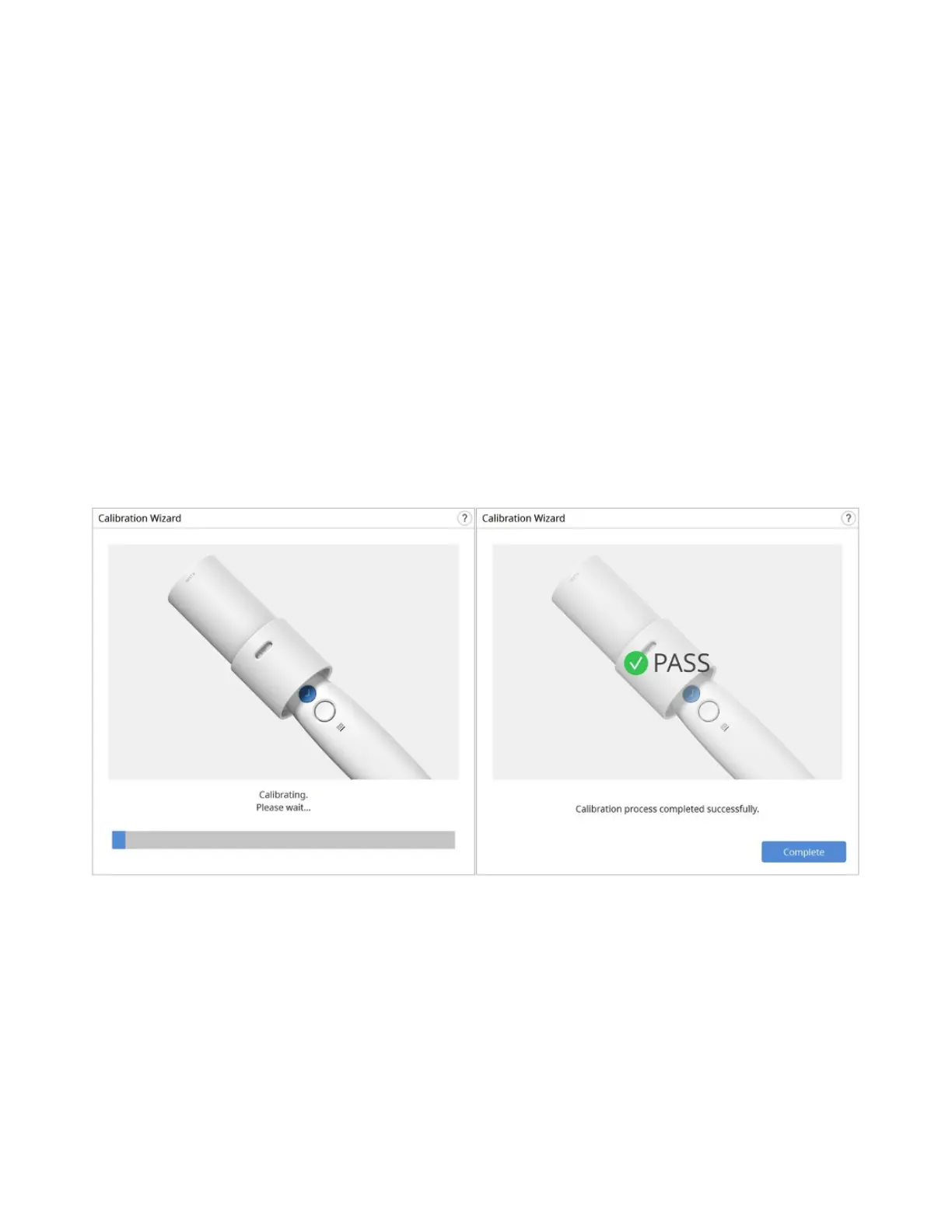
iv) Click Next to start the calibration process.
v) When the handpiece is mounted in the correct position, the system will automatically acquire
the data at position (1).
vi) Repeat the same for position (2) to position (8) and the (LAST) position.
vii) When the data acquisition is complete at the (LAST) position, the system will automatically
calculate and show the results of the calibration.


 To Next Page