27
Disconnect the scanner tip from the i700 handpiece.
Pour alcohol on a clean cloth or cotton-tipped swab and wipe the mirror. Make sure to
use alcohol that is free of impurities or it may stain the mirror. You can use either
ethanol or propanol (ethyl-/propyl alcohol).
Wipe the mirror dry using a dry, lint-free cloth.
Make sure the mirror is free of dust and fibers. Repeat the cleaning process as
necessary.
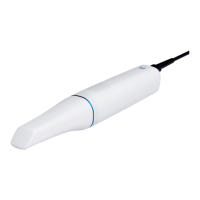
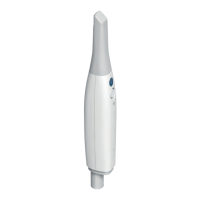
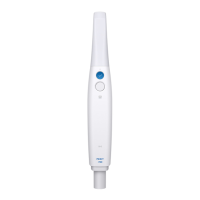
4. Handpiece
After treatment, clean and disinfect all other surfaces of the handpiece except for the scanner
front (optical window) and end (air vent hole).
Cleaning and disinfecting must be done with the device turned off. Use the device only after it is
completely dry.
➤ Recommended cleaning and disinfecting solution:
Denatured alcohol (aka. ethyl alcohol or ethanol) – typically 60-70% Alc/Vol.
➤ The general cleaning and disinfecting procedures are as follows:
Turn off the device using the power button.
Unplug all the cables from the power hub.
Attach the handpiece cover to the front of the scanner.
Pour the disinfectant onto a soft, lint-free, and non-abrasive cloth.
Wipe the scanner surface with the cloth.
Dry the surface with a clean, dry, lint-free, and non-abrasive cloth.
⚠ Caution
Do not clean the handpiece when the device is turned on as the fluid may enter the
scanner and cause malfunction.
Use the device after it is completely dry.
⚠ Caution
Chemical cracks may appear if improper cleaning and disinfecting solutions are used
during cleaning.
5. Other Components
Pour the cleaning and disinfecting solution onto a soft, lint-free, and non-abrasive cloth.
Wipe the component surface with the cloth.
Dry the surface with a clean, dry, lint-free, and non-abrasive cloth.


 To Next Page