EasyManua.ls Logo

Megger TDR2000/3 - User Manual

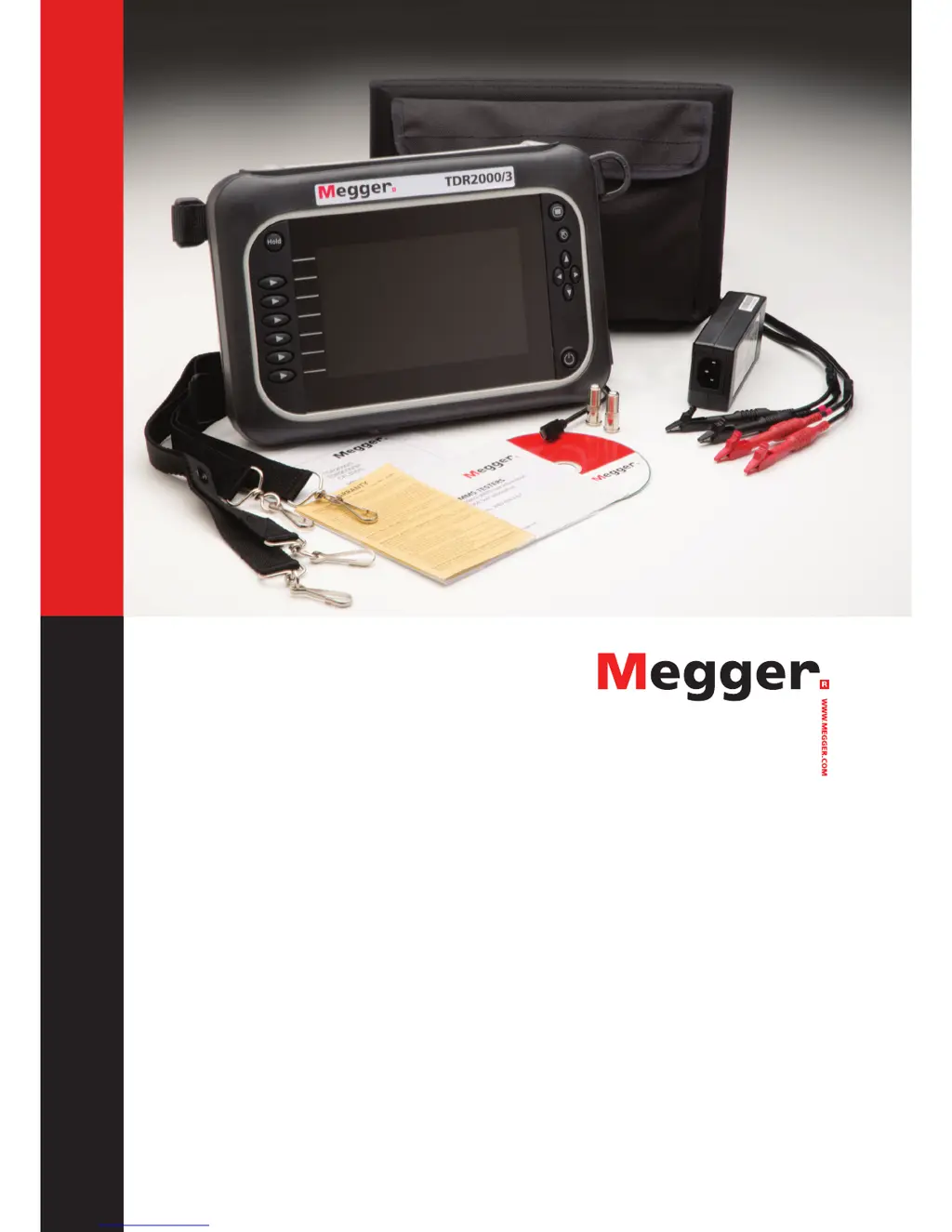
Megger TDR2000/3
30 pages
Print Icon
To Next Page IconTo Next Page
Loading...
Time Domain Reflectometers
TDR2000/3 - TDR 2000/3P - CFL535G
TDR2010 - TDR2050
User Guide
For all units released after 2014. If your instrument differs significantly from this guide then please use the guide supplied
with your instrument or call technical services for advice.

Other manuals for Megger TDR2000/3

Questions and Answers

  • K
    Kevin HallSep 8, 2025
    Why won’t my Megger TDR2000/3 download data?
    • A
      andrew53Sep 9, 2025
      If your Megger Measuring Instrument won’t download data, it might be because there are no saved results on the TDR. Take readings and save the results before attempting to download.
  • L
    Laura TateSep 12, 2025
    Why does my Megger TDR2000/3 keeps ticking?
    • A
      Amy CookeSep 12, 2025
      A ticking sound from your Megger Measuring Instrument is normal if the dual input function is selected. This is due to relays switching input.
  • I
    iwhiteSep 13, 2025
    Why does my Megger TDR2000/3 Measuring Instruments keeps ticking on single input?
    • S
      Stanley AlvaradoSep 13, 2025
      If your Megger Measuring Instrument keeps ticking on a single input, it suggests an incorrect connection to the cable under test. The end of the cable has not been determined, preventing it from reaching its maximum range.
  • C
    Christopher HernandezSep 15, 2025
    What to do if Megger TDR2000/3 won’t charge?
    • H
      Heather RodriguezSep 15, 2025
      If your Megger Measuring Instrument won’t charge, and the charge icon is flashing, the battery may not be functioning properly. Contact your local Megger dealer for a replacement battery. If the charger is not functioning, indicated by the LED, contact your local Megger dealer for a replacement charger.
  • K
    kevinbellSep 16, 2025
    Why TraceXpert won’t load up?
    • J
      Julian HolmesSep 17, 2025
      If TraceXpert won’t load up, it may be due to an incorrect or unstable installation. Obtain the necessary user rights, if required, and reinstall TraceXpert.

Summary

Safety Warnings and Battery Information

Safety Warnings

General safety instructions and measurement categories (CAT II, III, IV) for instrument use.

Battery Information

Guidelines for maintaining Li-ion battery health, longevity, and charging.

Connectivity Options

Operating Modes and Selection

Selecting an Operating Mode

How to navigate and select different operating modes on the instrument.

Choosing Mode Settings

Configuration options for Single Channel, Dual Channel, and Crosstalk modes.

General Instrument Functions

Instrument Setup and Configuration

Accessing Setup Options

How to enter and navigate the setup menu for configuration.

Adjusting Setup Parameters

Setting Velocity Factor, Impedance, and Gain for accurate measurements.

Pulse Width and Cable Range Settings

Adjusting pulse width and cable length settings for accurate testing.

TDR2050 Trace Functions

AutoFind for Disturbance Detection

Using AutoFind to automatically detect and target disturbances on a trace.

FindEnd for Cable End Detection

Utilizing FindEnd to automatically detect the end of the cable on traces.

Advanced Operation Modes

Battery Information and Charging

Trace Results and Measurements

Instrument Tools and Settings

Troubleshooting Common Issues

Instrument Power and Charging Issues

Solutions for the instrument not turning on or not charging.

Instrument Operation and Display Issues

Troubleshooting for instrument turning off, display problems, and accuracy.

Connectivity and Data Transfer Problems

Solutions for ticking, keypad errors, and upload/download issues.

Common Fault Trace Examples

Technical Specifications

Repair and Warranty Information

Calibration, Service, and Spare Parts

Megger TDR2000/3 Specifications

General IconGeneral
BrandMegger
ModelTDR2000/3
CategoryMeasuring Instruments
LanguageEnglish

Related product manuals