www.megger.com
12
Setup
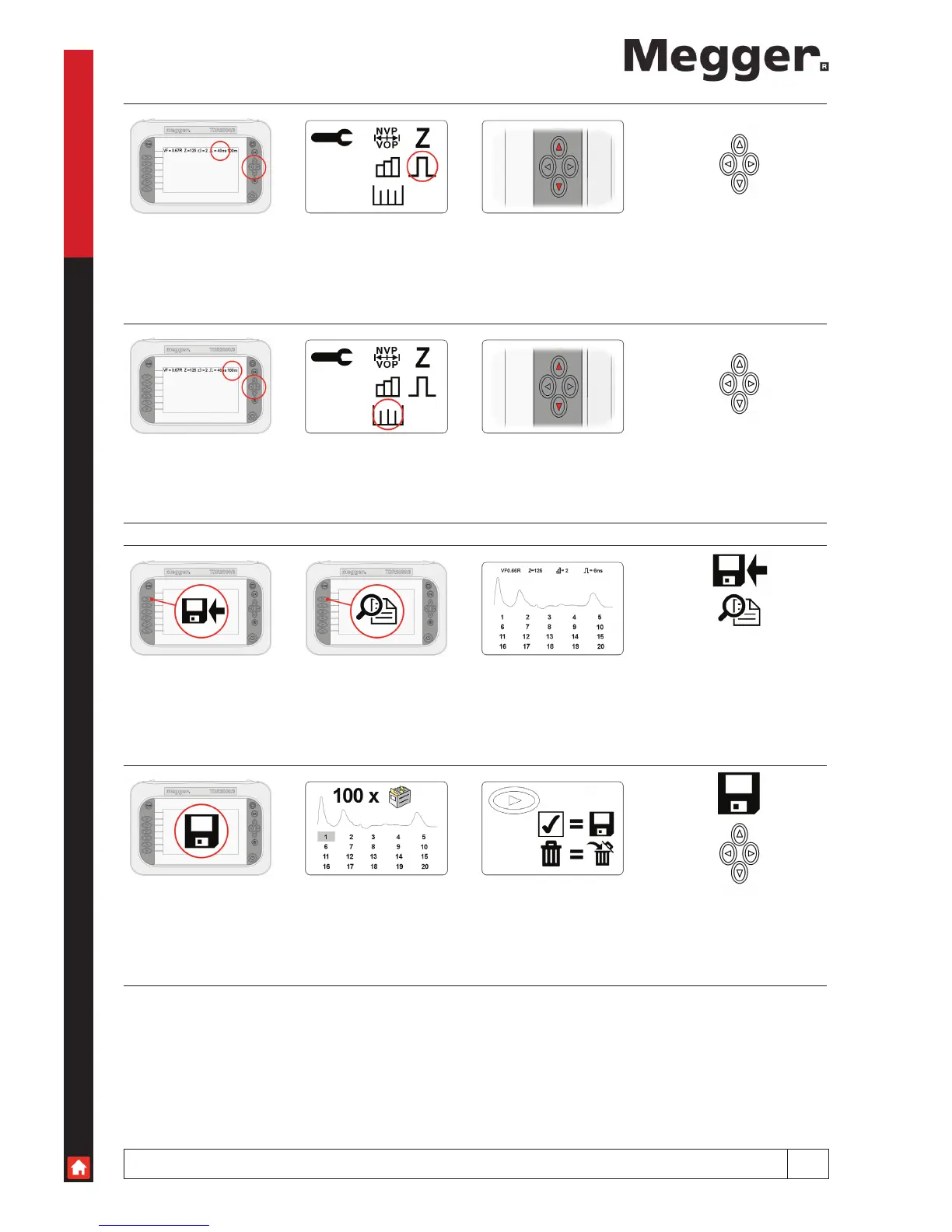
Pulse width Use the up and down cursors to change the instrument
pulse width.
*Only available in manual operation (see page 13).
Cable Range Use the up and down cursors to change the length of the
cable under test.
Saving Current Trace
Save Preview Selected trace displayed
Manage Memory Use cursor keys Selecting the tick saves
the results to the selected
memory location and the bin
deletes the result from the
selected memory location



 To Next Page